1 Parking brake applied
2 Engine switched off
3 Ignition key in drive position
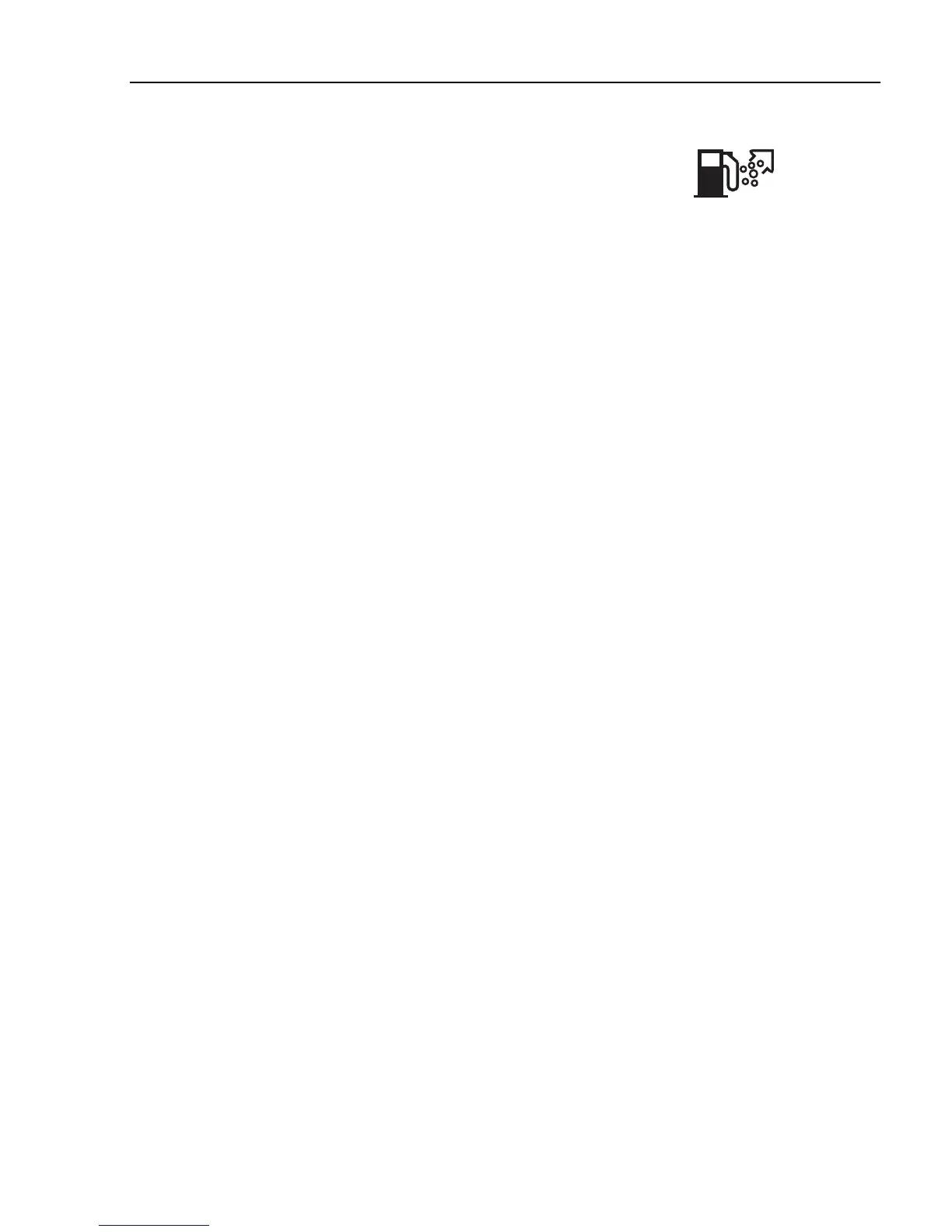
4 Symbol for "Draining/priming" must be lit (for
draining, symbol for "Water in the fuel").
If the message "Draining/priming not allowed" is
shown in the display, check first that conditions 1-4
are fulfilled.
J3015665
Priming
Note!
To complete the draining/priming
process, the conditions must be
fulfilled during the whole of the
process.
Fault diagnostics
A list of the truck control units is shown in the menu
"Fault diagnostics".
Switch between control units using ▲ and ▼.
"SELECT" confirms choice of control unit. To cancel,
press "Esc".
1 During the time that the selected control unit is
polling, the display indicates that data transfer is
taking place.
2 If the selected control unit has no faults "No
faults" is displayed.
Press "Esc" to return to the previous menu.
3 If the selected control unit does not reply within 5
seconds the following is shown "Operation
failed" in the display.
Press "Esc" and try once more, see point 1.
Contact a workshop if necessary.
4 If the selected control unit has a fault code or
fault codes, it displays
1 Which control unit it applies to
2 Which parameter or component is faulty
3 Which type of fault it is
4 If the fault is active or inactive
5 How many times the fault has been registered
since the last reset
Information display
69



 To Next Page