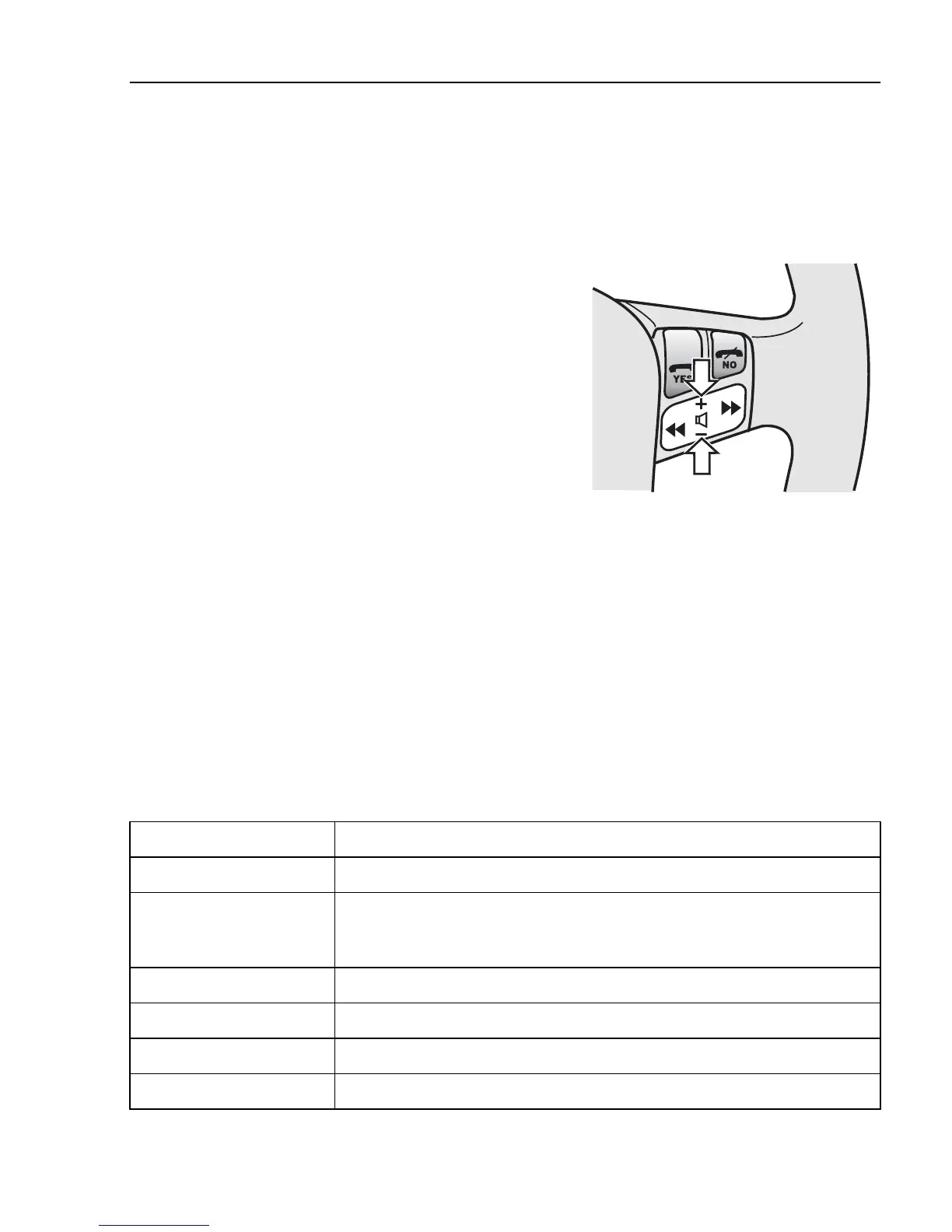
While making a call
Change volume
The volume can be adjusted using + and - on the
steering wheel.
J6008661
Respond to call waiting during a call
Press YES to answer the call.
Press NO to decline from answering the call.
The busy tone is given to the person ringing you.
Call menu
The call menu can be accessed during a call by
pressing << or >>. Press NO to return to showing
telephone number and call time.
Menu Note
Confidential Turn off the microphone so that the caller cannot hear what is being said.
Hold Disconnect the caller temporarily so that you can call a third party. When the
third party has answered, one can switch between the calls using ”Switch” or
connect them together with ”Connect”.
Handset Use the handset
Handsfree Using handsfree.
Memory Go to the telephone directory.
Connect Talk to both parties at the same time. (If two calls are being made.)
Telephone
435


 To Next Page