J3019630
Using the menus
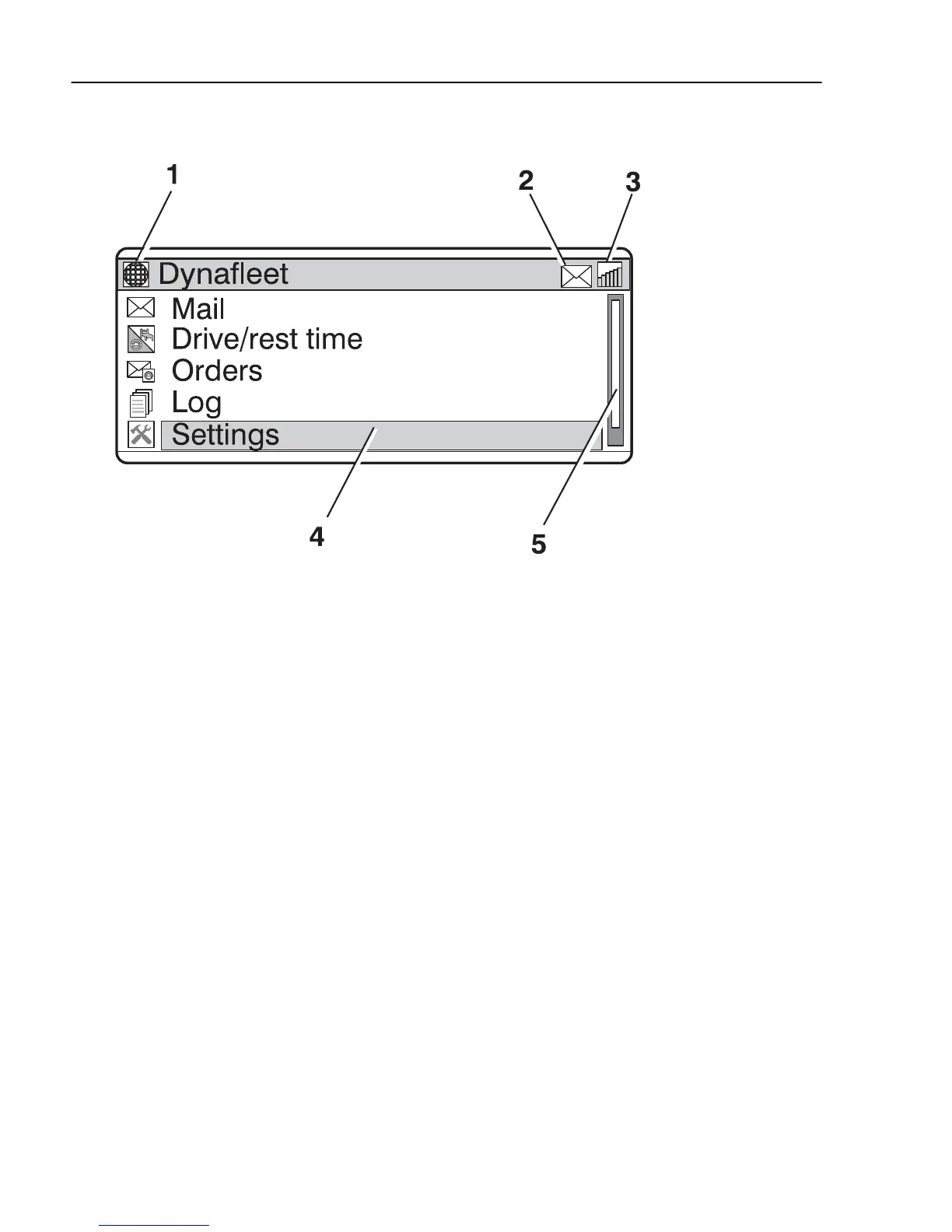
The example below describes how the menus in
Dynafleet
are used. The example shows how to send
an SMS.
1 Set the cursor on "Mail" using the arrow keys.
2 Press "Select" to activate the mail menu.
3 Set the cursor on "Write new" using the arrow
keys.
4 Press "Select" to continue.
5 Set the cursor on "SMS (standard characters)"
using the arrow keys.
6 Press "Select" to write a new SMS.
7 Type in telephone number and message. Move
the cursor between the different fields using the
arrow keys.
8 Move the cursor to "Send" using the arrow keys.
454
Dynafleet


 To Next Page