2787-2146 (/0000-00x0) Configuration
Product manual | Version: 1.2.2 43
Power Supply Pro 2
• DC Output (see section 8DC Output [}44])
• Signalization (see section 8Signalization [}46])
• System (see section 8System [}48])
• Password (see section 8Password [}50])
• Modbus (see section 8Modbus [}51])
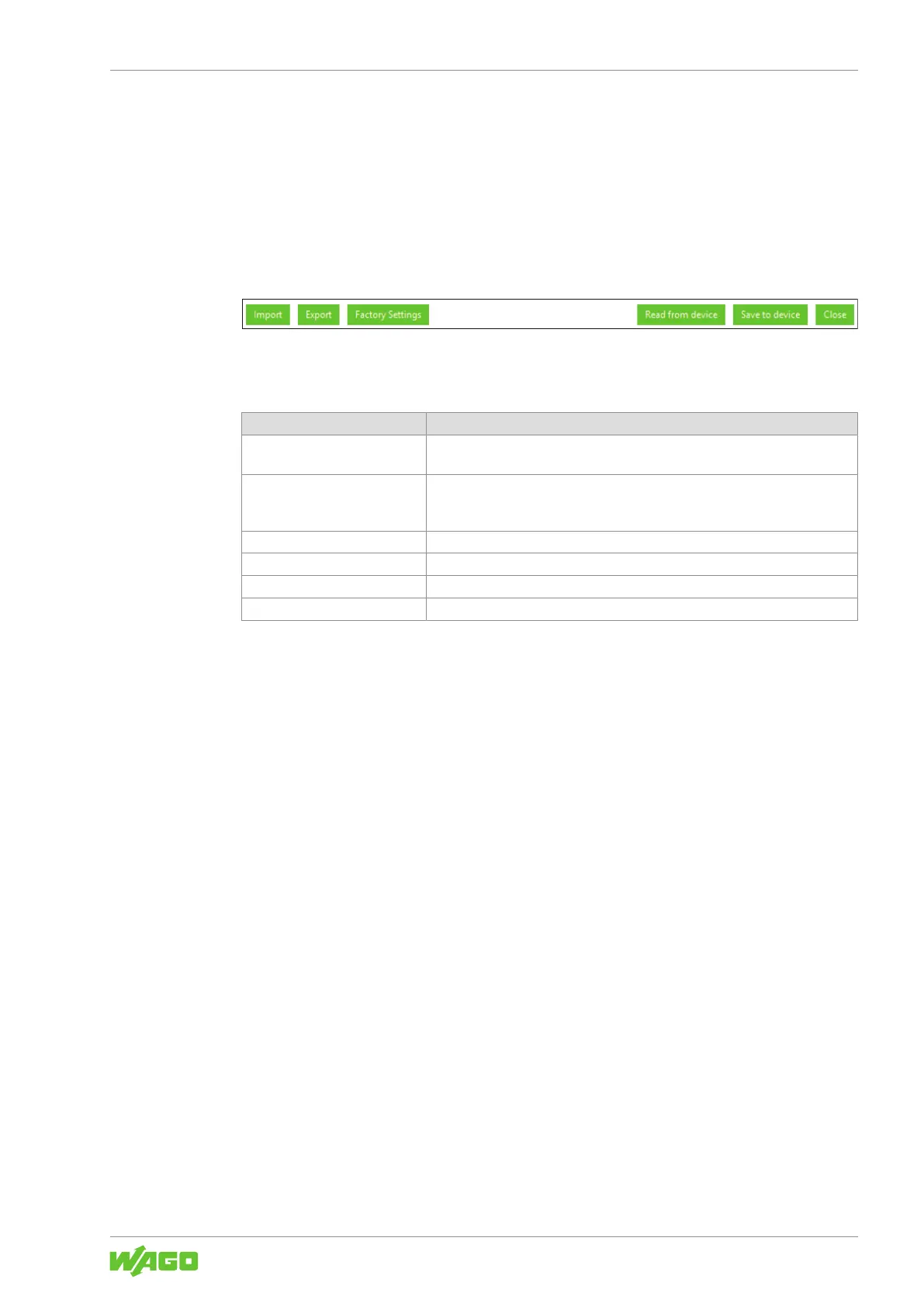
The buttons apply generally and are identical in all sections.
Buttons
Figure25: Dialog: Settings – Buttons
Changes that have been made but not yet saved are marked with the pencil symbol.
Table54: Dialog: Settings – Buttons
Button Description
[Import] Imports previously saved settings, e.g., when a product is replaced or config-
uration is performed offline.
[Export] Saves the new settings externally. The saved settings can be imported into a
product that is configured offline, a replacement product or a product used in
a similar way, for example.
[Factory Settings] Resets all settings to the factory defaults.
[Read from device] Reads all saved settings from the connected product.
[Save to device] Writes all the settings that have been made to the connected product.
[Close] Closes the dialog. Any settings that have not been saved are lost.
The individual sections of the dialog are described below.



 To Next Page