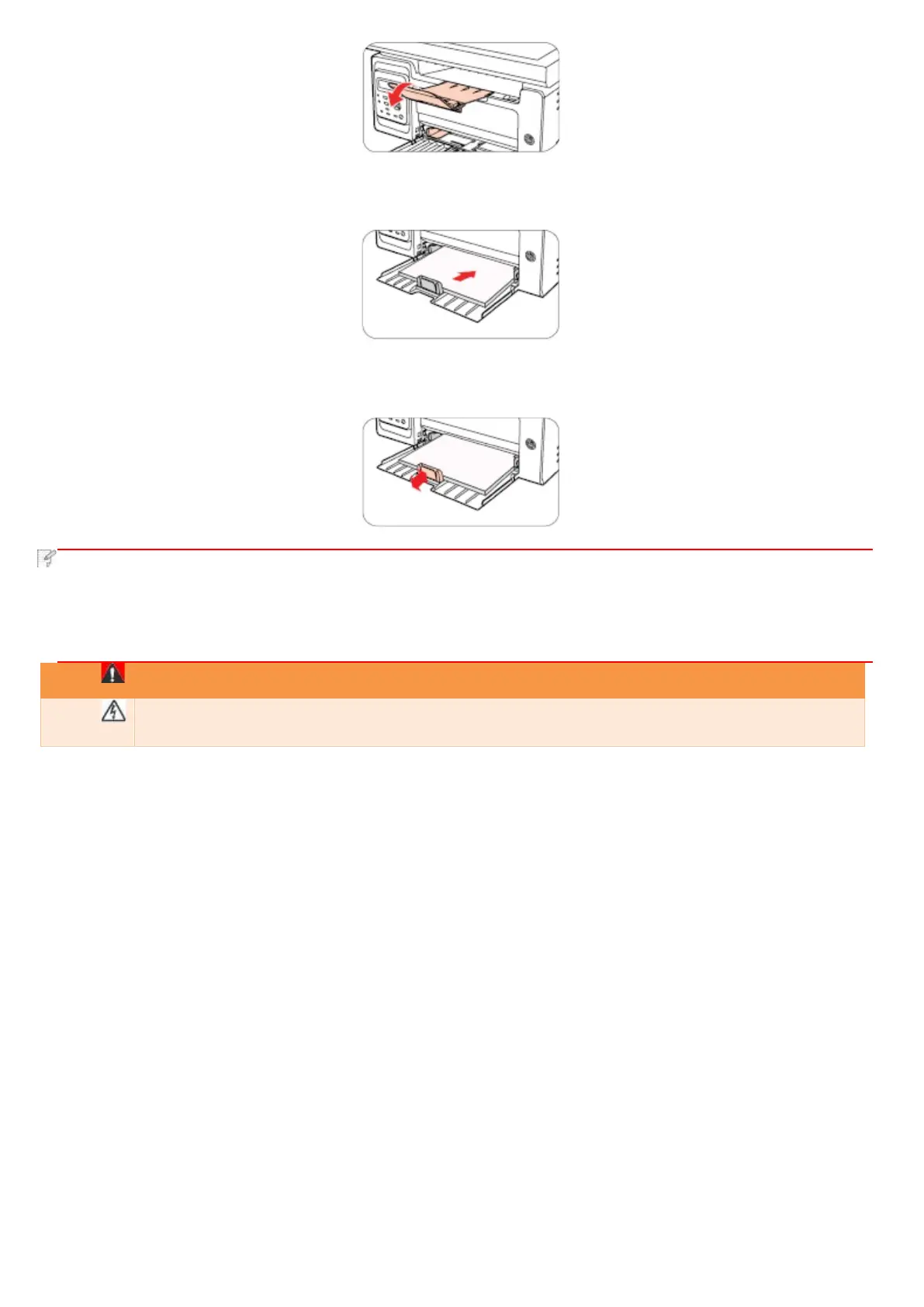
d) Load the paper into the automatic feeder tray with the print-side up.
e) Adjust the paper stop to match the paper size.
• If the paper loaded into the automatic feeder tray at one time exceeds 150 pages, paper will jam or cannot be fed in.
• When using the printed paper, please make the side to be printed (the blank side) up.
• When printing on A5 paper, it is recommended that the paper is fed in landscape orientation, which can extend the
service life of the laser toner cartridge.
After printing, please immediately remove the paper, envelopes or transparent film paper. Stacking
paper or envelopes may cause a paper jam or the paper curling.



 To Next Page