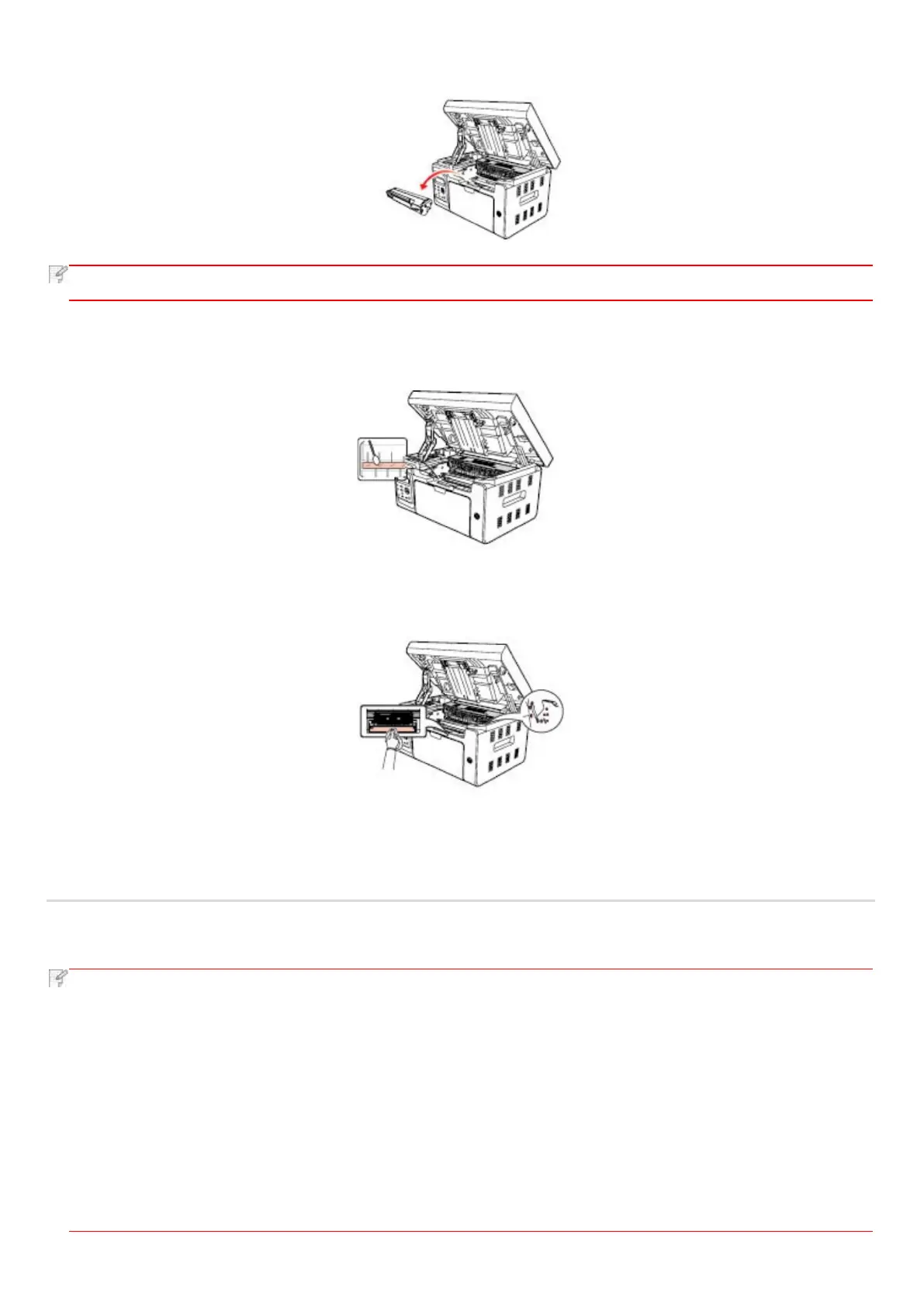
• When removing the laser toner cartridge, put the cartridge in a protective bag or wrap it with thick paper to avoid
direct light damaging the photosensitive drum.
7. Gently wipe the dustproof mirror of laser scanning surface with a cotton swab or a dry and lint-free soft cloth with a little
alcohol.
8. Clean the inside of the printer by using a dry and lint-free cloth to gently wipe the shaded area as shown in the picture below.
12.2. Maintenance of Laser Toner Cartridge
12.2.1. Use and Maintenance of Laser Toner Cartridge
For better print quality, please use the original Printon laser toner cartridge.
when using the laser toner cartridge, please pay attention to the following:
• Unless used immediately, otherwise, do not remove the laser toner cartridge from the package.
• Do not refill the laser toner cartridge without authorization. Otherwise, the resulting damage is not included in the
printer warranty.
• Please store the laser toner cartridge under a cool and dry environment.
• Toner inside the laser toner cartridge is combustible. Please do not put the laser toner cartridge near any source of
ignition, so as to avoid causing a fire.
• When removing or disassembling the laser toner cartridge, please pay attention to the toner leakage problem. In
case of the toner leakage resulting in that the toner contacts with your skin or splashes into your eyes and mouth,



 To Next Page