7.1.2. Language Setting
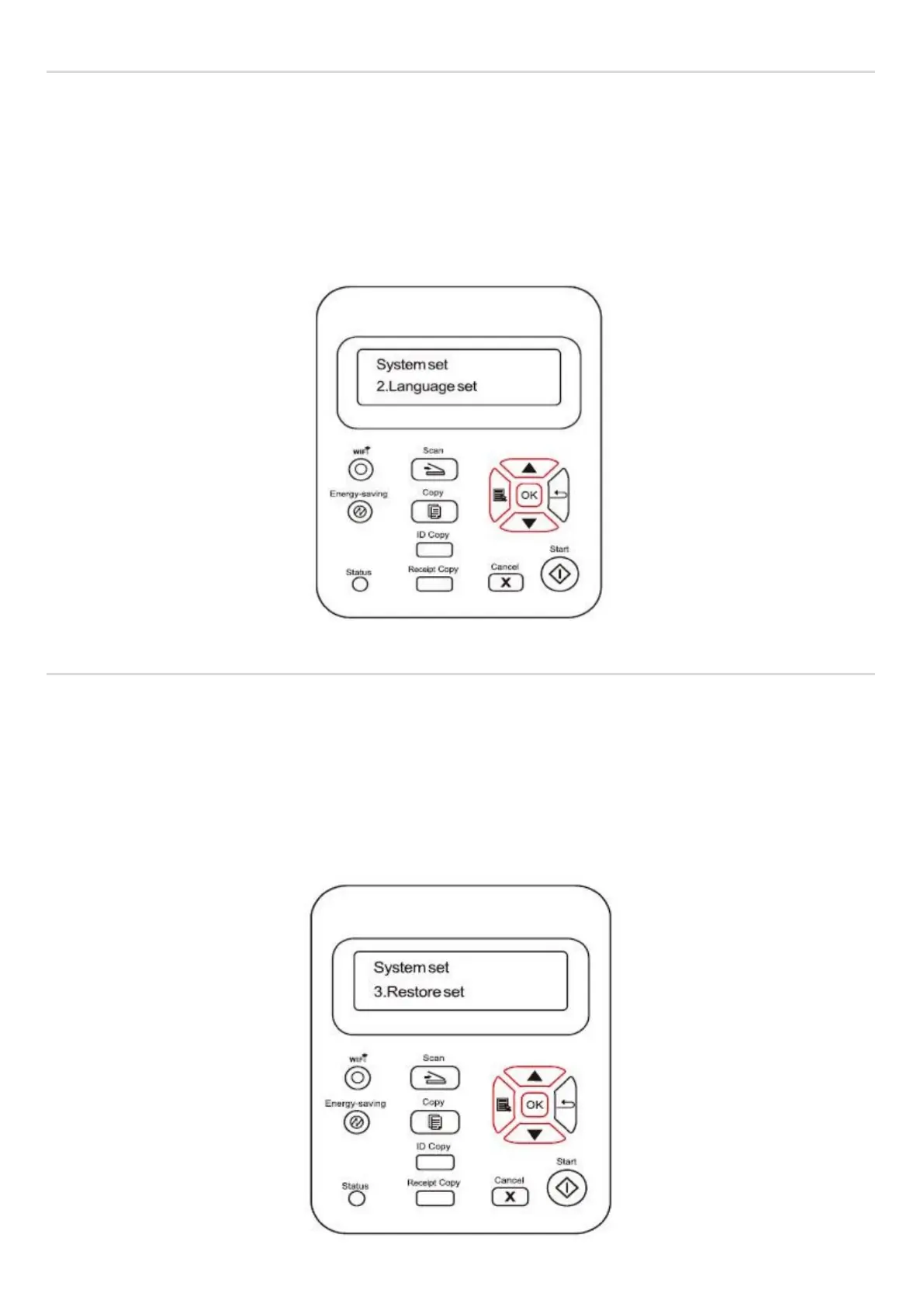
"Language Setting" is used to select the language to be displayed on the control panel.
1) Press "Menu" button to enter the menu interface.
2) Press direction pad "▲" or "▼" to select System Settings and press OK button.
3) Press direction pad "▲" or "▼" to select "2. Language Setting" and press "OK" button.
7.1.3. Restore to Factory Settings
"Restore Factory Settings" is used to restore the default settings of the printer.
1) Press "Menu" button to enter the menu interface.
2) Press direction pad "▲" or "▼" to select System Settings and press OK button.
3. Press direction pad "▲" or "▼" to select “3. Restore to Factory Settings” option and press "OK" button, Click Yes or No.



 To Next Page