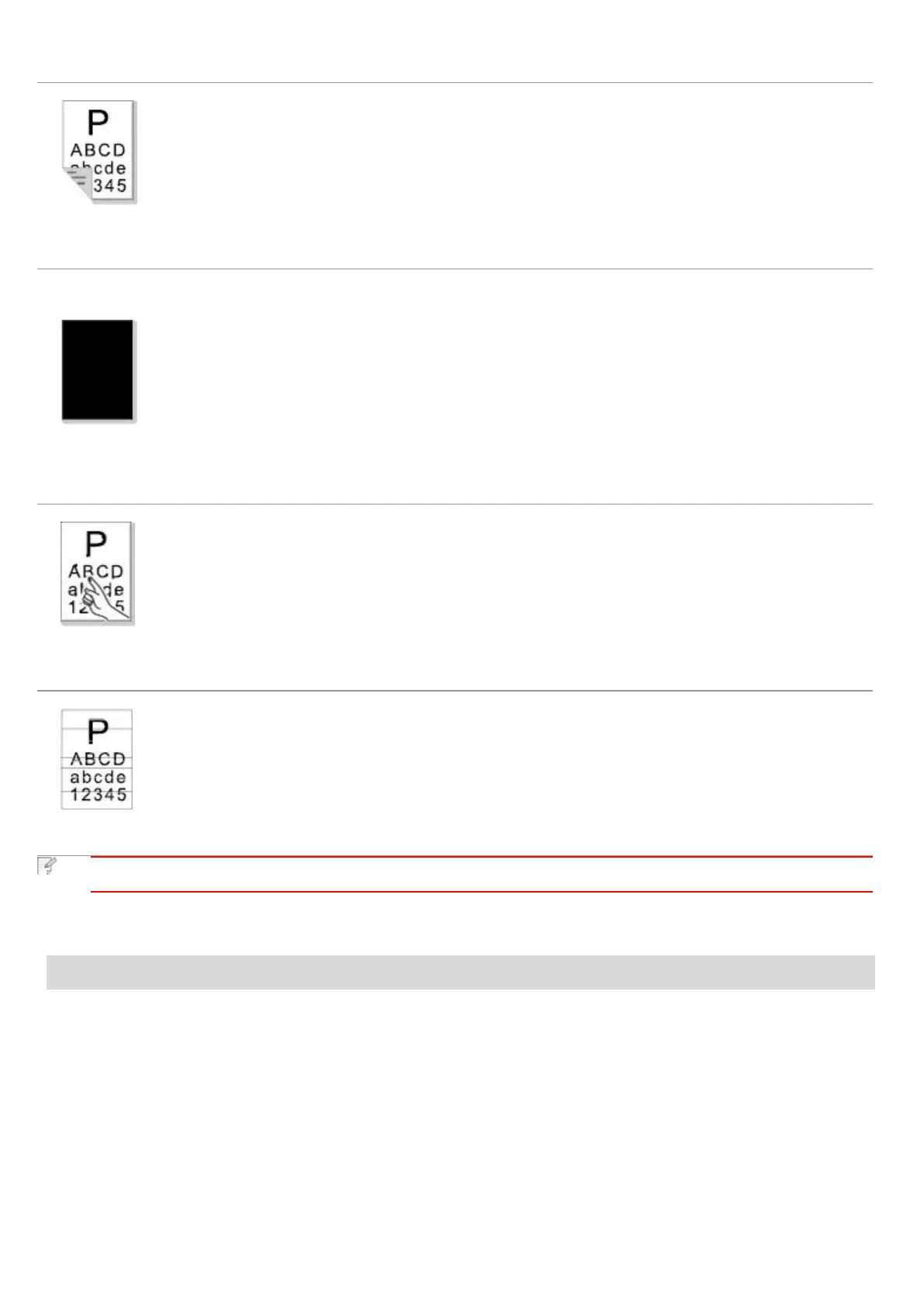
The back of the
printout is dirty
• The laser toner cartridge is dirty.
• The transfer roller inside the printer is dirty.
• The transfer voltage inside the printer is abnormal.
• Clean the laser toner cartridge or
replace it with a new one.
• Clean the internal transfer components
of the printer.
• The laser toner cartridge is installed incorrectly.
• The internal part of the laser toner cartridge is
damaged.
• Abnormal charge inside the printer; the laser toner
cartridge is not charged.
• If all-black image appear when copying and scanning,
maybe it is scanning exposure, and the cover on the
manuscript is not properly closed.
• The scanner is damaged.
• Ensure to install the cartridge correctly.
• Please first close the cover on the
manuscript, and then carry out copying
and scanning.
The toner does not
adhere to the paper
• The print media that does not meet usage specification,
such as the media is damp or too rough.
• The inside of the printer is dirty.
• The laser toner cartridge is damaged.
• The internal part of the printer is damaged.
• Please use the print media within the
specification range.
• Clean the inside of the printer.
• The laser toner cartridge is incorrectly installed.
• The laser toner cartridge might be damaged.
• The internal part of the printer is damaged.
• Ensure to install the cartridge correctly.
• The above troubles can be handled by cleaning or replacing the laser toner cartridge. If the problem
remains, please contact Printon Customer Service.
14. Menu Structure
With the help of menu structure of this printer on the panel menu, you may know and set various functions. The steps of printing
are as follows:
1. Press "Menu" to enter the menu setting interface.
2. Press "▲" or "▼" to select "Info. report".
3. Press "OK" and then "▲" or "▼" to select "Prt Menu Frame".
4. Press "OK" to print.


 To Next Page