10.2.4. Cancel Scan Job
During the scanning, two ways are available to cancel the job:
1) Press "Cancel" button on the control panel to cancel the job.
2) Click Cancel button on the scan progress bar interface of the computer to cancel the job.
10.3. Mac System Scan
10.3.1. ICA Scan
10.3.1.1. Open ICA via "Print and Scan"
Operation Steps:
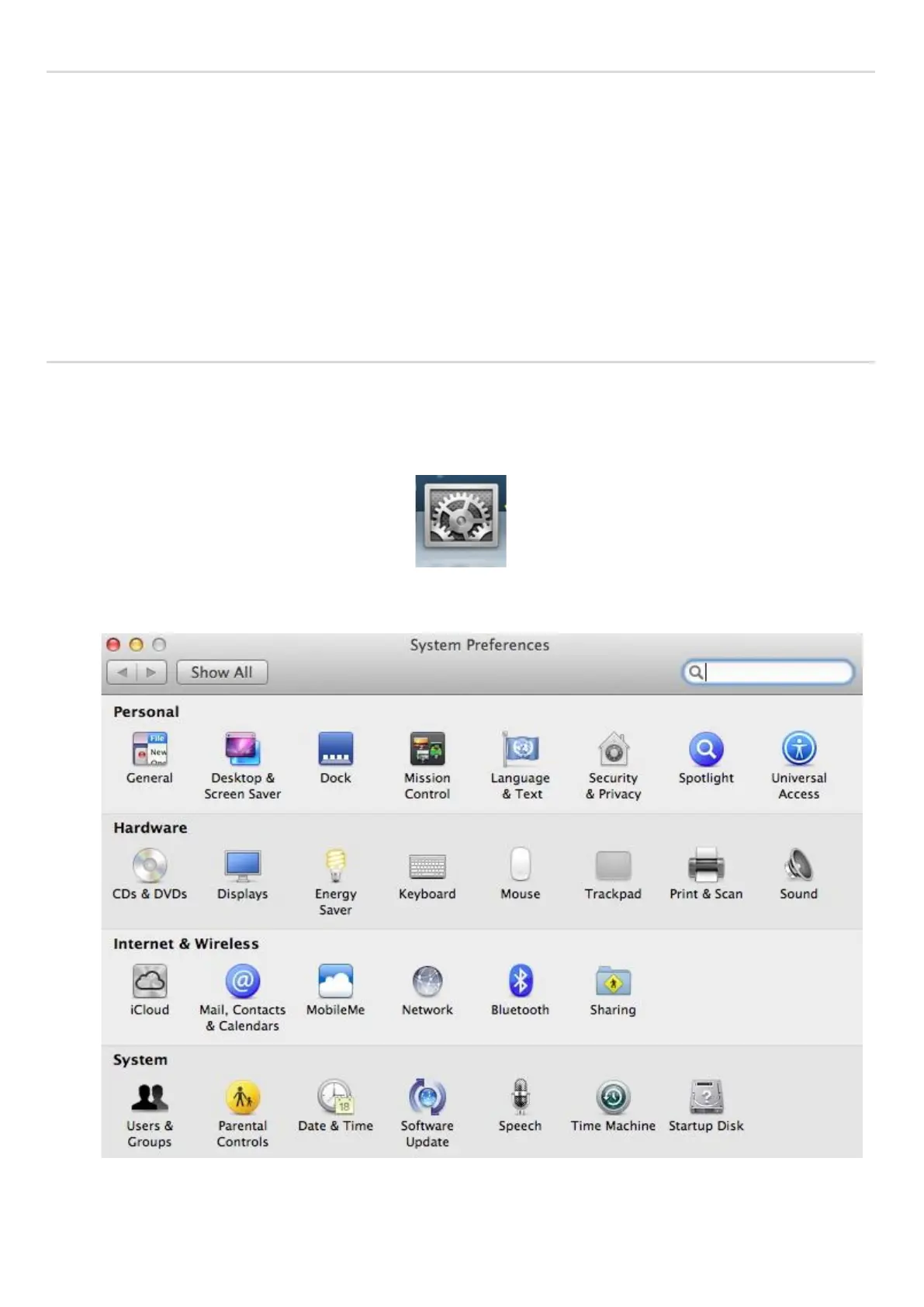
1. After installing the printer driver, click "System Preferences" icon on the bottom left corner of the computer desktop.
2. After the window pops up, click on "Print and Scan".


 To Next Page