7.1.6. Network Settings
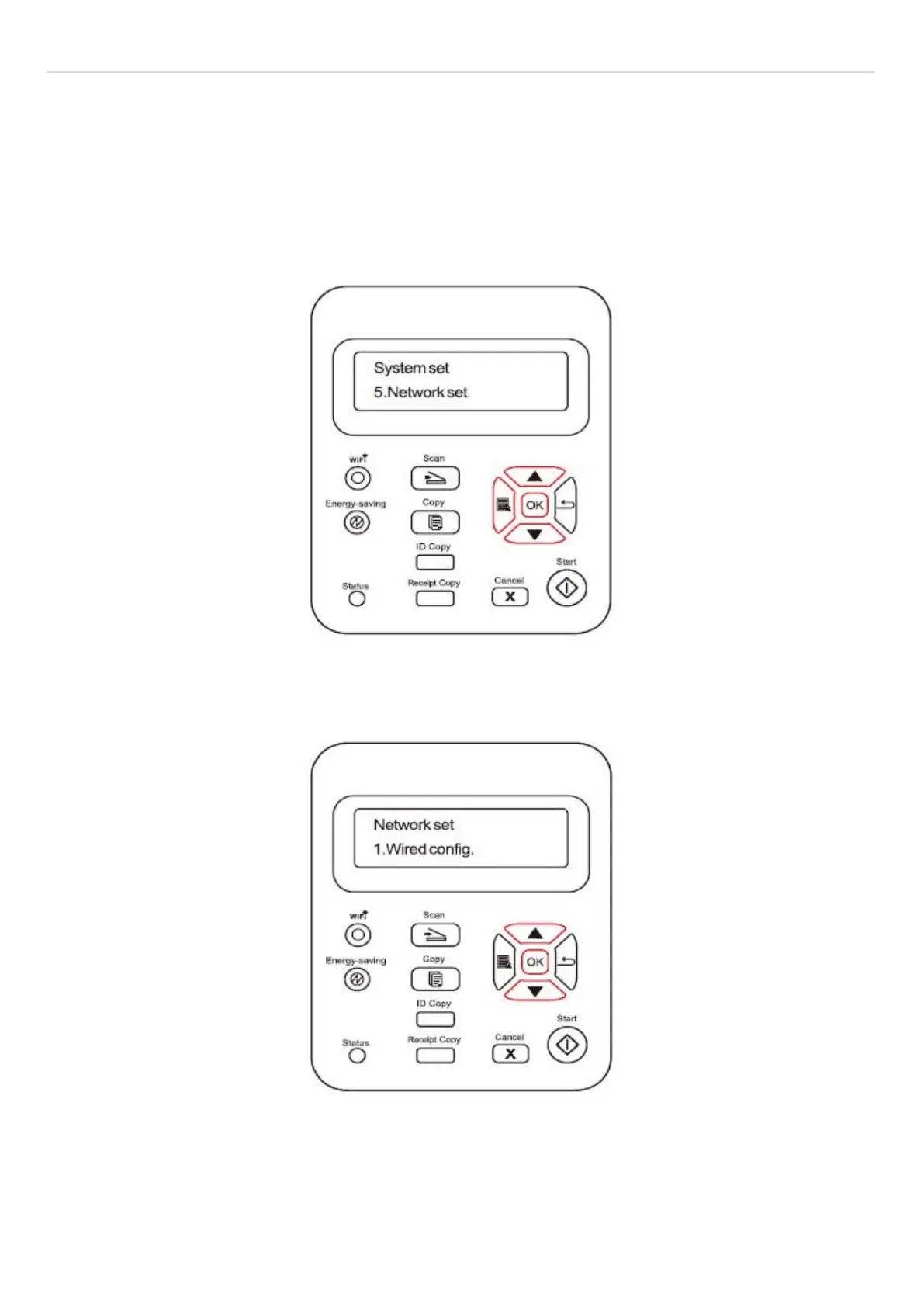
You can view or set the network status through Network Settings.
1) Press "Menu" button to enter the menu interface.
2) Press direction pad "▲" or "▼" to select System Settings and press OK button.
3) Press direction pad "▲" or "▼" to select Network Settings and press OK button.
4) Press direction pad "▲" or "▼" to select "1. Wired config." and press "OK" button; Press direction pad "▲" or "▼" to
select "1. IPv4" or "2. IPv6".
5) Press direction pad "▲" or "▼" to select "2. Wireless Network Settings" and press "OK" button; Press direction pad
"▲" or "▼" to select "1. WPS PIN Mode".



 To Next Page