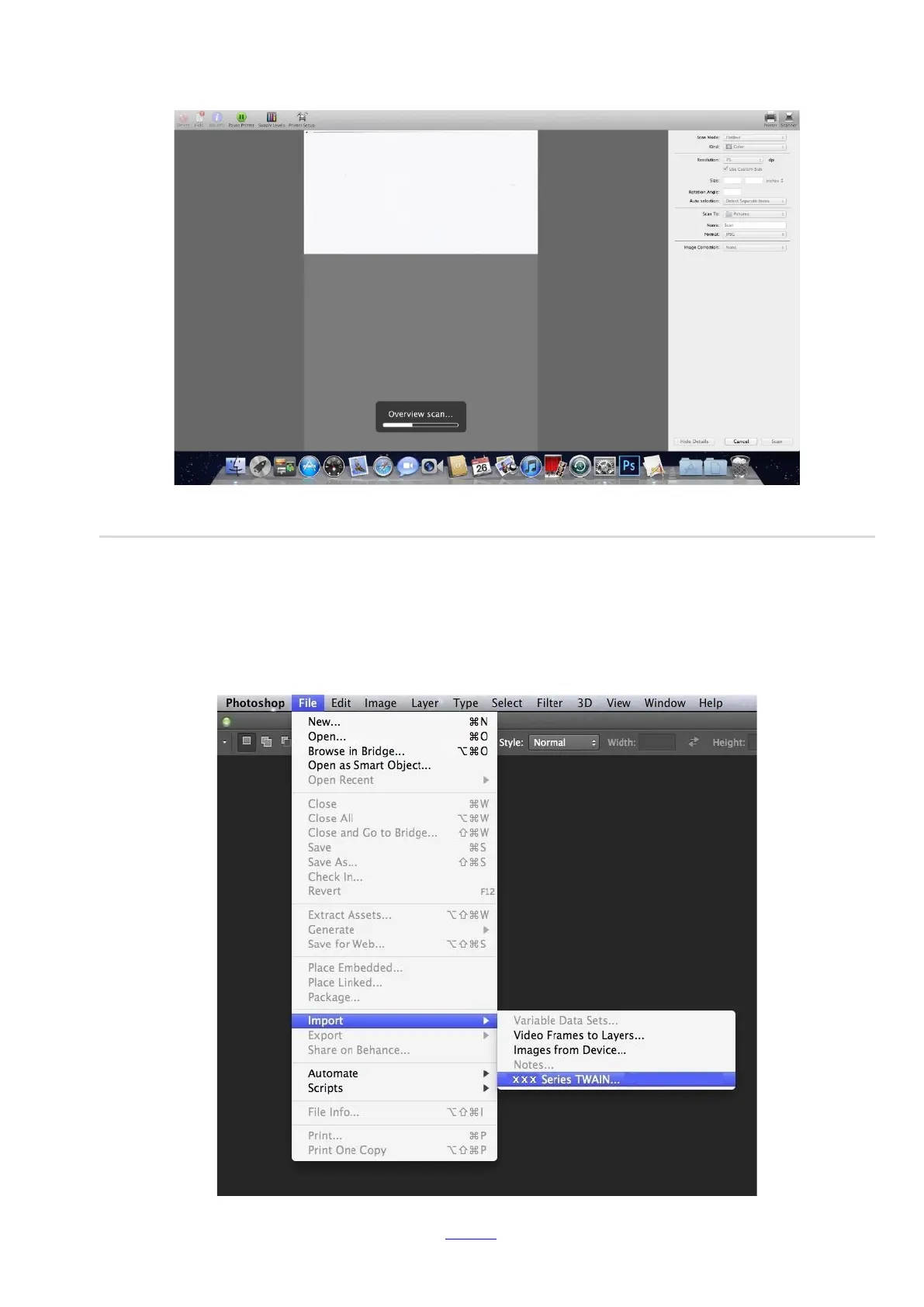
2) After selecting the printer in the left list, set the scan parameters in the right list. Click on "Scan" on the bottom right
corner and start scan.
10.3.2. TWAIN Scan
Take Photoshop as an example.
Operation Steps:
1) Launch Photoshop, click on "File" – "Import" on the top left corner and select TWAIN Scan, as is shown below:
2) After the window pops up, please refer to Step 3 of 10.2.2.1 to see the specific operation steps.



 To Next Page