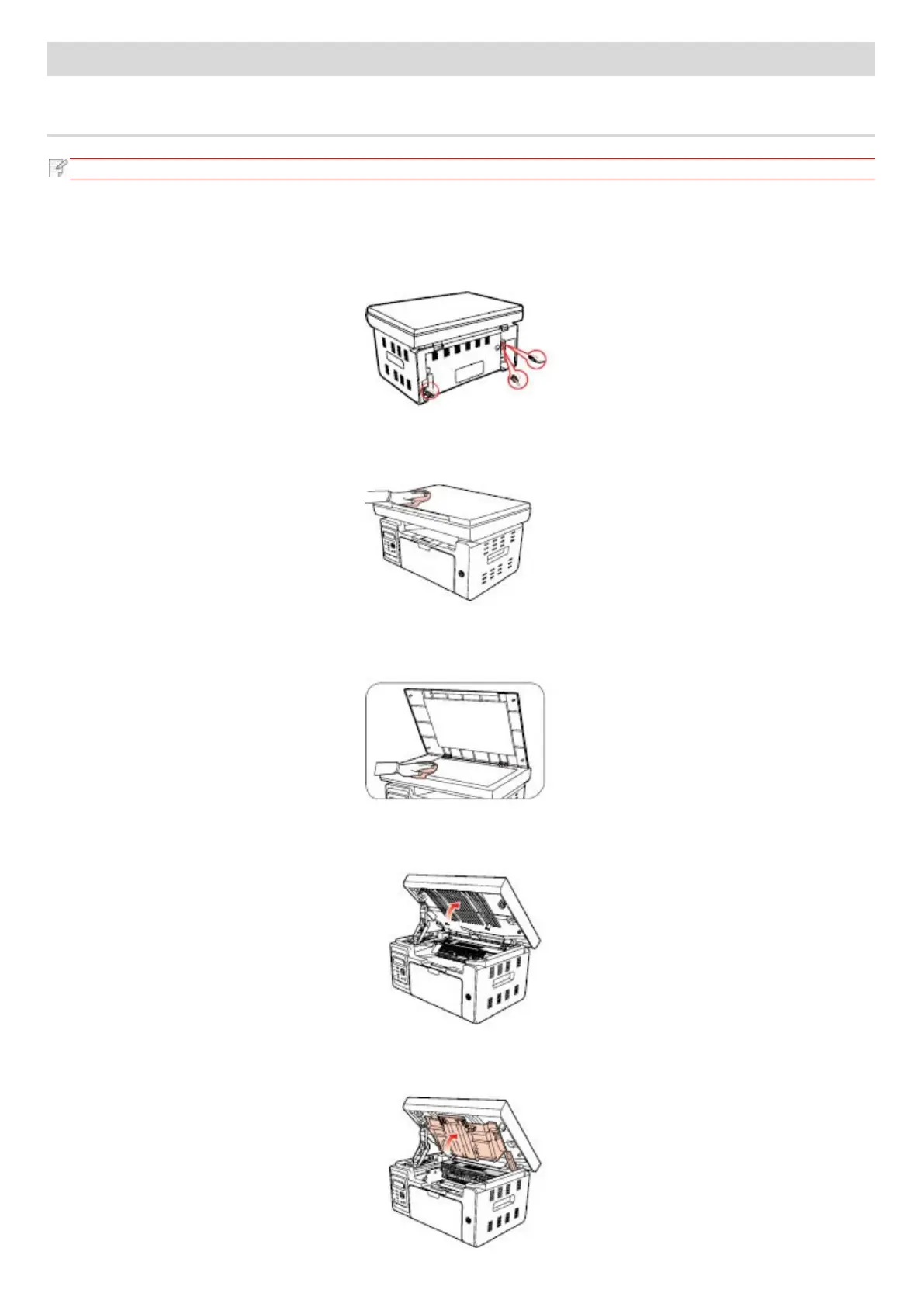
Please clean the printer in accordance with the following steps:
1. Turn off the main power switch and unplug the power cord, USB cable, phone cord and the network cable.
2. Use a soft cloth to wipe the outside of the printer and remove the dust.
3. Raise the cover and gently wipe the platen glass with a soft cloth.
4. Raise the scanning platform until it is locked.
5. Open the output bin by the upper right ridge of the concave section.



 To Next Page