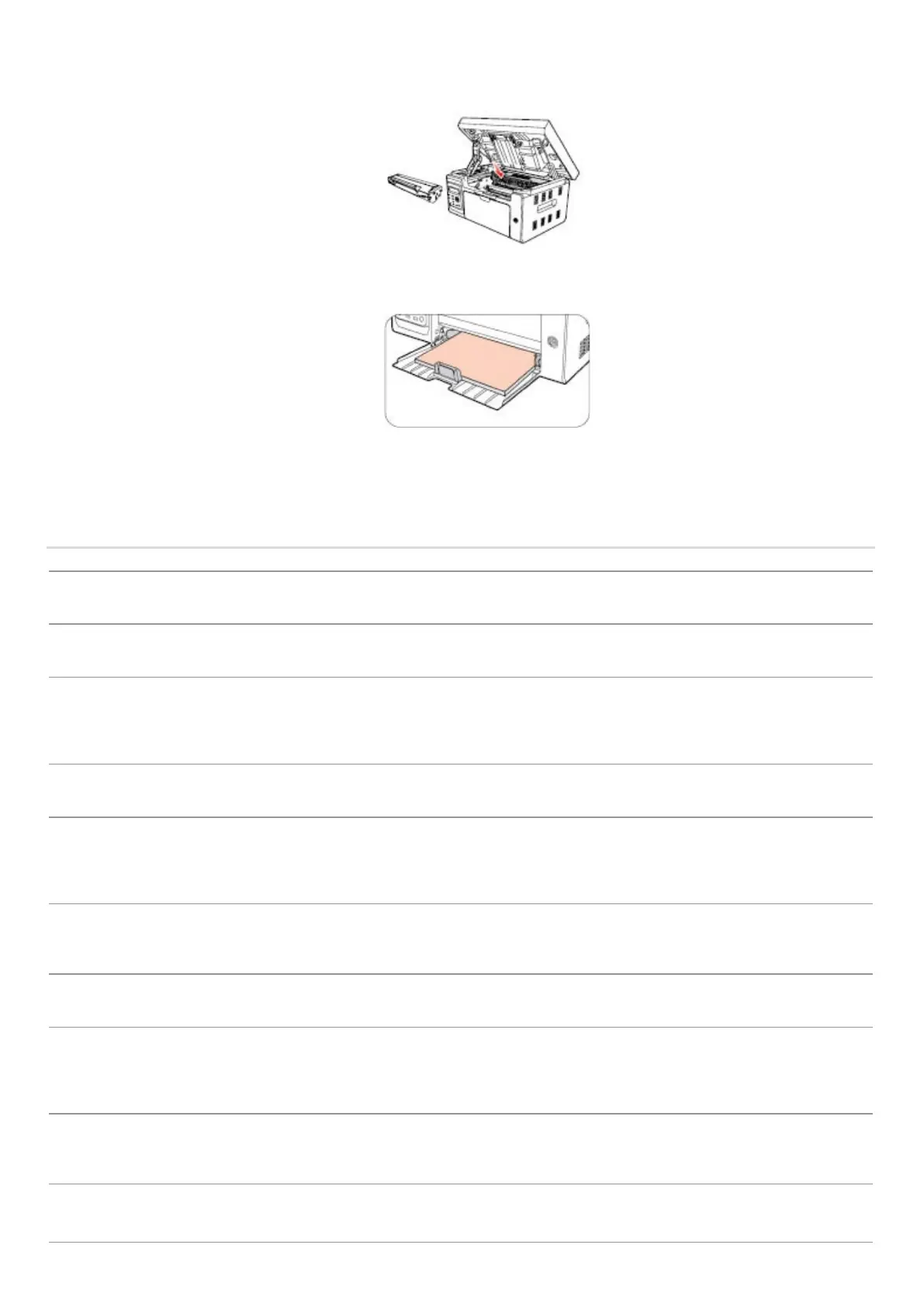
5) After removing the jammed paper, insert the laser toner cartridge into the printer along the guides until you hear a
"click" assuring you that the cartridge is fully inserted.
6) Neatly put the paper in the tray, and do not carry out the next print until the indicator light resumes print-ready status.
7) If you cannot remove the jammed paper yourself, please contact your local Printon Authorized Repair Center or send
the printer to the nearest Printon Authorized Service Center for repair.
13.2. Error Message
The paper bin is not fully closed.
No Laser Toner
Cartridge
Detected
The laser toner cartridge is installed incorrectly or laser
toner cartridge is damaged.
The laser toner cartridge is installed
correctly or new laser toner cartridge is
replaced.
Replace New Laser Toner Cartridge
The toner
cartridge life has
expired
Cartridge toner is exhausted.
Replace New Laser Toner Cartridge
The print paper is loaded incorrectly. The paper is outside
of the specification range.
Please correctly load the print paper.
The print paper is loaded incorrectly.
Please correctly load the print paper.
Please cancel the current scan job or
wait for the completion of other scan
jobs.
Scanner internal failure.
Please contact Printon Customer
Service.
If you have selected ADF as the scan source, this message
appears when you start a copy or scan job without loading
Please correctly load the print paper.



 To Next Page