EasyManua.ls Logo

Walton Printon PMF22 - Single Page Scan

Walton Printon PMF22
97 pages
Print Icon
To Next Page IconTo Next Page
To Previous Page IconTo Previous Page
Loading...
10.1.2. Single Page Scan
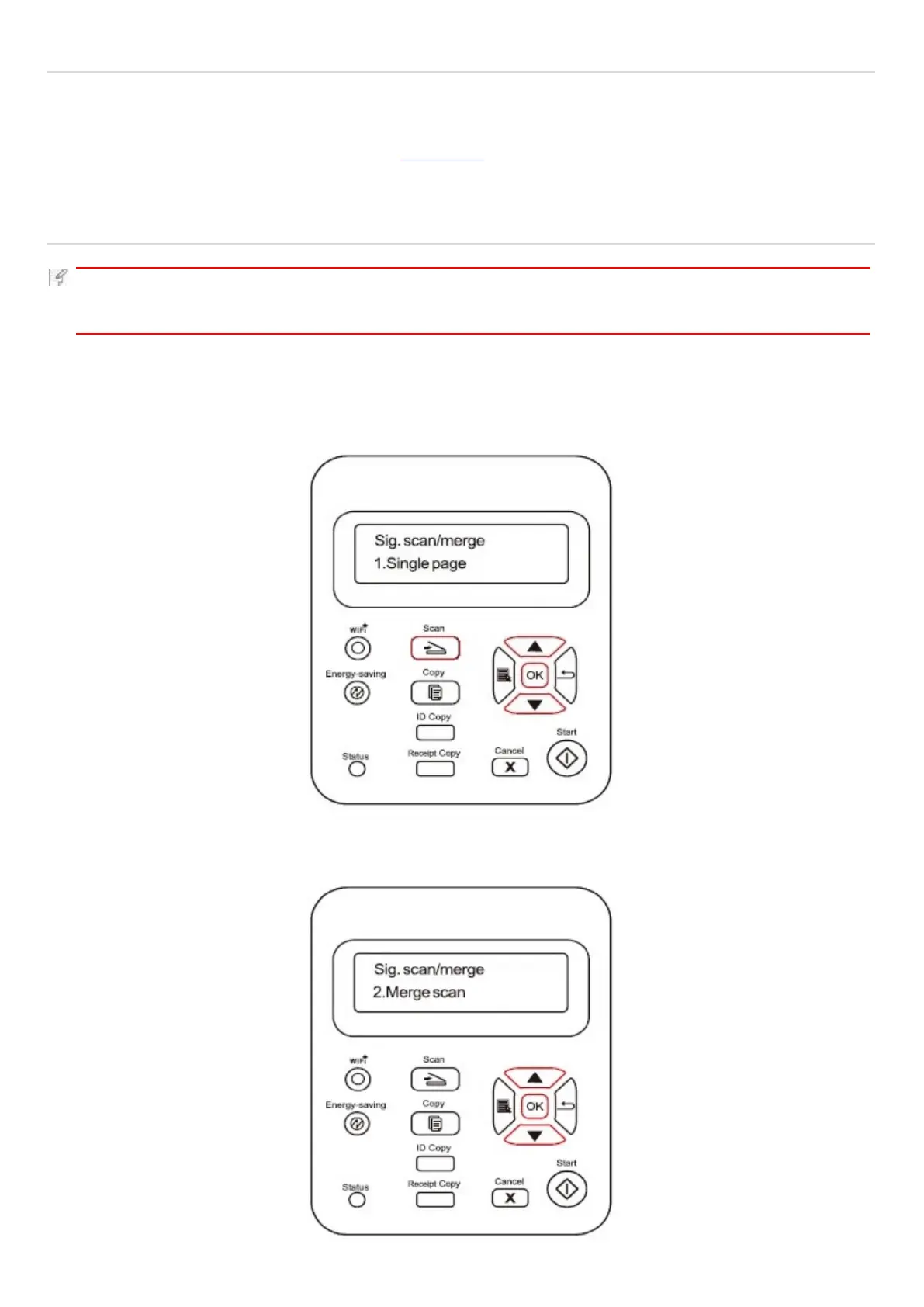
The default scan mode of control panel is Single Page Scan mode.
For the specific steps of scan operation, please refer to Chapter 10.1.
10.1.4. Merge Scan When you want to merge multi-page scanned documents into one PDF,
please use Merge Scan function.
Note:
• The Merge Scan allow the document to be scanned into the PDF format by default.
• This printer can perform Merge Scan operation only on the control panel.
The specific operations are as follows:
1. Press "Scan" button to enter scan status. The default scan mode of control panel is Single Page.
2. Press "" or "" button to select and enter "Merge Scan" mode.

Table of Contents