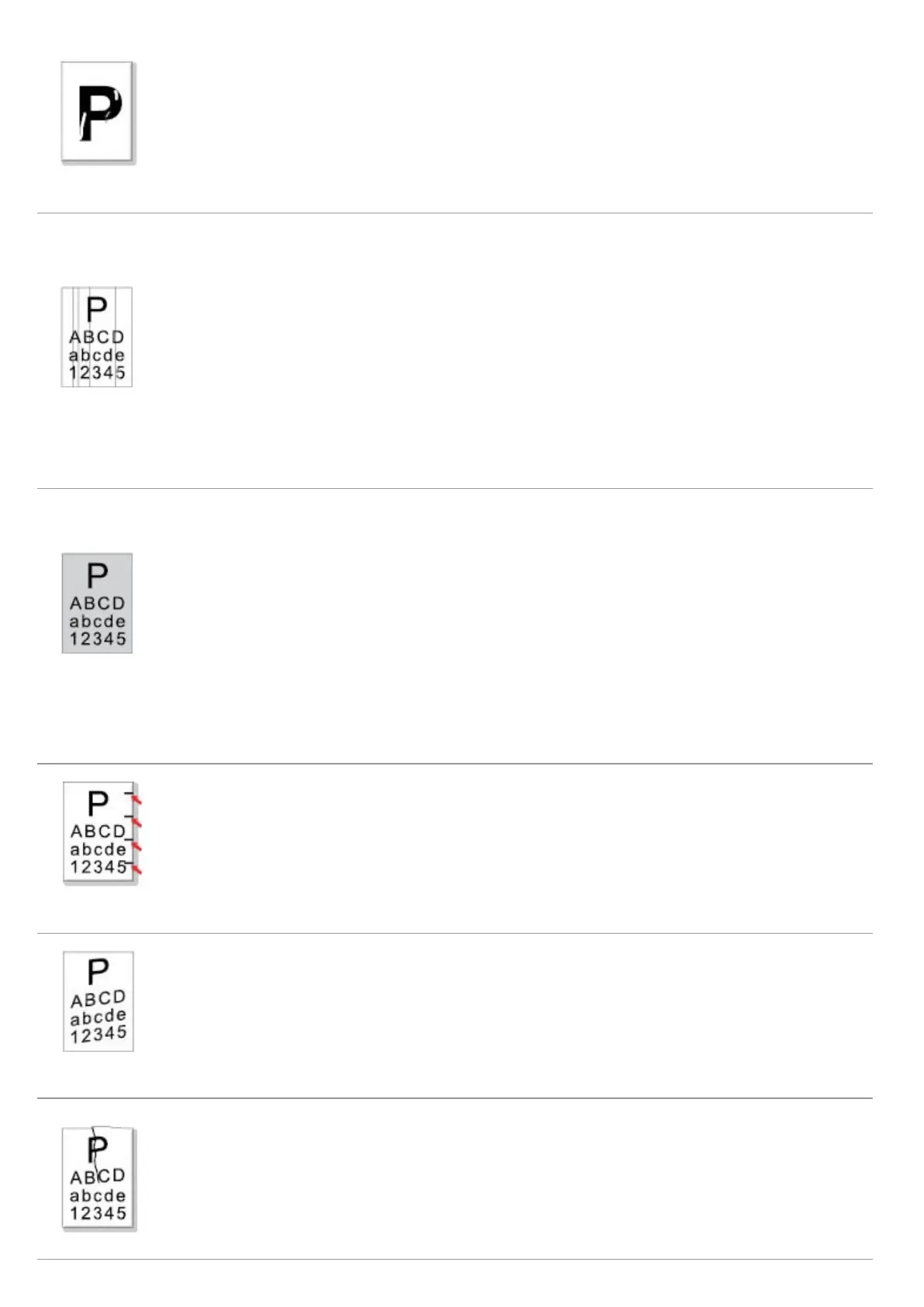
• The print media that does not meet usage specification
is used. For example, the media is damp or too rough.
• The inside of the printer is dirty.
• The laser toner cartridge is damaged.
• The internal part of the printer is damaged.
• Please use the print media within the
specification range.
• Clean the inside of the printer.
• The laser toner cartridge is dirty.
• The internal part of the laser toner cartridge is
damaged.
• The reflective glass of the laser inside the printer is
dirty.
• The feed channel is dirty.
• If black vertical stripes appear when copying or
scanning, the scanner or the platen glass may be dirty.
• Scanner Light bulb has smudges.
• The scanner is damaged.
• Clean the reflective glass of the laser at
the back of the printer.
• Clean the feed channel at the back of
the printer.
• Clean the scanner or the platen glass.
Black background
(gray background)
• The print media that does not meet usage specification
is used. For example, the media is damp or too rough.
• The laser toner cartridge is dirty.
• The internal part of the laser toner cartridge is
damaged.
• The feed channel is dirty.
• The transfer voltage inside the printer is abnormal.
• Scanning exposure.
• If black background or gray background appears when
copying and scanning, the platen glass may be dirty.
• Please use the print media within the
specification range.
• Clean the feed channel inside the
printer.
• Please close the cover on the
manuscript, and then carry out copying
and scanning.
• Clean the platen glass.
• The laser toner cartridge is dirty.
• The internal part of the laser toner cartridge is
damaged.
• The fuser component is damaged.
• Clean the laser toner cartridge or
replace it with a new one.
• Please contact Printon Customer
Service to repair and replace the fuser
component.
• The print media is loaded incorrectly.
• The feed channel of the printer is dirty.
• Ensure correct loading the print
media.
• Clean the feed channel inside the
printer.
• The print media is loaded incorrectly.
• The print media does not meet the usage specification.
• The feed channel inside the printer is dirty.
• The fuser component of the printer is damaged.
• Ensure correct loading the print
media.
• Please use the print media within the
specification range for printing.
• Clean the feed channel inside the
printer.



 To Next Page