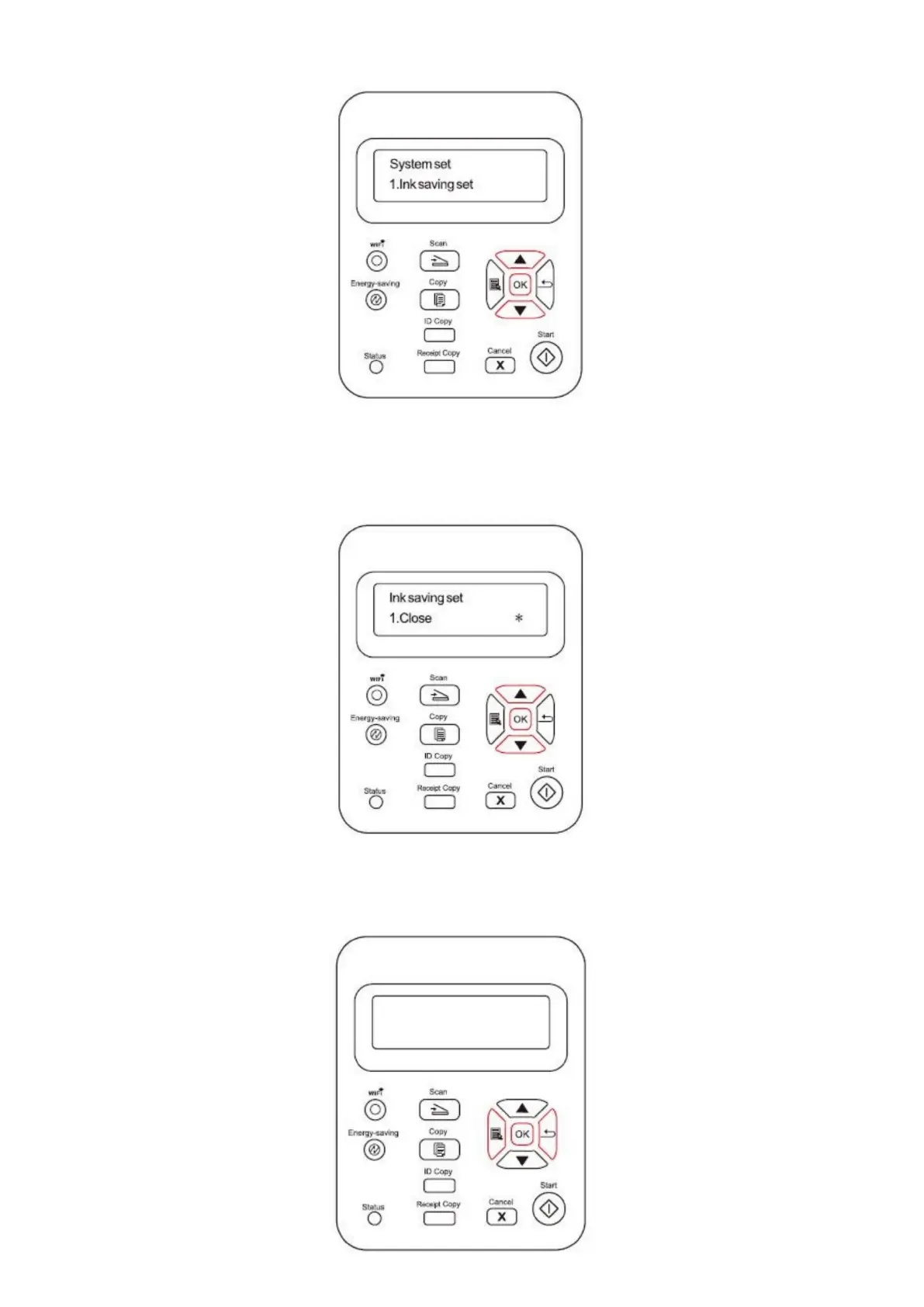
3) Press direction pad "▲" or "▼" to select "1. Toner Save Setting" option and press "OK" button.
4) Press direction pad "▲" or "▼" to select "1. Close" and press "OK" button. When symbol "*" appears after "1. Close", it
indicates that the toner save setting is off; or press direction pad "▲" or "▼" to select "2. Open" and press "OK" button.
When symbol "*" appears after "2. Open", it indicates that the toner save setting is on.
5) Press the “menu” button to enter the menu settings interface. Press the “back” button to return to the previous menu,
or press OK to go to the next level of settings or save the settings.



 To Next Page