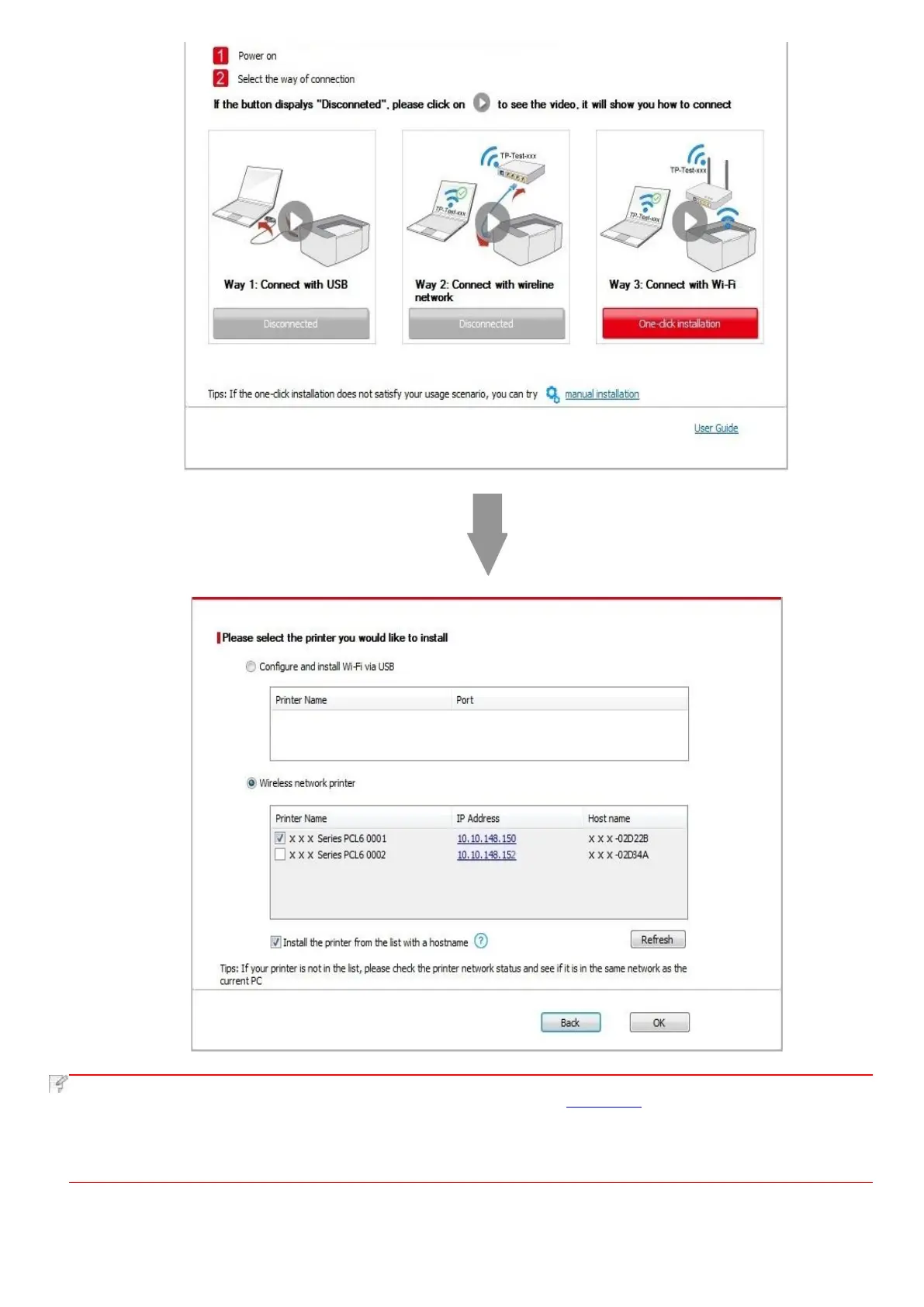
• If the printer you need is not shown in the list, please click "Refresh" button to search again. If it is not found, please
check if the printer and computer are in the same network. (Please see Chapter 5.3 for how to check).
• When the printer IP address changes under printer driver installed with host ID, you can also directly print without re-
installing the driver. If you need to install the printer driver with the host ID, please check the option "Install the printer
in the list with host ID".
6. After the installation, click "Print &Test Page" button. If your printer prints the test page successfully, it means that you have
installed the driver correctly.



 To Next Page