• If you do not know the SSID of access point (wireless router), please click “Print Wireless Network Information
Page” to view the SSID of the needed access point (wireless router).
• If the printer cannot be used normally after wireless network setup is finished, please install the drive again.
3. Use WPS connection.
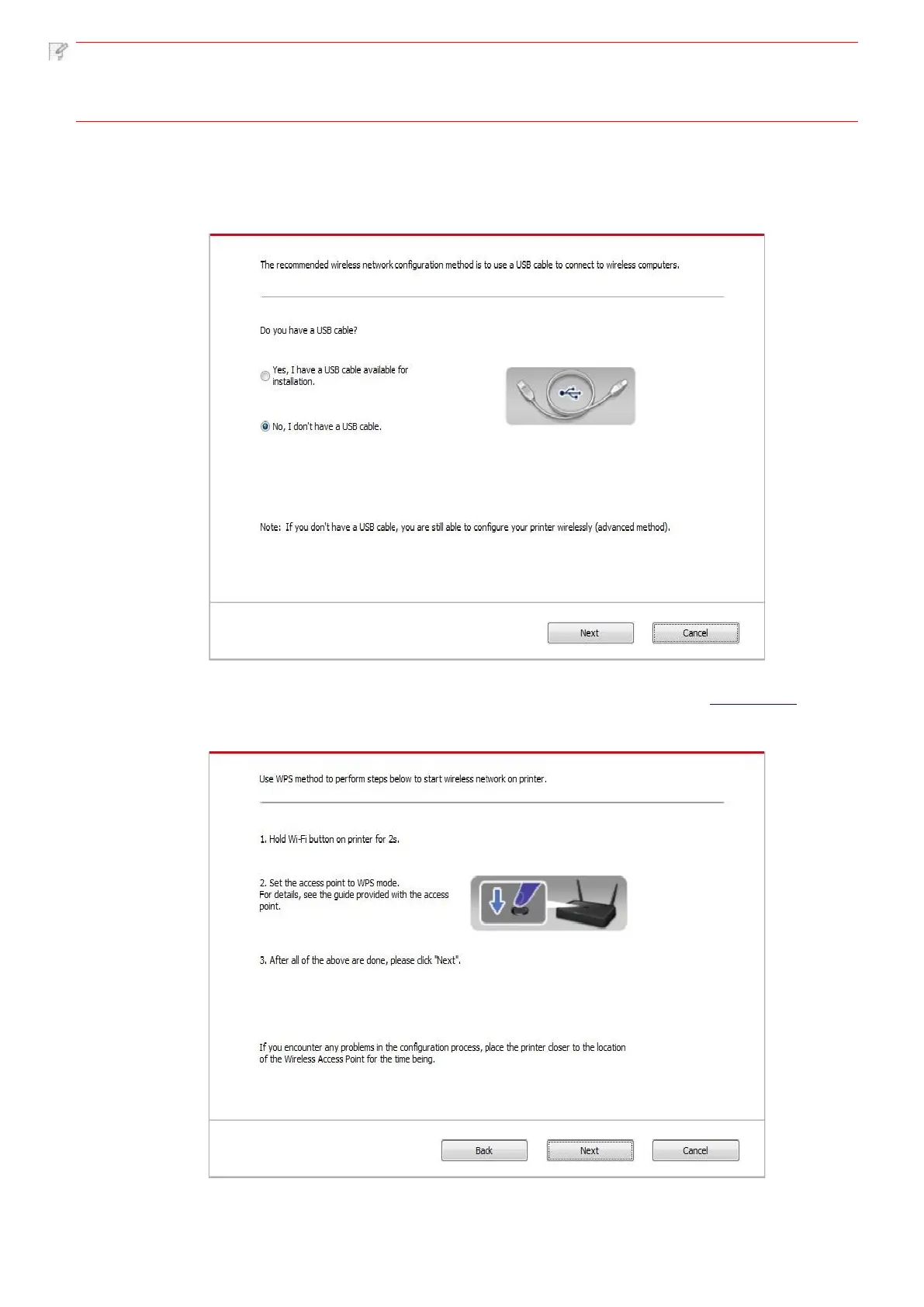
Select “No, I don't have a USB cable” in the interface below and then click “Next”.
1) Use WPS method to perform steps below to start wireless network on printer. (Please refer to Chapter 5.1.2 for
detailed WPS configuration)
2) Judge if the printer is successfully connected according to the status of Wi-Fi indicator on printer. If configuration failed,
please click “Previous” to configure again; if configuration succeeded, please click “Done” to complete configuration.



 To Next Page