78
Configuring the instruments
To configure the instruments:
1. Power-on the CM-A and detector.
2. From the ACQUITY UPLC Console system tree, select TUV detector >
Control > Reset TUV.
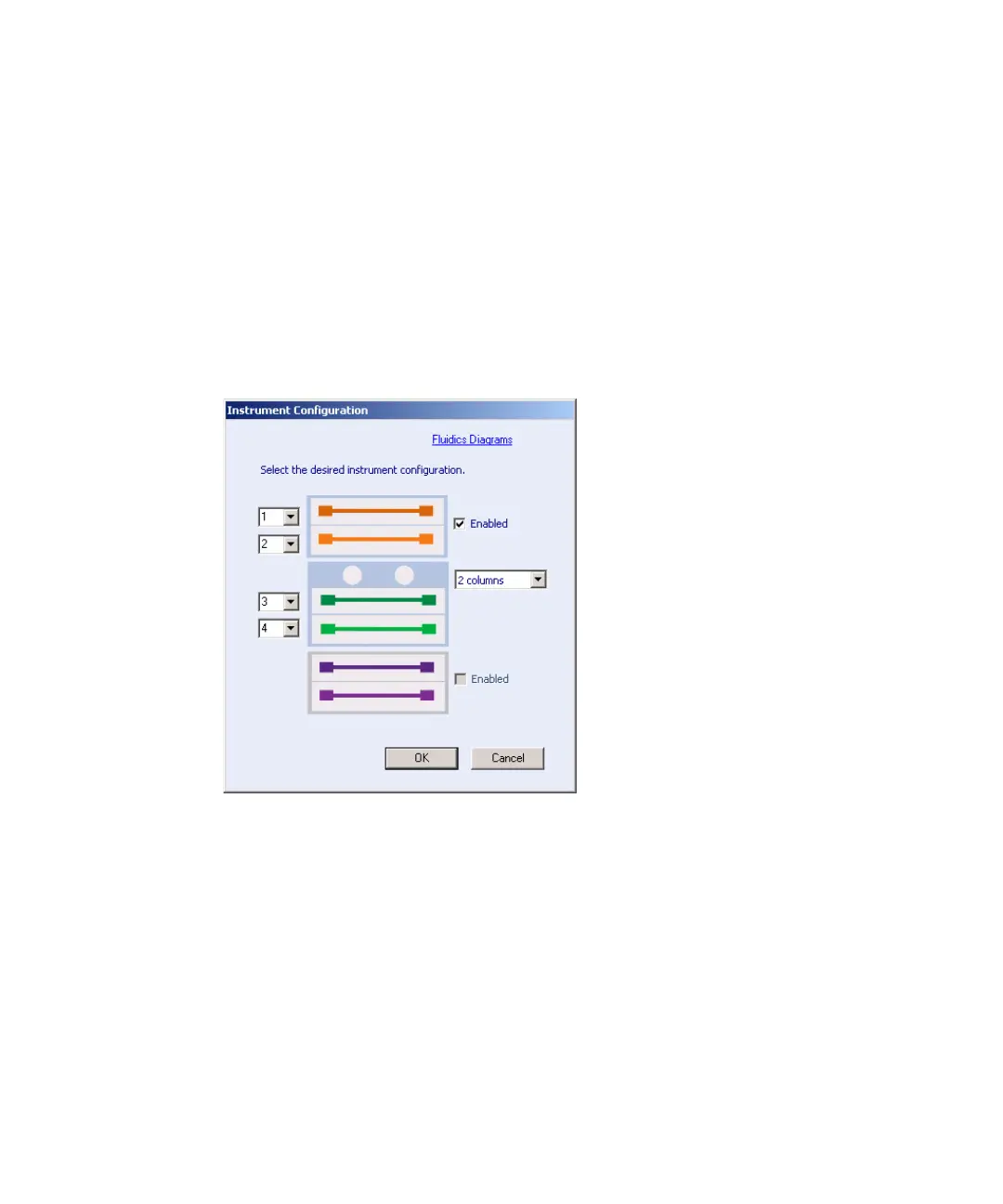
3. From the ACQUITY UPLC Console system tree, select Column Manager
> Configure > Instrument.
Four-column configuration:












 To Next Page