Preparing the column compartments 79
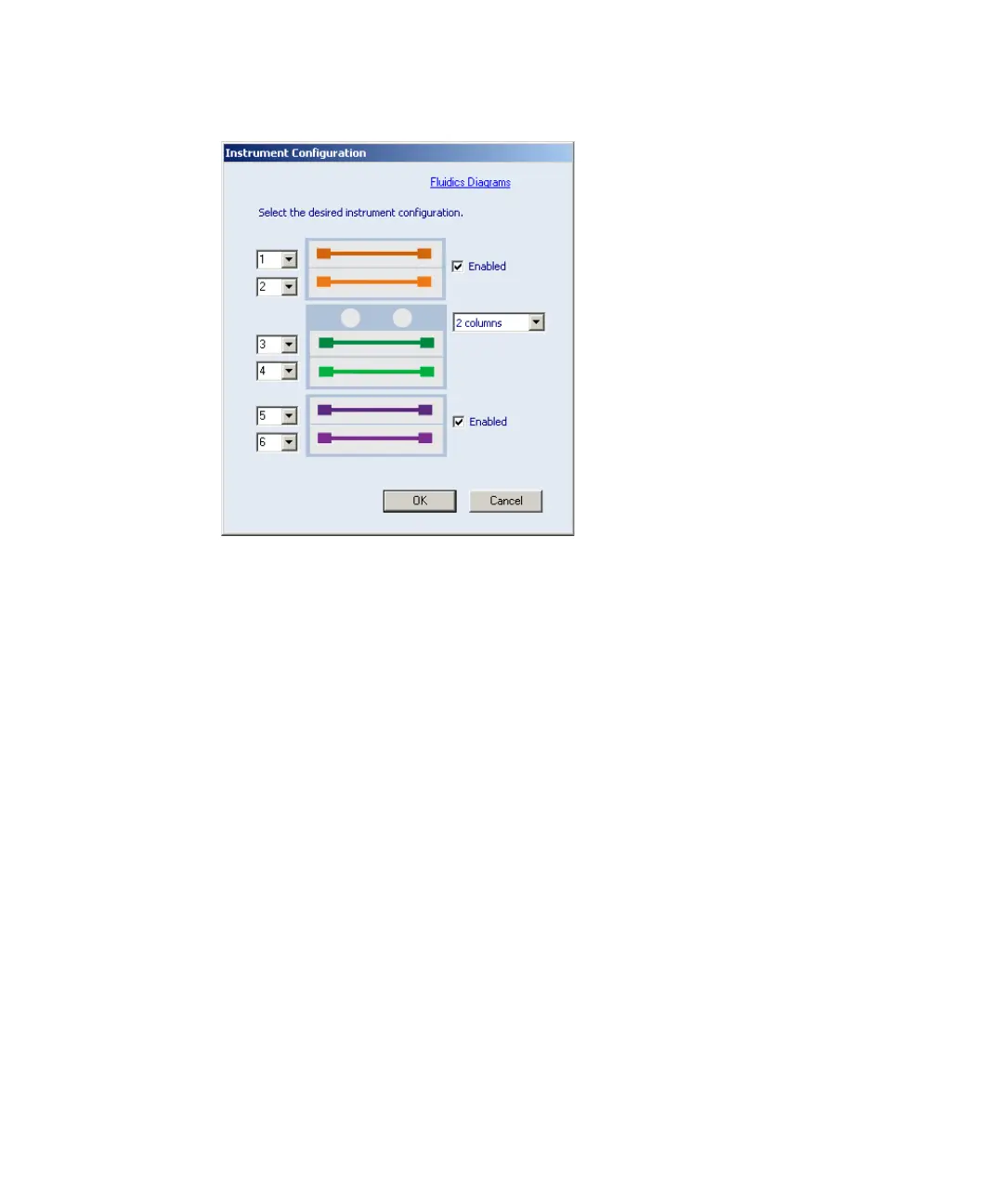
Six-column configuration:
Note: When using Empower 1154 or Empower 2 on a system containing
CM-A and CM-Aux modules, you cannot select positions 5 and 6 from
the column selection field of the sample queue. Instead, create an
instrument method for a specific column position (5 or 6, for example)
and save it with a unique name. From within the sample queue, select
the appropriate method set (that included the instrument method you
created) to specify the column position.












 To Next Page