80
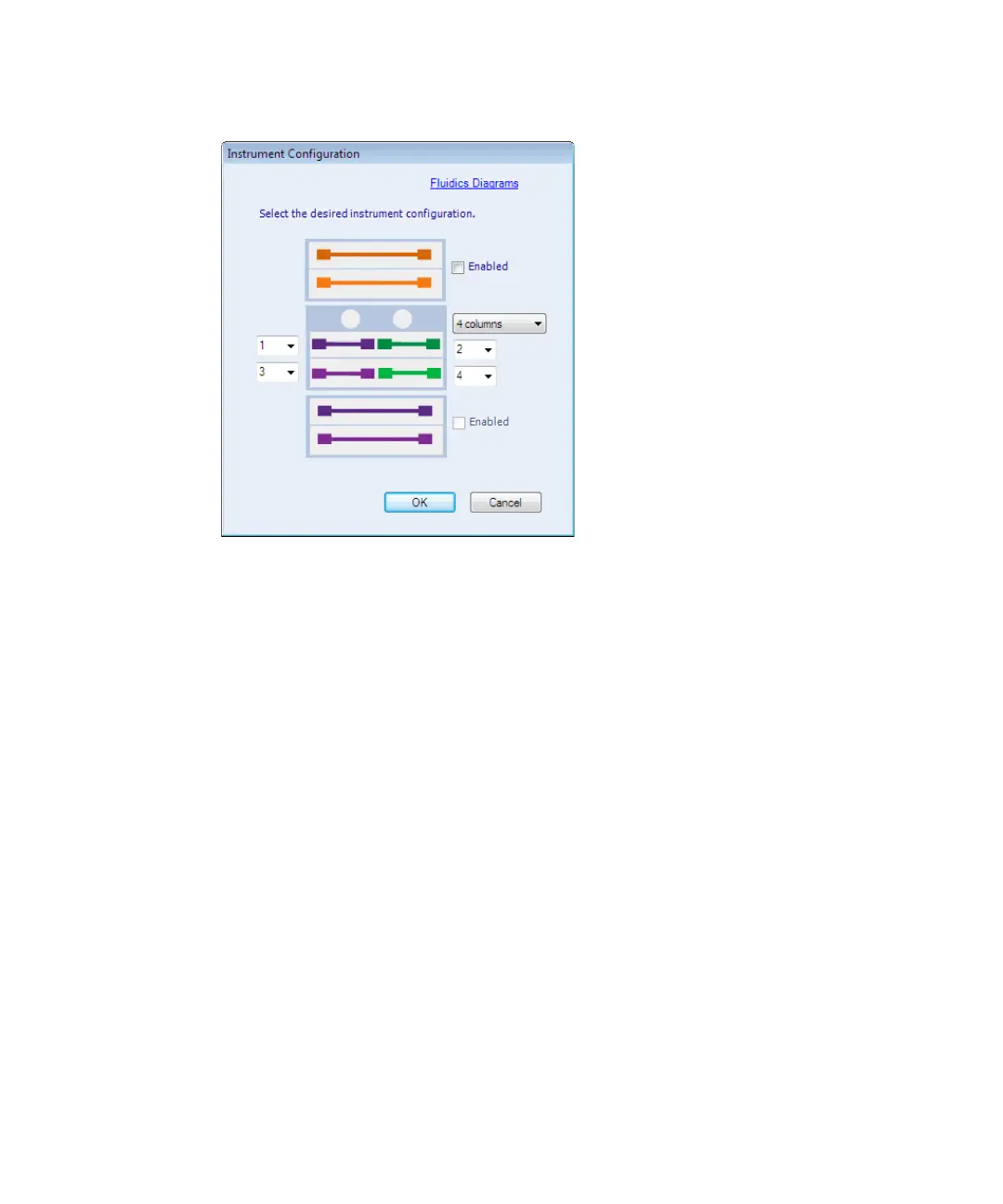
Four-column configuration using 50 mm columns:
4. Enable the upper and lower CM-Aux, as necessary, and then click OK.
Tip: When you enable the upper CM-Aux, the default CM-A column
numbers change to 3 and 4.
5. In the Configuration Confirmation window, click OK, reboot the CM-A,
and then click OK to restart the ACQUITY UPLC Console.
6. From the ACQUITY UPLC Console, click Configure > Arrange
Instrument Modules, and then click and drag the instrument modules to
appropriate locations, if necessary.
Advanced mode
When using the advanced mode of operation, you can directly control two
internal, 6-port, 2-position valves in the CM-A through the Advanced Mode
features in the inlet method editor.












 To Next Page