Waves eMotion LV1 Classic User Guide | Introduction
S
CENES
M
ENU
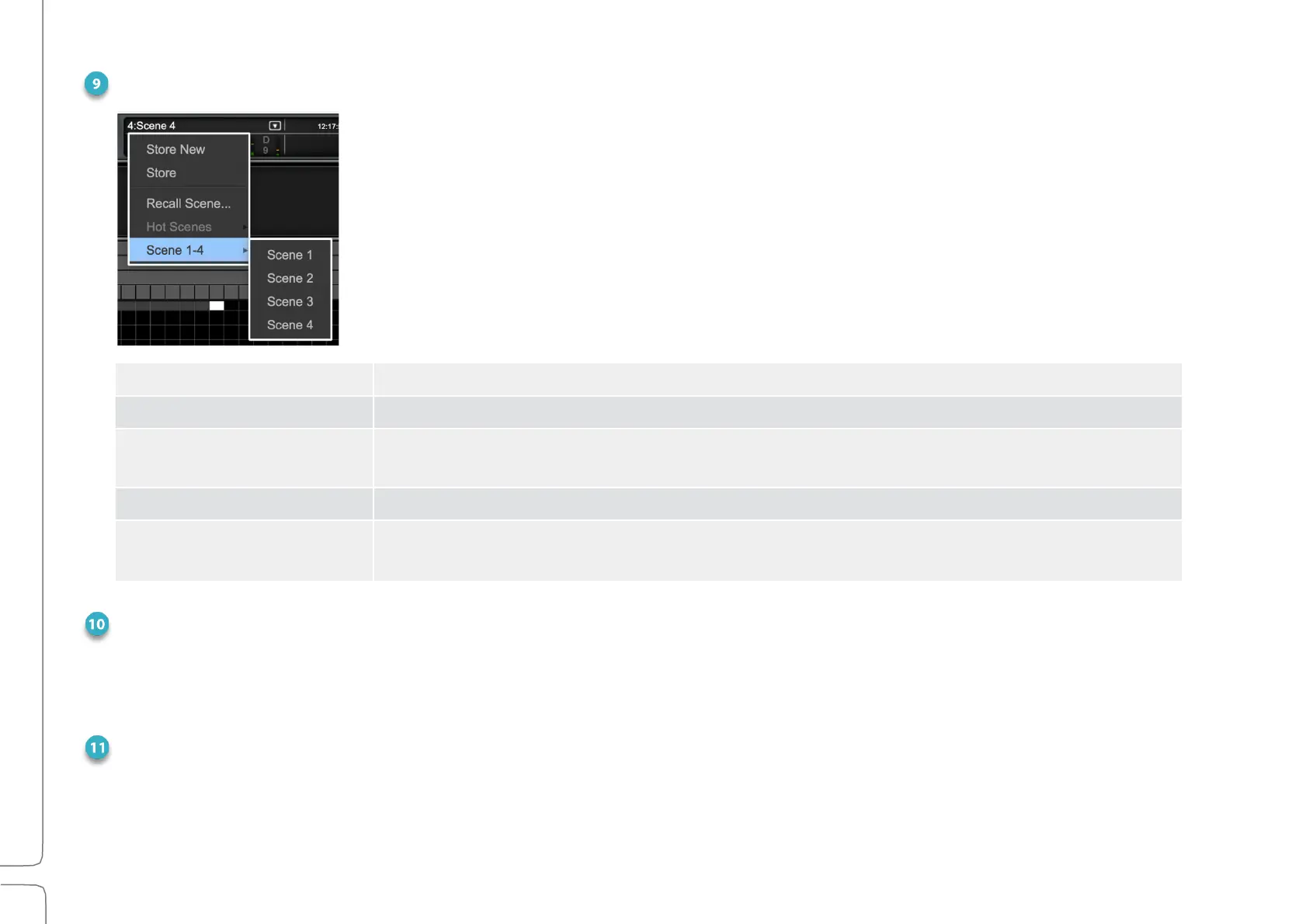
The Scenes menu is used to quickly store and recall scenes within the current
session. The name of the current scene is displayed in the box. If a scene has been
modified since it was recalled, it is followed by an asterisk (*). The Scenes menu is
accessible from any window.
Creates a new user-named scene based on the current condition.
Overwrites the recalled scene with the current mixer condition.
Directly recalls a scene based on its place in the scenes list. Type a number and the
corresponding scene will be recalled.
Provides immediate access to up to eight high-priority Hot scene snapshots.
Scene 1–32
(scene select submenu)
Shows all scenes associated with the session in banks of 32
scenes (maximum number of scenes: 1000).
MESSAGES
Reports network status. Messages may indicate a sample rate mismatch, a general change in network
status, a buffer overload, etc. Troubleshoot network and device issues in the System Inventory page (Setup
> System Inventory).
RECORD INDICATOR
A red REC button indicates that the onboard recorder is in record. Click the REC button to open a drop-
down menu to start and stop record and to access the Media Player.



 To Next Page