Waves eMotion LV1 Classic User Guide | Chapter 2: Channel
Window Window
Input Section for Mix Channels
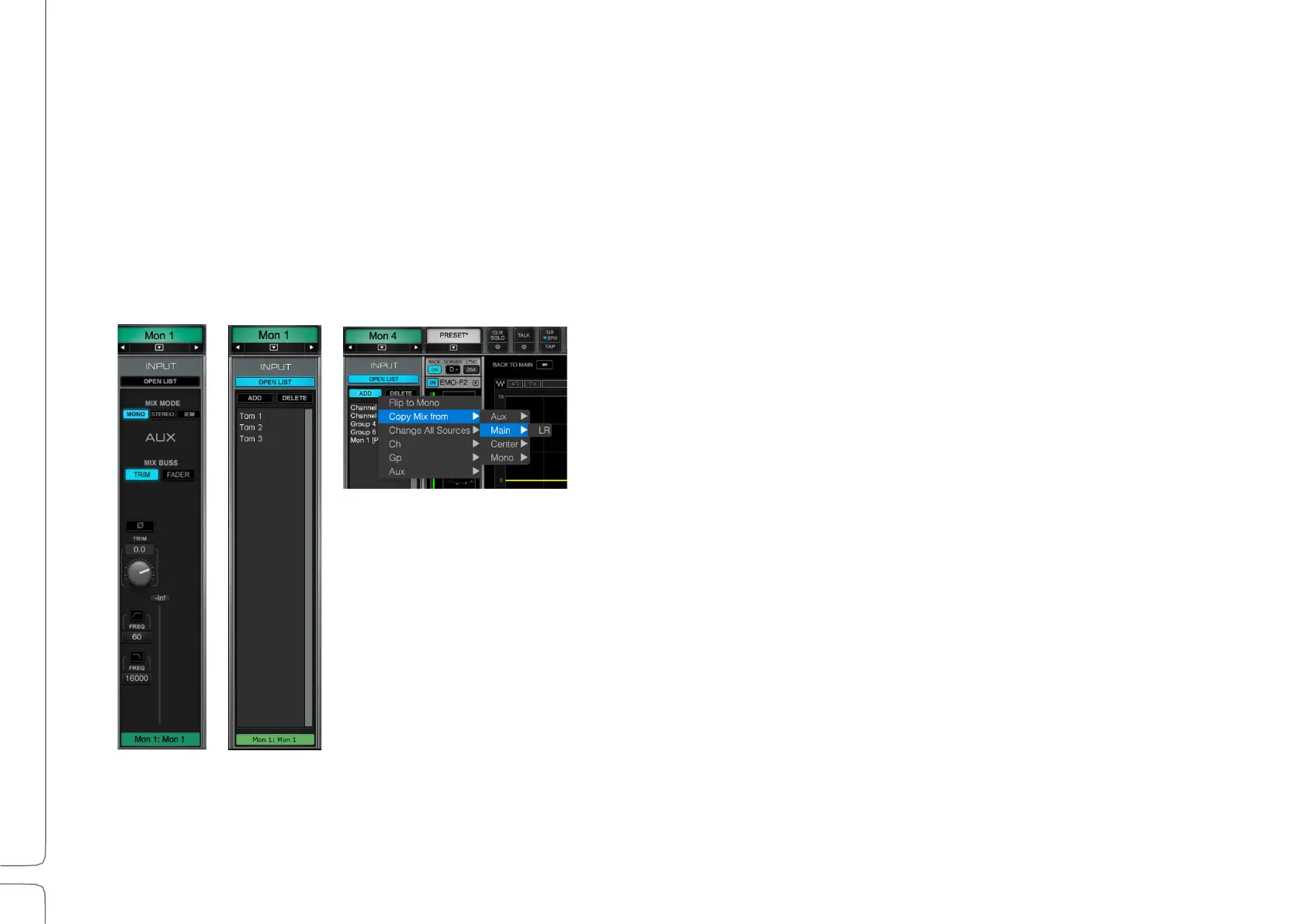
A mix channel gets its input from its associated mix buss. The channels that route to this buss are mixed together
and end up in the mix channel for processing and for further assignments or sends. eMotion LV1 provides different
mix busses for different applications, such as Groups, AUX/EFX, AUX/MON, Main LRCM, Matrix, and Cue.
The Open List button opens a panel for adding channels to the buss. Click Add to open a drop-down menu of
assignable sources. The list of available channels and busses varies according to a channel’s place in the signal flow.
Use the Mix Mode switch to toggle an AUX or Group buss between mono, stereo, or IEM
immersive monitoring. All Groups default to stereo.
Input section
input select
Drop-down menu for choosing
channels and busses



 To Next Page