Waves eMotion LV1 Classic User Guide | Chapter 2: Channel
Window Window
Main Control Section
If you are in a plugin user window, click on the Back to Main button to open the Main Control Section.
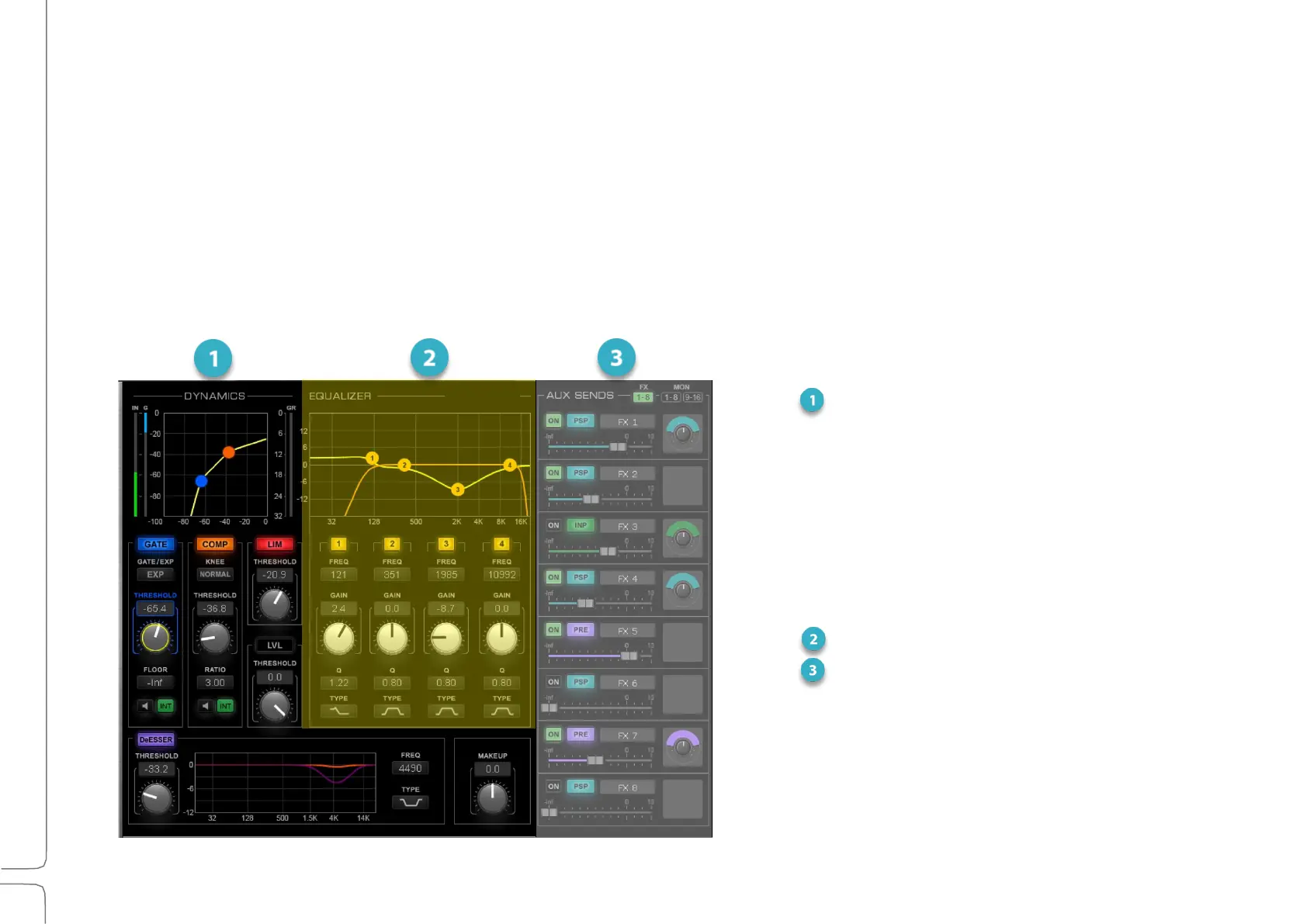
The Main Control Section enables you to view and control important plugin parameters. A compatible dynamics
processor, a multiband EQ, and an HP/LP filter can be assigned to these controls. Controls in the Main Control
Section map to their plugin equivalents in the plugin user interface.
This is the primary mixer section for sending channels and busses to Aux channels. Send level, send source, and
pan/rotation are controlled here.



 To Next Page