Waves eMotion LV1 Classic User Guide | Chapter 3: Setup
Window
Setup
An unshared device that is assigned to an LV1 Classic console’s inventory and that is not share-enabled is
available solely to that console. Once the device is available to other users for sharing, the console is the
manager of the device. Other systems (clients) can now assign free I/O channels from the managed device. A
client can assign free I/O channels to its inventory, but with less control.
ENABLE SHARING ON AN ASSIGNED DEVICE
To enable other systems to share from a drive that you have assigned to your system, follow these steps.
• Go to the System Inventory.
• Assign the device to your inventory (if not already assigned).
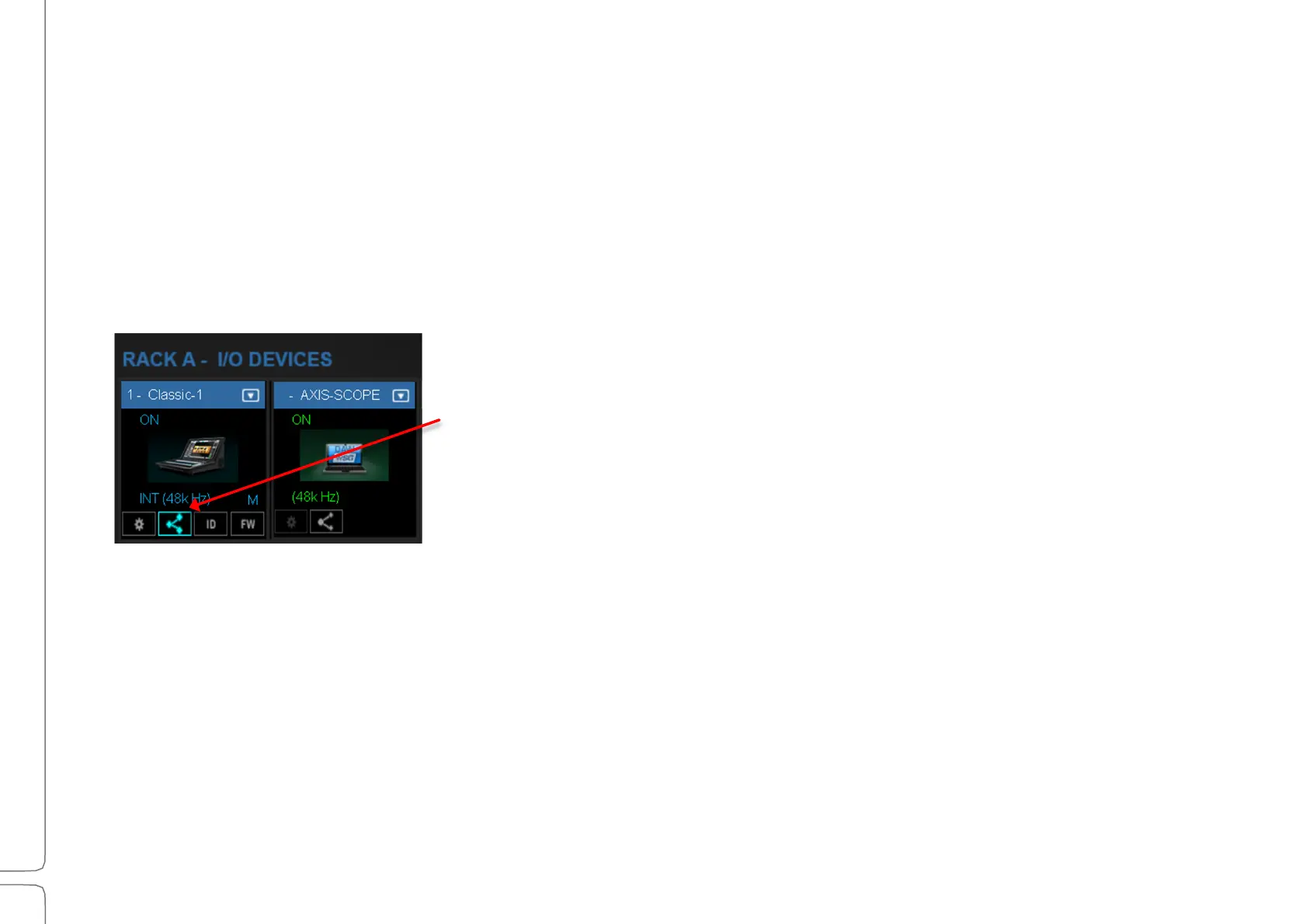
• On the assigned device you wish to share, click the Sharing icon.
Other systems can now assign this I/O device to their inventories and
patch available I/O channels.
• Sharing can also be enabled from the Device menu in the Mixer
window and in the Patch window.
A shared device can have multiple clients (within the limits of the device’s maximum output to the
network). A device, on the other hand, can have only one master. Each destination establishes a direct
connection from the shared IO device, increasing the total outputs to the network.
When an I/O device is removed from the manager’s inventory, it becomes free and it can be assigned by
any other LV1 system.



 To Next Page