Waves eMotion LV1 Classic User Guide | Chapter 1: Mixer
Window Window
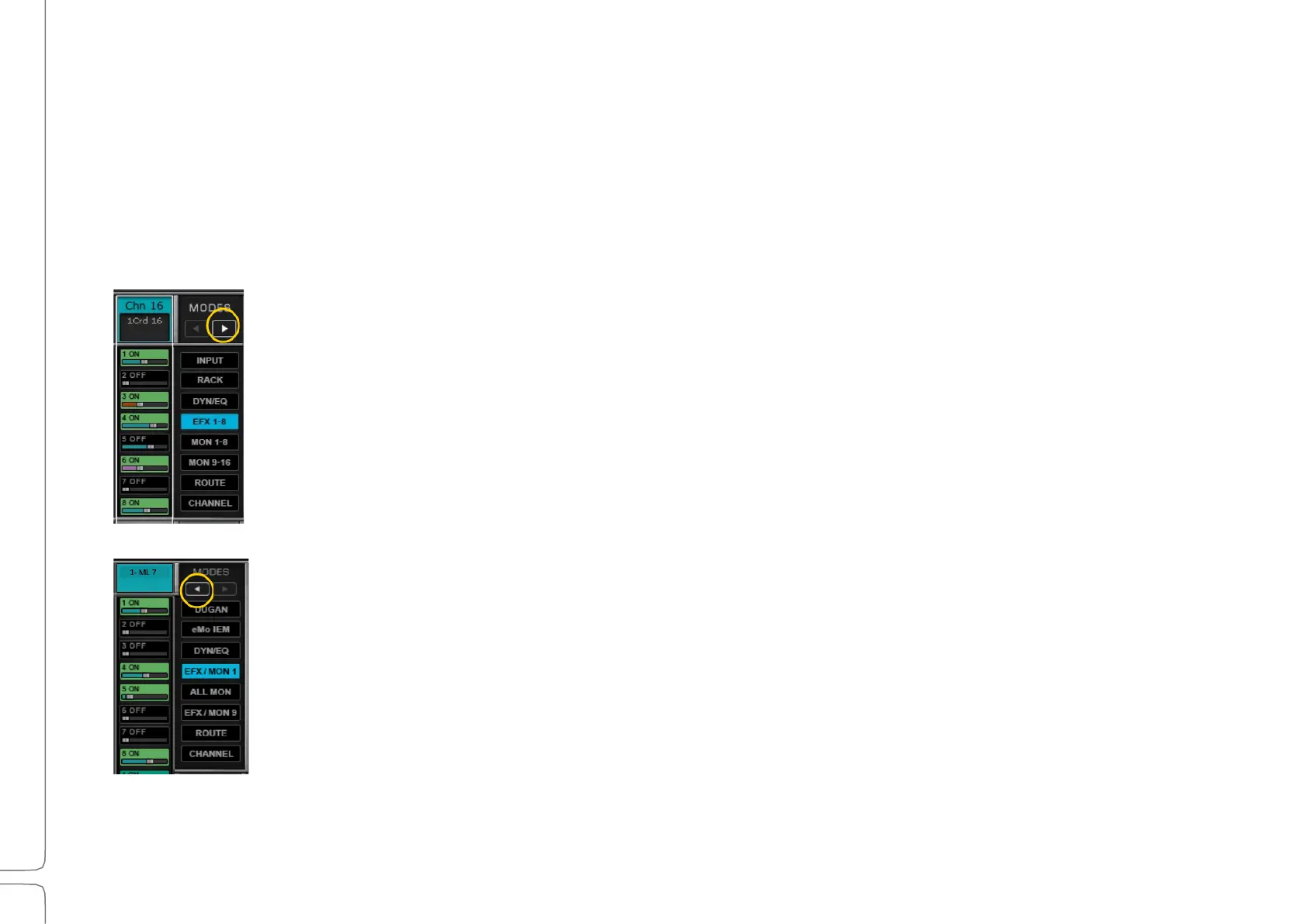
Aux Sends Modes
All Input channels and groups can be sent to Effects and Monitor aux busses. Each aux buss can have up to eight plugins
and can be assigned directly to I/Os, to the main outs, or to the matrix. Effects busses can also be sent back to later effects
busses. Effects busses can be sent to Monitor busses.
EFX busses can be sent post-processing to MON busses and to the main mix. Mon busses can be sent
directly to an I/O device. Aux channels are controlled in the AUX layer of the Mixer window.
Refer to the eMotion LV1 signal flow diagrams (Chapter 6) for more information.
There are six Aux modes on two pages.
Page One
The eight EFX busses are used primarily for effects processing, with up to eight
plugins per aux channel. Because of their position in the signal flow, these
busses can be sent to the main out or to other destinations. They can be sent to
the monitor aux busses to provide common effects processing. EFX busses can
also be sent to other EFX busses that have higher index numbers (a later EFX
buss).
Displays the MON channels in sets of eight. When using an aux for monitoring,
the aux channel is assigned directly to an I/O that feeds the monitor.
Displays 16 channels: EFX 1–8 and MON 1–8
Displays all 16 MON channels
Displays 16 channels: EFX 1–8 and MON 9–16
Each source channel sent to an aux buss can have its own gain and pan settings.



 To Next Page