Waves eMotion LV1 Classic User Guide | Chapter 1: Mixer
Window Window
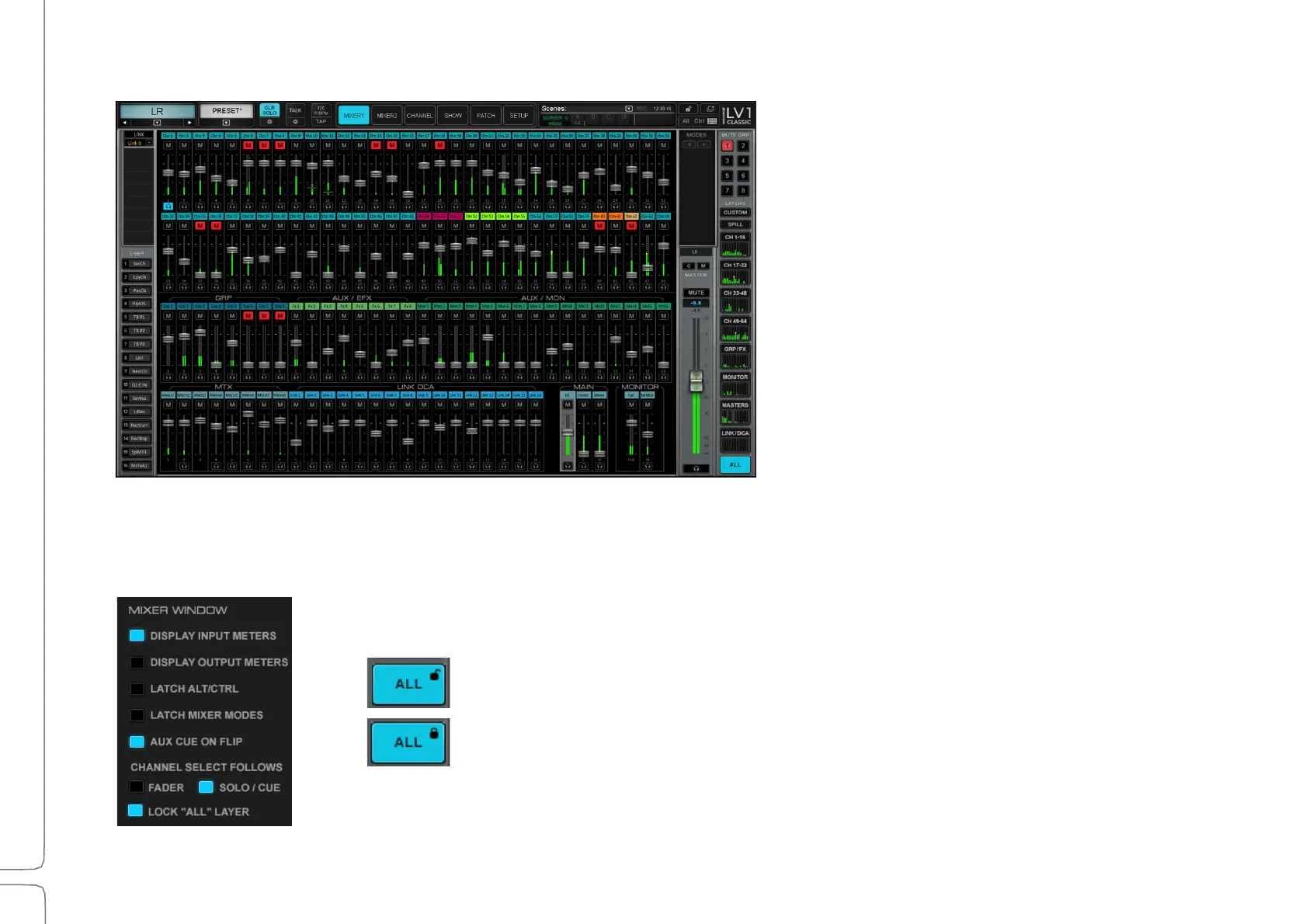
All Mixer Overview
This provides an overview of all channels in
a session. Each small channel strip includes
a cue control, fader, meter, and mute.
Touch a channel number to open its
channel mode view.
Layer types are color-coded for clarity.
There are no modes in the All Mixer
Overview layer.
The All Mixer Overview can be locked to prevent selecting other layers in the mixer (Mixer 1 or 2). This keeps you on the
ALL layer when you touch a fader, rather than taking you to the Channel mode.
Enable “Lock ALL Layer” in the UI Settings page.
Toggle the ALL layer lock on or off using the buttons on the right side.



 To Next Page