Waves eMotion LV1 Classic User Guide | Chapter 2: Channel
Window Window
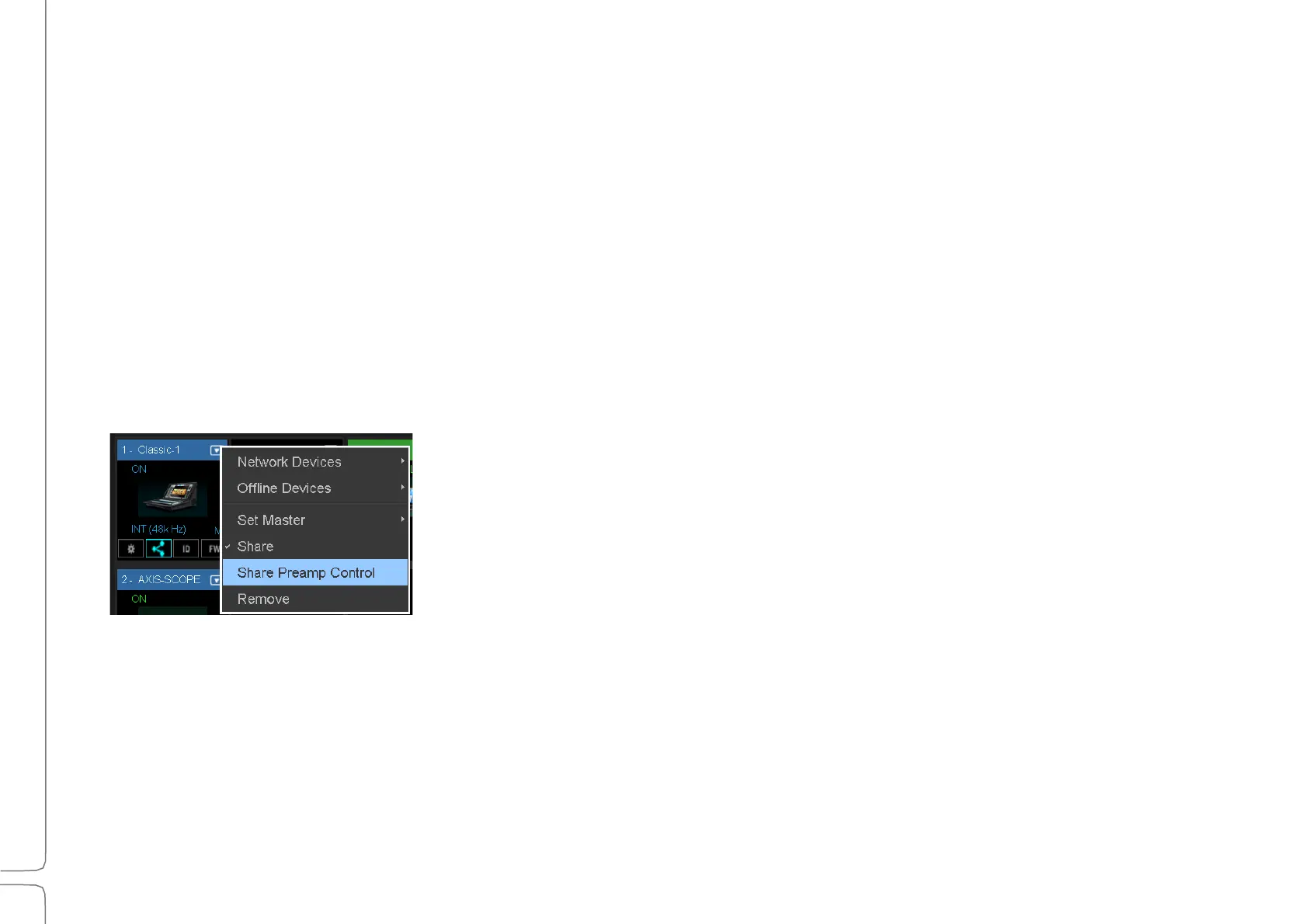
Characteristics when sharing preamps in Local mode:
• Changes to preamp analog gain (Preamp mode) will not affect the channel input gain of any user who is
operating in Local mode.
• A channel set to Local mode can adjust its gain without changing the preamp analog gain; Local level is
controlled by V-Gain.
• Local users will see a green ring around the V-Gain knob, indicating the difference between the Preamp
analog gain and the V-Gain setting.
Preamp state (Preamp or Local) and Gain values are saved with the session and are recalled when the session is
loaded. The Gain and V-Gain values can also be stored with scenes. When recalled, the value will be applied to
Gain or V-Gain, depending on which mode is active. When moving from Local to Preamp mode, the V-Gain
value is sent to the Preamp control, and the preamp takes on the V-Gain value.
I/O Sharing
Multiple eMotion LV1 systems can be connected through an Ethernet switch to
create a networked “super system.” Users throughout this super system can
assign any available I/O device to their eMotion LV1 system. For details, refer
to the Setup window chapter.
7–P
REAMP
P
OLARITY
R
EVERSE
Reverses the polarity of a preamp input channel. Independent left and right controls.
Options: On/Off, default: Off



 To Next Page