Waves eMotion LV1 Classic User Guide | Chapter 2: Channel
Window Window
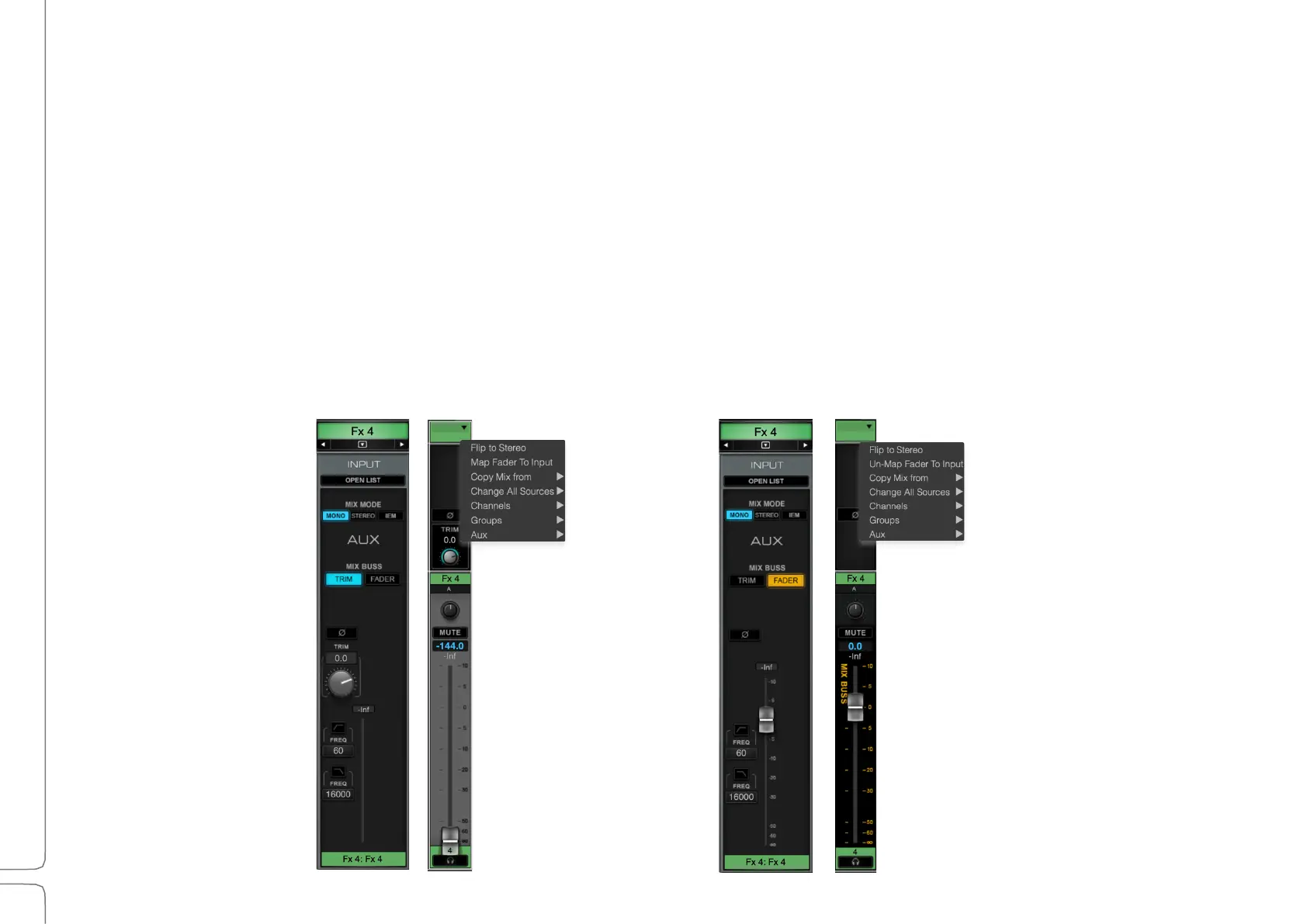
Mix Buss Select: FX/Mon Input Fader mode
Use the Mix Buss selector to set the behavior of the Aux channel.
The Trim knob controls the input gain of the channel. This behaves the same as
with input channels.
Input The Trim knobs are replaced with a single input fader. When engaged, the Input
Fader is mapped to the mixer fader of the selected buss, instead of the output fader.
This allows for global control over the aux buss input, as required for specific effects
such as a throw delay. When Fader is selected, the mixer fader background color
changes to indicate the input buss mode.
This behavior can also be set in the Mixer Window.



 To Next Page