Waves eMotion LV1 Classic User Guide | Chapter 2: Channel
Window Window
C
UE
Sources: Channel, Group, Aux, Main, Center, Mono, Matrix, and Alternate Input
This Input list reflects the Mixer channels whose Cue/Solo buttons are activated. Deactivating a channel strip Cue
button removes it from the Cue Input list. “Alternate Input” provides a fallback source when no Cue channels are
selected. The Cue section is discussed later in this chapter.
M
ATRIX
The Matrix Input section allows for selecting up to 12 busses for each of the 8 Matrix channels. When this limit is
reached, the ADD button is disabled until one or more source busses are removed. The Matrix is described later
in this section.
I
NPUT
S
ECTION FOR
L
INKS
/DCA
S
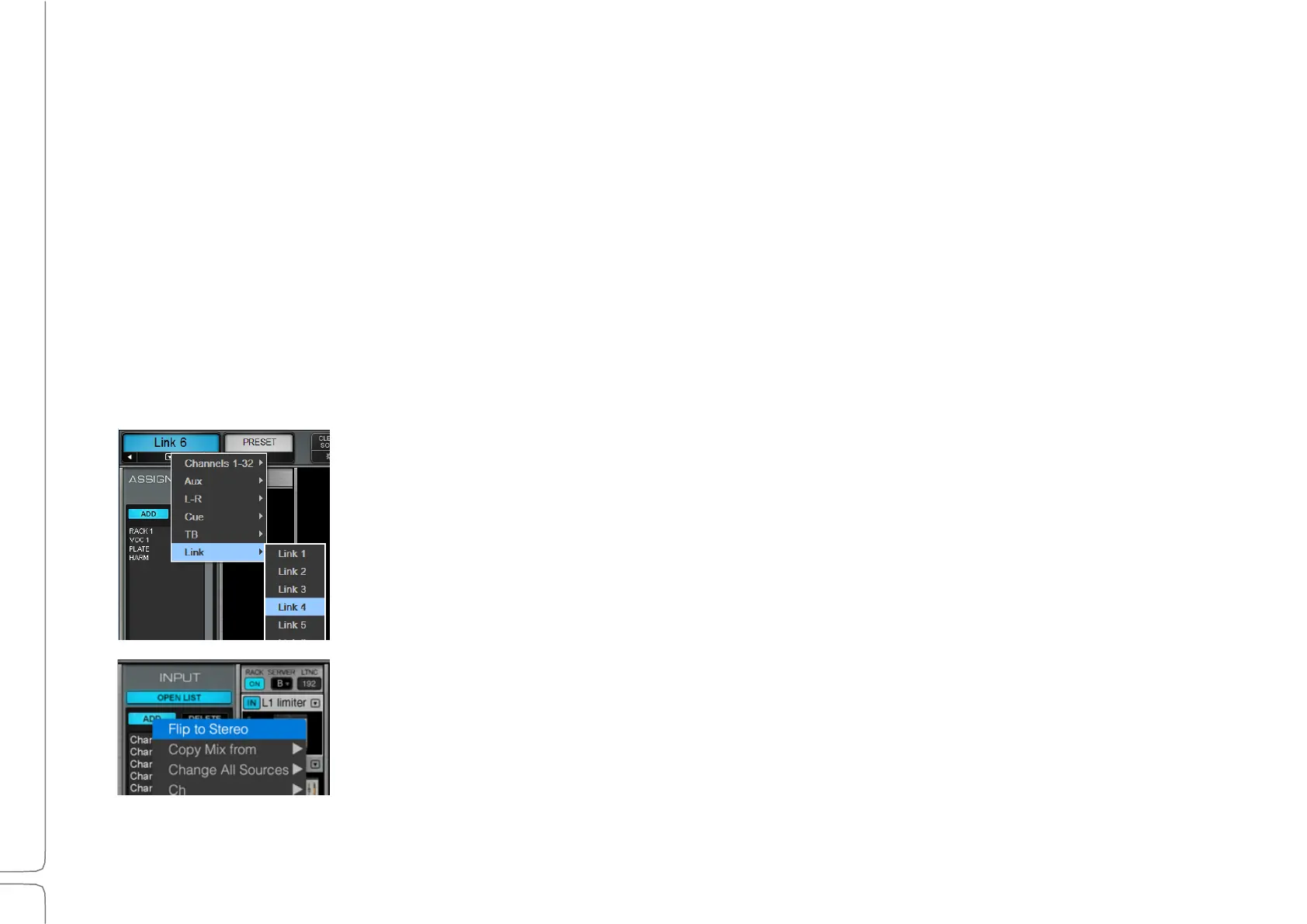
Links and DCAs control several channels together, although they do so in different
ways. Note that link channels are for control only, not sound. So, there are no
“audio inputs.”
To flip a channel input between mono and stereo, go to the channel’s
Input section, click Add, and choose Flip to Stereo or Flip to Mono from
the drop-down menu.



 To Next Page