Waves eMotion LV1 Classic User Guide | Chapter 2: Channel
Window Window
3–A/B
I
NPUT
S
ELECT
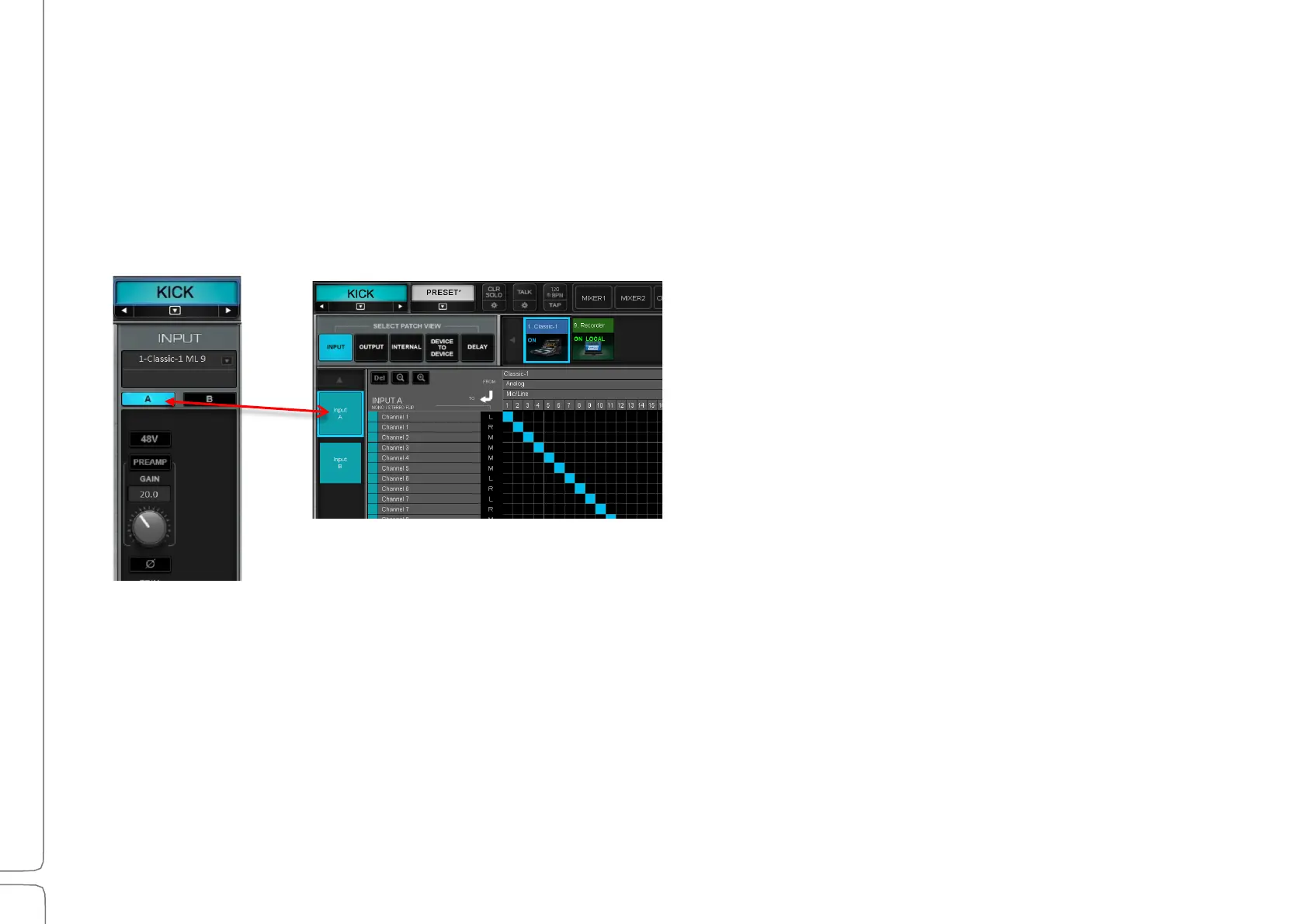
The mixer has two independent sets of inputs: A and B. These inputs can share the same I/O devices and channels or
use different ones, as long as all I/O devices are in the system inventory of this eMotion LV1. Define input sets in the
Patch page.
Refer to Patch >Patching Mixer Inputs
Options: Input A or B
t
4–L
EFT
/R
IGHT
L
INK
(
STEREO CHANNELS ONLY
)
Links the left and right channels for all Input section controls. Parameter value offsets between left and right are
maintained when linked. Default: Off
Patch window, Input view, Input A tab
Channel
window
Input section



 To Next Page