Step 4 Display videos.
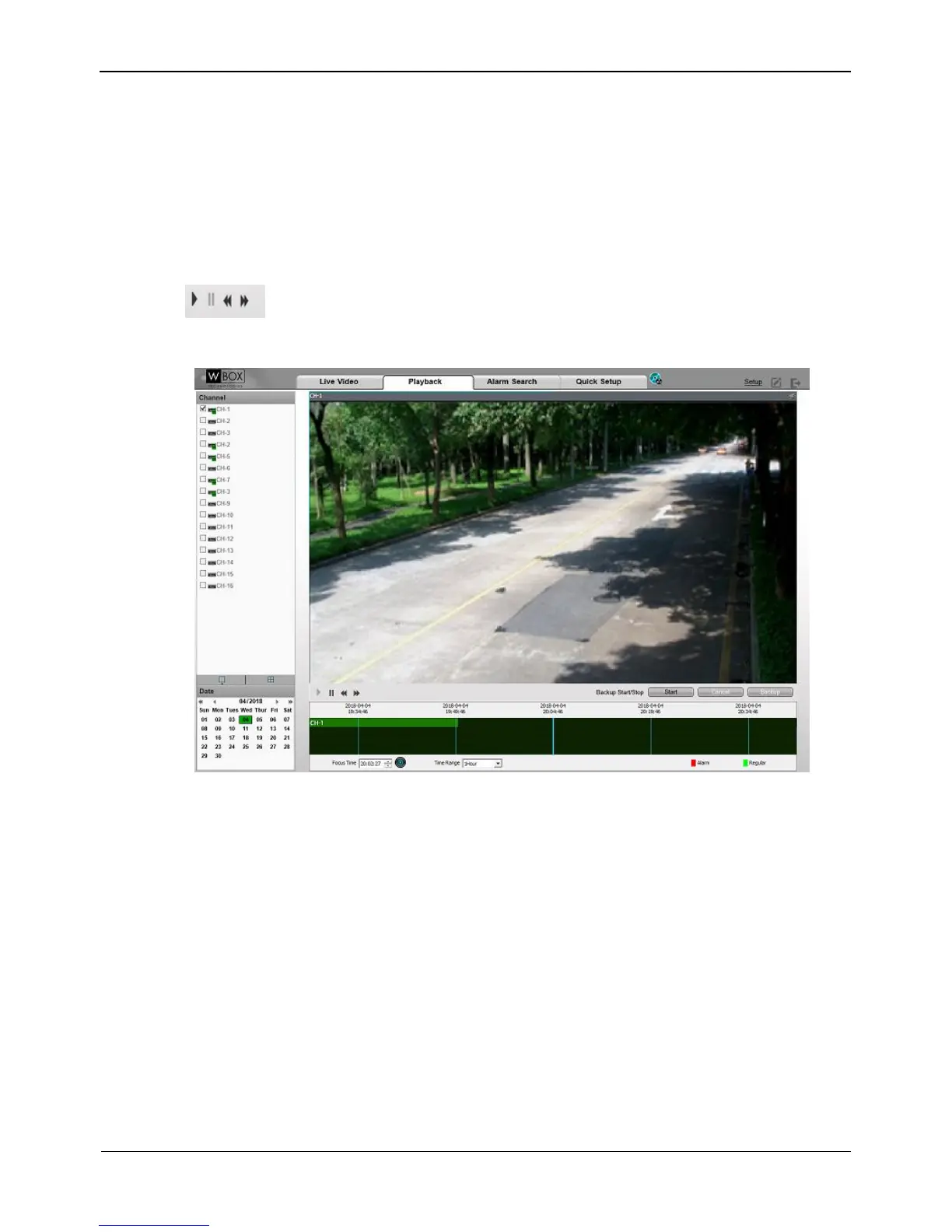
After a camera and date are selected, video information is displayed below the video
pane. The time scale above the file axis shows the different time points of video
recording. The time in blue in the middle is the time of the video being played.
The file axis displays videos. Alarm videos are in red and ordinary videos are in green.
Step 5 Play a video.
After selecting a camera and date, the video begin to play.
: indicates play, stop, fast-forward, and fast-backward from left to right.
Figure 9-3 Playback interface
-----End
9.4 Alarm Search
Step 1 Click Alarm Search in the navigation bar at the top of the web interface.
The Alarm Search interface appears, as shown in Figure 9-4.



 To Next Page