iPump User’s Manual
wegener.com 23 800009-01 Rev. A
LED
Indicators
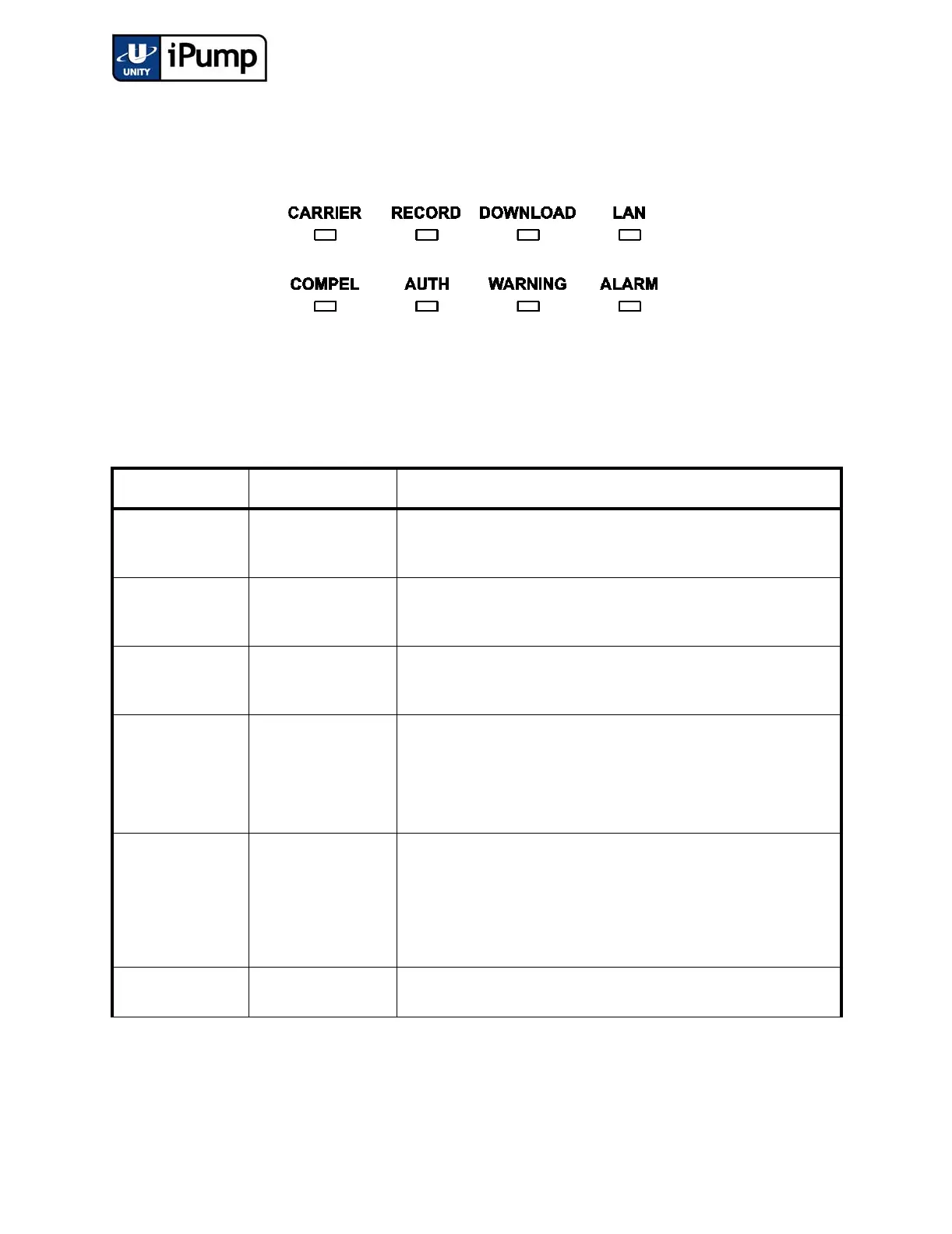
These eight light-emitting diodes (LEDs) provide status information about
your iPump and its processes. Table 7 on page 23 provides the meaning of the
color and state of each LED.
Figure 3.3 LED Indicators
Table 7: LED Indicator Descriptions
Indicator Label Color and State Meaning
CARRIER
GREEN constant Receiver is tracking carrier.
GREEN slow blink Receiver is not tracking carrier.
RECORD
GREEN constant iPump is recording a program.
Off iPump is not recording.
DOWNLOAD
GREEN constant iPump is downloading a file via Compel.
Off iPump is not downloading.
LAN
GREEN constant Light network activity over the iPump’s LAN interface
GREEN slow blink Heavy network activity over the iPump’s LAN interface
Off iPump observed no packet transfers on the LAN interface during the
last 20 seconds.
COMPEL
GREEN constant iPump has received a COMPEL command within the last two min-
utes.
GREEN fast blink iPump has been addressed by COMPEL within the last five seconds.
GREEN slow blink iPump is in tracking mode, COMPEL is required, but no COMPEL
command has been received within the last two minutes.
Off COMPEL is not required and not received within the last two min-
utes; or, iPump is not in tracking mode.



 To Next Page