iPump User’s Manual
wegener.com 45 800009-01 Rev. A
Playlist
Management
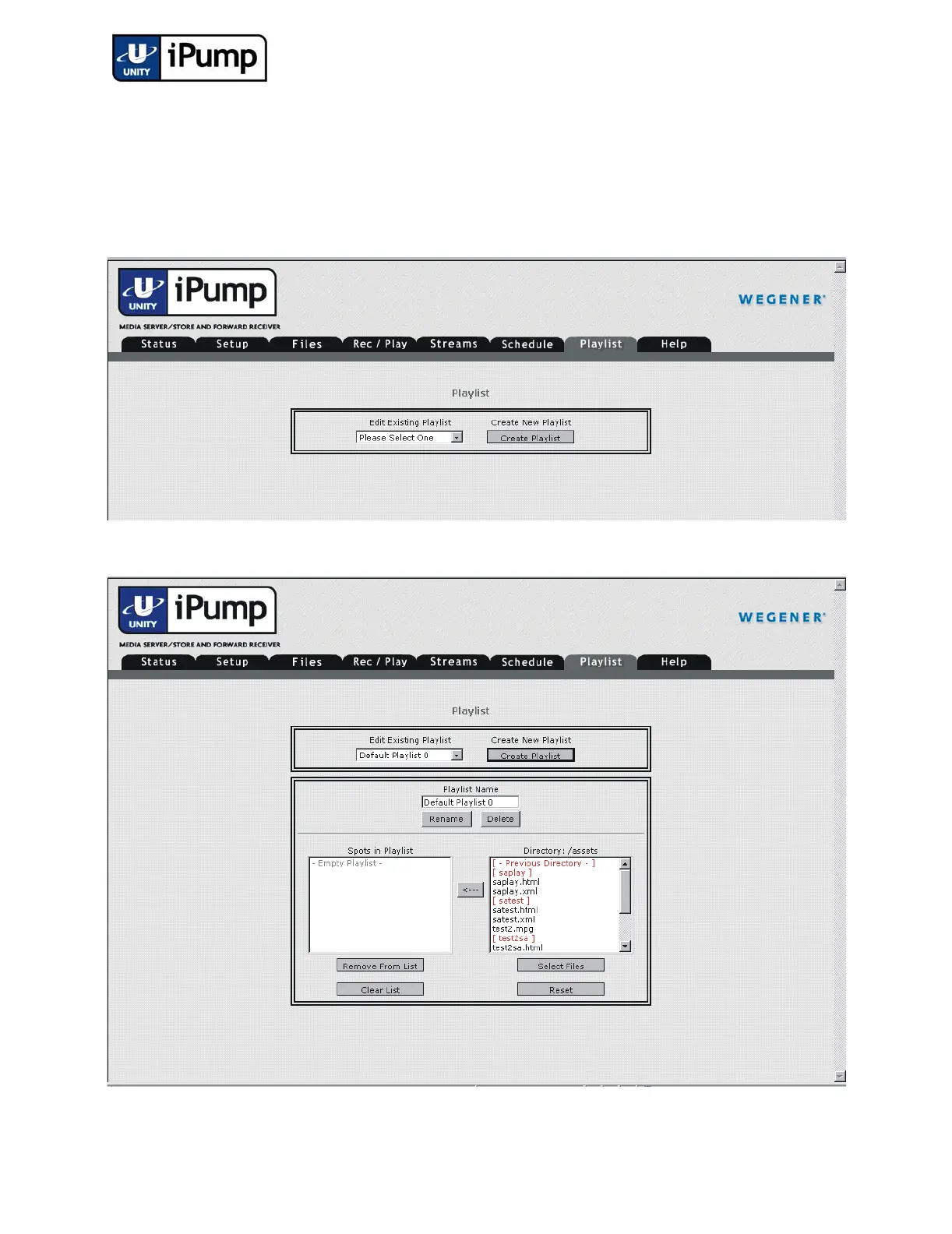
With iPump playlists, you can set up and play a stored sequence of programs
without interruption. (Playlists are stored in nonvolatile memory such that they
remain available after unit reboots.) Create or edit playlists from the web inter-
face using the following procedure:
a) Click the Playlist tab from your web browser interface
b) To create a new playlist, first click the Create Playlist button.



 To Next Page