iPump User’s Manual
wegener.com 37 800009-01 Rev. A
Live Program
Play
When set up for live program play, the iPump decodes an incoming MPEG
stream from the received DVB satellite signal and decrypts and decodes the
audio and/or video from the selected program to the connected audio and video
monitors. Two live programs from the same DVB carrier may be played simul-
taneously if your iPump has the optional second decoder.
a) To set up the iPump for live program play, first ensure the appropriate
RF input and audio and/or video output connections have been made.
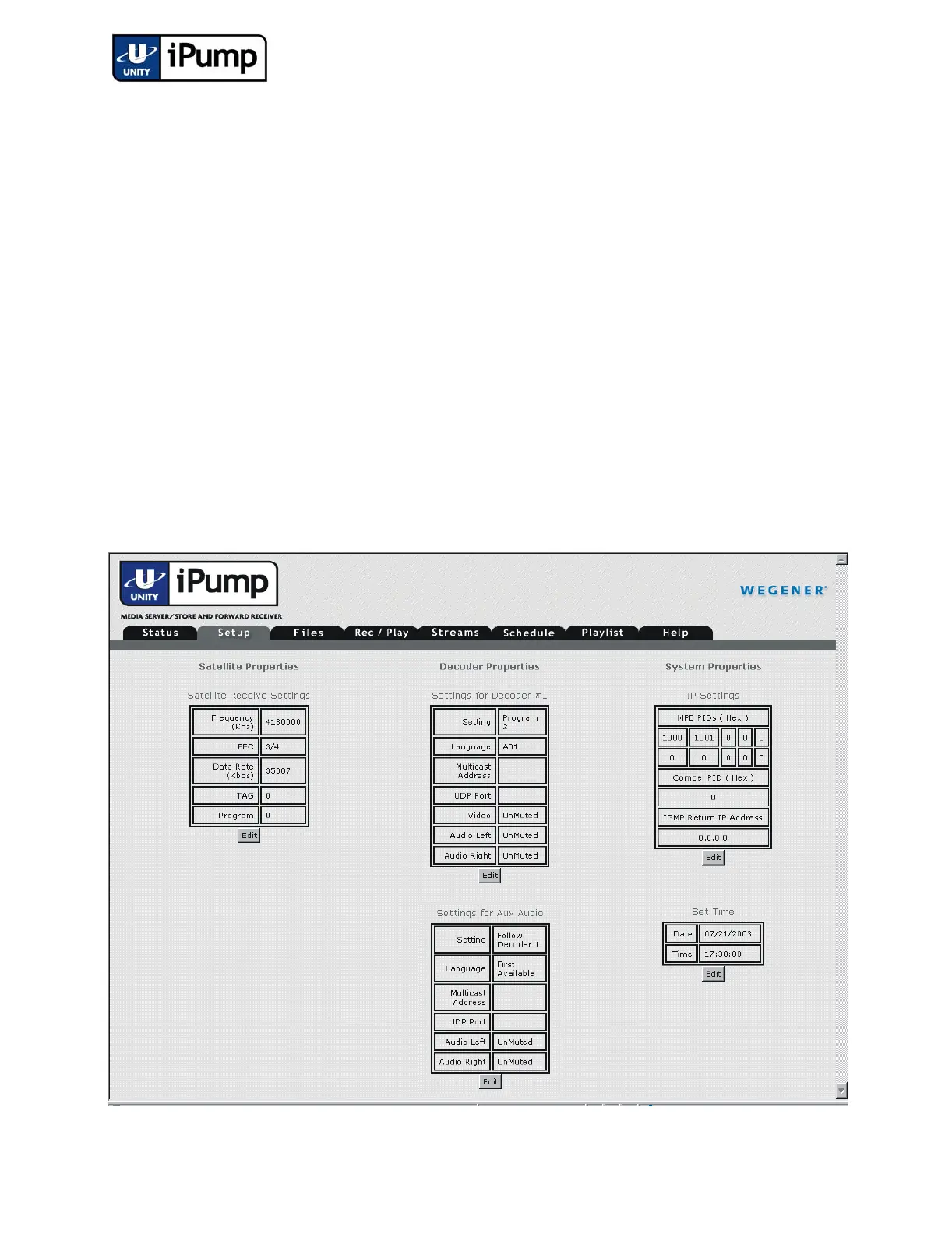
b) Next, ensure that the proper RF settings have been selected. Check that
downlink frequency, transport data rate, FEC ratio, and program
number are properly selected before playing a live program.
NOTE: The LNB LO frequency may only be set from the front panel. In
typical operation, changes to this setting are not usually necessary after initial
unit setup.
c) From your web browser, click the Setup tab to display the various
iPump settings. (The Aux Audio settings only appear for units
equipped with the Aux Audio option.)



 To Next Page