iPump User’s Manual
wegener.com 33 800009-01 Rev. A
Date/Time
Setup
NOTE: When operating under the Compel network, date and time settings are
overwritten by Compel. Time zone and Daylight Savings Time settings,
however, remain under local control and should be set by the user.
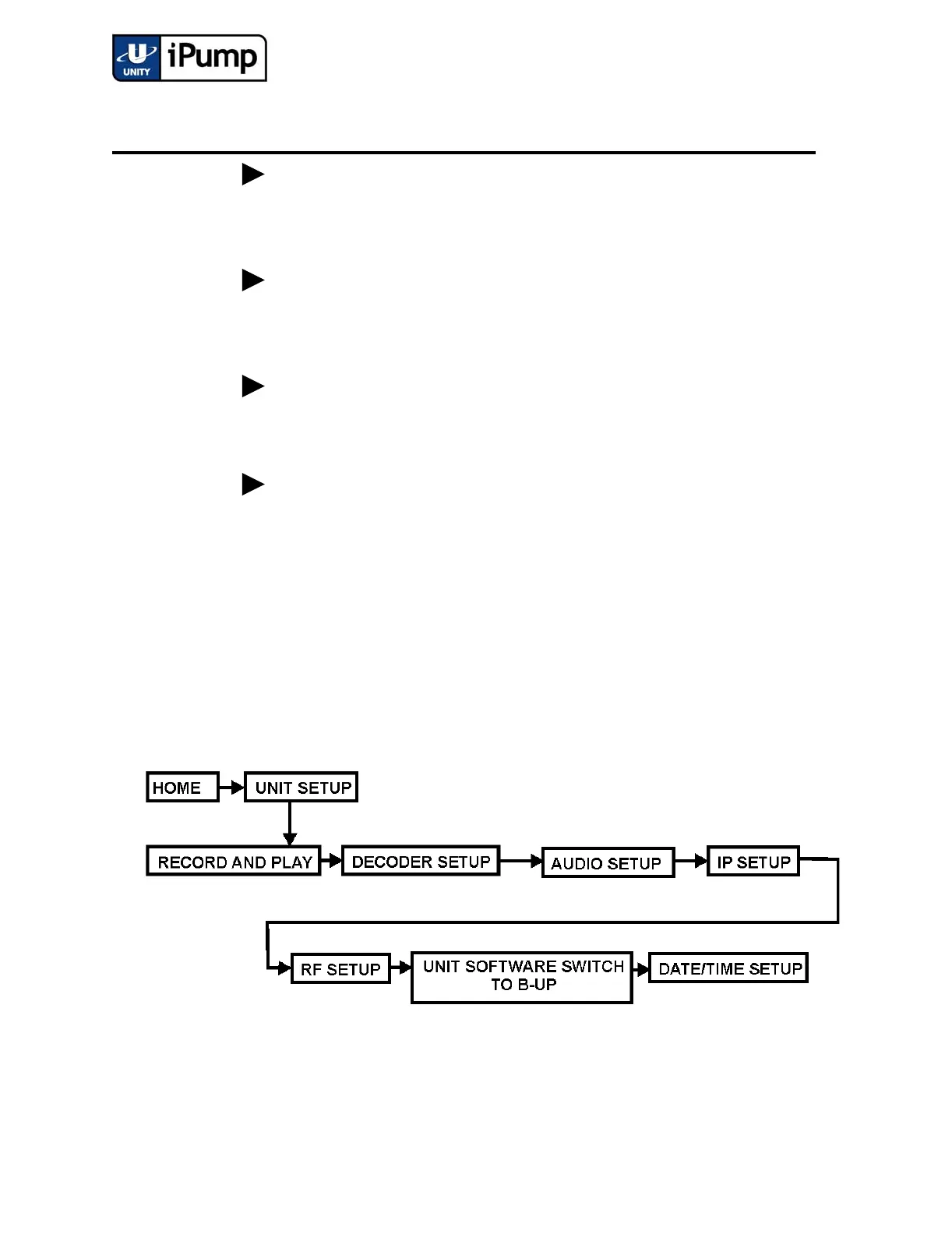
Set up the date and time for your iPump during the initial setup. First navigate
to the Date/Time Setup screen. (Date/Time setup may also be performed from
the browser interface under the SETUP tab.)
e) RF-MOD/FEC RATIO:
QPSK 3/4
User Input -
Selectable
RF modulation is QPSK. Available forward error correc-
tion ratios are 1/2, 2/3, 3/4, 5/6, and 7/8.
f) PROGRAM NUMBER:
00001
User Input -
Editable
Enter the number or code of program to select from
stream.
g) TAG SITE:
<Unused>
Values entered in this field will not affect iPump opera-
tion.
h) SAVE ALL CHANGES?
YES<ENT> NO<ESC>
User Input -
Selectable
Press ENTER to save or ESC to cancel all RF Setup
changes and return to the Current Channel screen.
Step Press Displayed/Field Details Screen Type



 To Next Page