iPump User’s Manual
800009-01 Rev. A 26 wegener.com
Web Browser
Operations
Startup
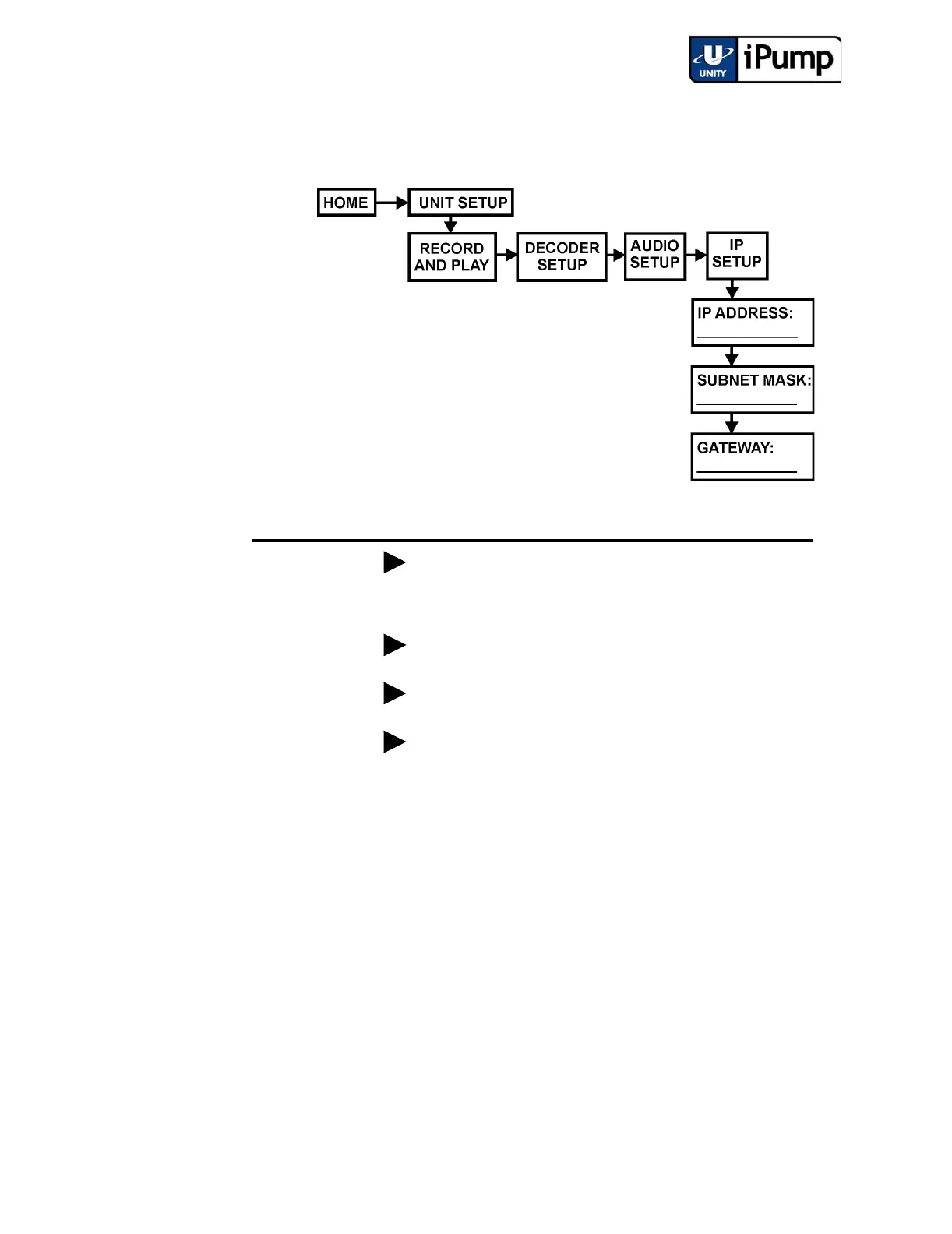
For HTML control and status checking from a web browser, first navigate from
the home screen to the IP Setup screen. (iPump operations performed via a web
browser are described under 3.6 iPump Operations by Function.)
Press ENTER
and take note of the iPump's IP address displayed on the screen.
Then use the following steps to gain control of the iPump from your web browser:
NOTE: It may be necessary to set the IP address, subnet mask, and gateway to
specific values - consult your local network administrator. Include leading
zeros in addresses entered from the iPump front panel, but not when entering
them from the browser interface.
a) Open a current-version internet browser from a computer on the LAN
attached to your iPump.
b) In the browser's address field, enter the IP address noted from the IP
Address screen and the Status tab of the iPump web interface will
appear.
Step Press Displayed Screen Type
a) UNIT SETUP
Menu
b) ENTER RECORD AND PLAY
Menu
c) DECODER SETUP
Menu
d) AUDIO SETUP
Menu
e) IP SETUP
Menu



 To Next Page