iPump User’s Manual
800009-01 Rev. A 48 wegener.com
3.7 Unit Software Switch
The Unit Software Switch function is only available from the iPump front
panel. Use the following procedure to switch between versions of application
software loaded on your iPump:
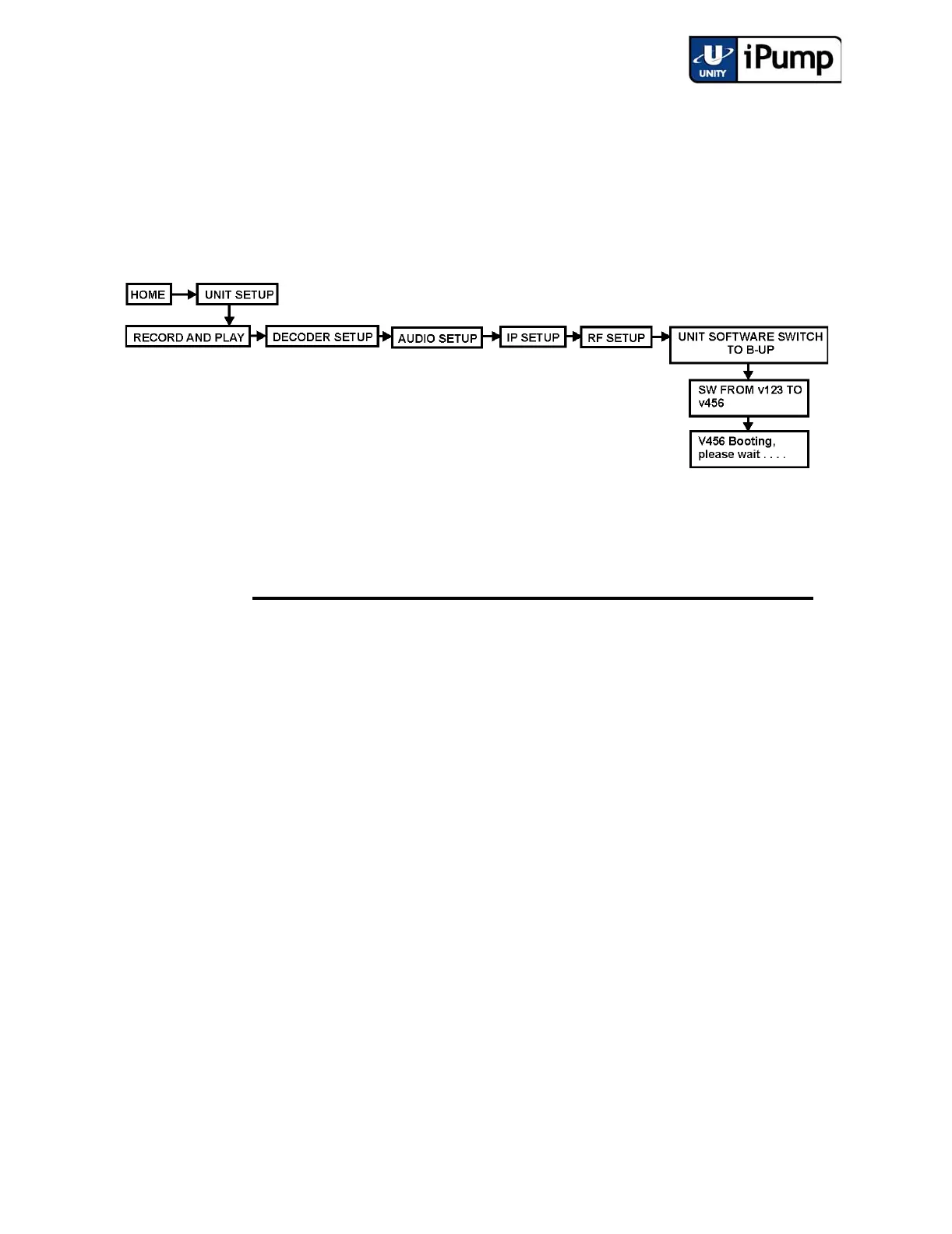
From the iPump front panel, navigate to the Unit Software Switch to B-Up
screen.
From the Unit Software Switch screen, switch software as follows:
Step Press Displayed/Field Details
Screen
Type
a) ENTER SW FROM V230 TO
V340
Menu
The available software version switch is dis-
played. Press ESC if you do not wish to make
the switch shown. Press ENTER to begin boot-
ing the alternate application software version.
b) ENTER V340 Booting,
please wait . . . . .
Status
Display
The expanding and contracting ellipsis (line of
periods) indicates that the alternate software is
booting.



 To Next Page