iPump User’s Manual
800009-01 Rev. A 36 wegener.com
3.6 iPump Operations by Function
Most iPump functions can be performed locally from either the front panel or
from a web browser attached to the iPump via Ethernet. However, web
browser operation is described in this section because after initial configura-
tion, that is the method by which most local operations will be performed.
Operations are listed and described by function.
Monitor
iPump Status
Monitor iPump status as follows:
a) Enter the iPump's IP address in the address bar of your web browser.
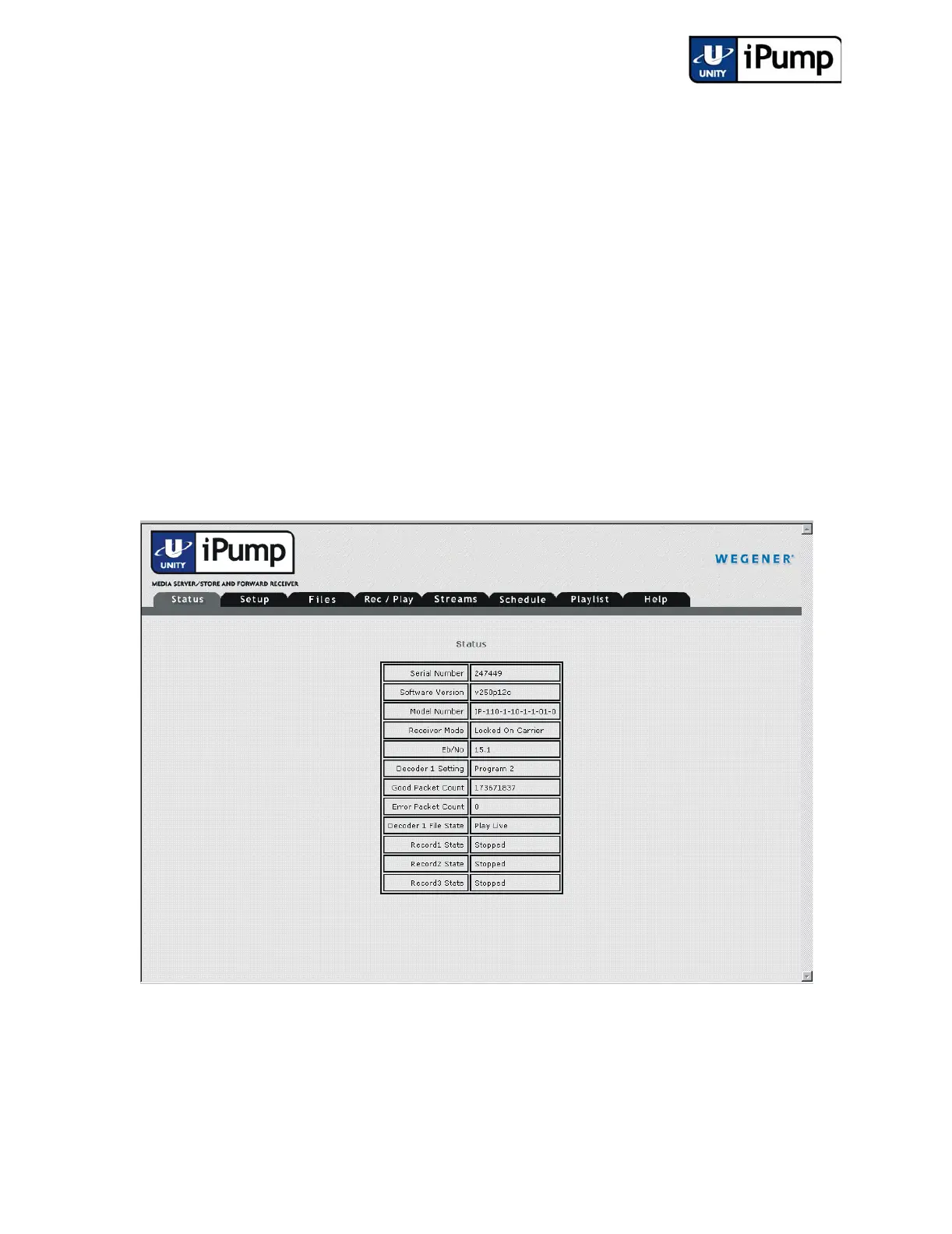
b) The iPump Status tab is automatically displayed.
The unit’s serial number, current software version, and model number are
shown. Receiver mode, signal-to-noise ratio, decoder states and settings,
packet counts, and record activities are also displayed and refreshed every few
seconds.



 To Next Page