iPump User’s Manual
800009-01 Rev. A 44 wegener.com
c) If streaming live from a "classical" DVB program, select the program
to stream from the Program/Language pulldown list under Stream
Live Program.
d) Click inside the Multicast Destination: box and type the appropriate
IP address. Also enter the UDP Port number in the UDP Port: box.
e) When the address information and selected file or stream information
are correct, click the Start File Stream: or Start Live Stream:
button respectively to begin streaming.
f) Stop file streaming by highlighting the desired stream from the
Stream Status list and clicking the Stop button.
Scheduled
Operation
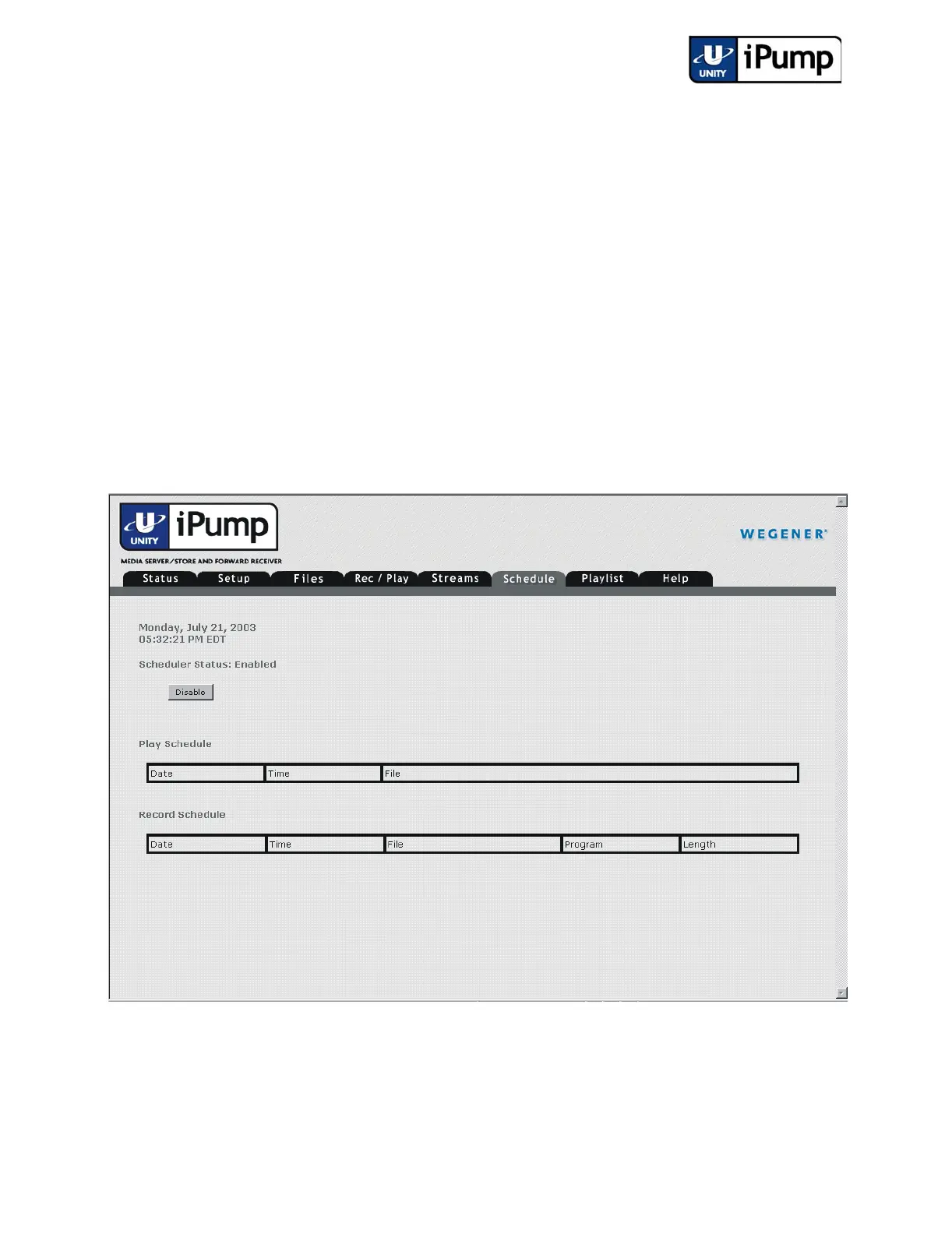
From the web browser interface, you can view schedules of record and play
operations set up by the Compel network for the iPump by clicking the
Schedule tab.
If needed, you can click the Disable button to temporarily suspend scheduled
operations. Click Enable to return to scheduled operations. The iPump will
resume performing operations according to the scheduled times. Operations
scheduled for times during which the unit is "disabled" will not be performed.



 To Next Page