iPump User’s Manual
wegener.com 35 800009-01 Rev. A
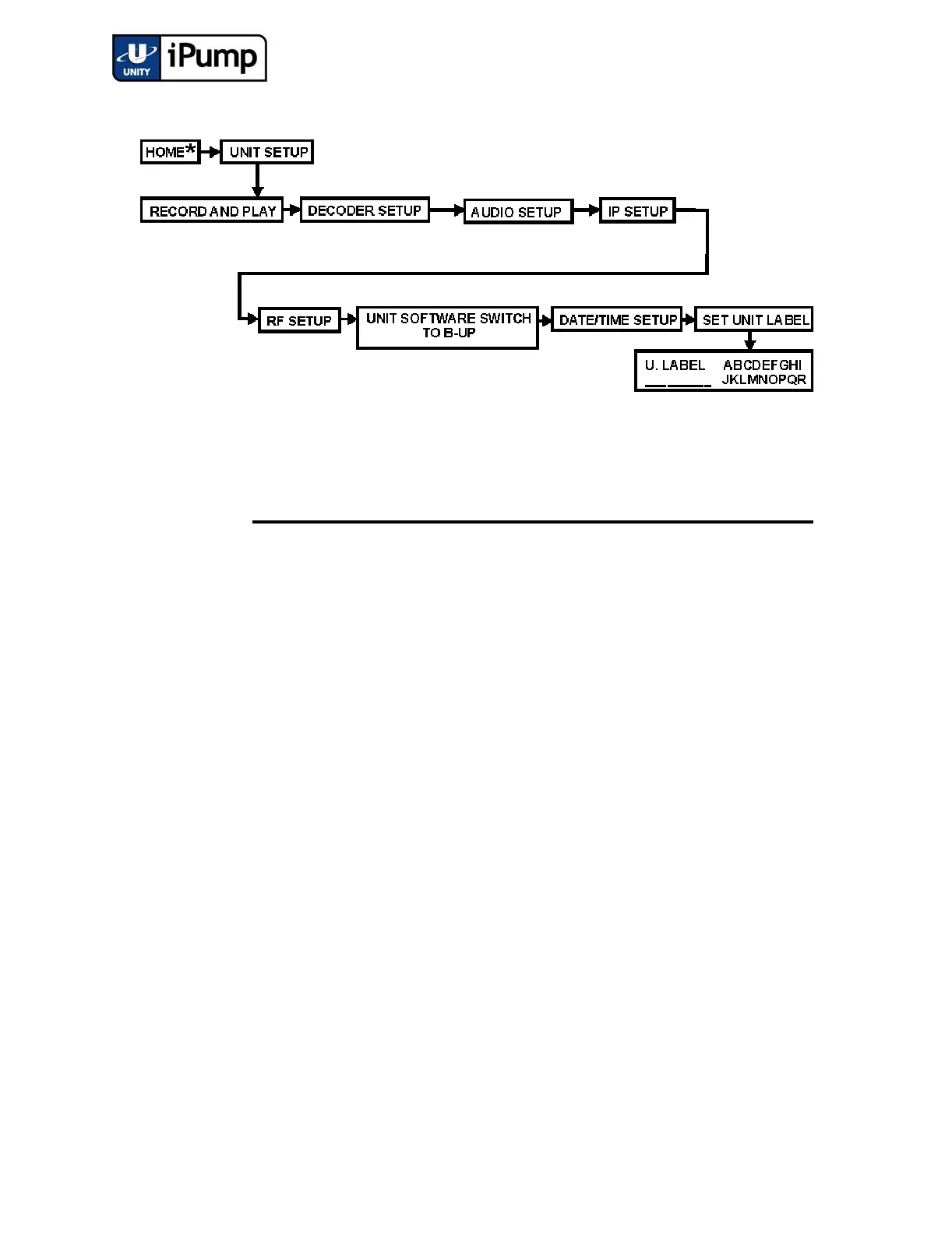
From Set Unit Label, enter a name for your iPump as follows:
Step Press Displayed/Field Details
Screen
Type
a) ENTER U. LABEL ABCDEFGHI
JKLMNOPQR
User
Input -
Editable
Press
ENTER to begin spelling the unit label.
Press the arrow buttons to select the first charac-
ter. (Additional characters including numerals,
decimal, space, and hyphen appear as you move
downward through the available characters.)
Press
ENTER to confirm the first character.
Select additional characters in the same fashion
until the unit label is displayed completely at the
bottom left of the LCD.
b) ESC Done? [Yes] [No-Esc}
__________
User
Input -
Selectable
Press
ENTER to confirm the unit label or
ESC to return to the U. Label screen.



 To Next Page