8 Software update
Training manual Convotherm 4 112
8.2 easyTouch software update
8.2.1 Preliminary steps for updating the appliance software
The update process
The operating module and control module are updated when the controller software is updated.
Materials required
You will need the following materials:
The latest software update for the relevant boards (operating module and control module).
The updates are available from our website in the Download Center.
A USB stick. The USB stick must be empty and, ideally, reformatted with the FAT file system.
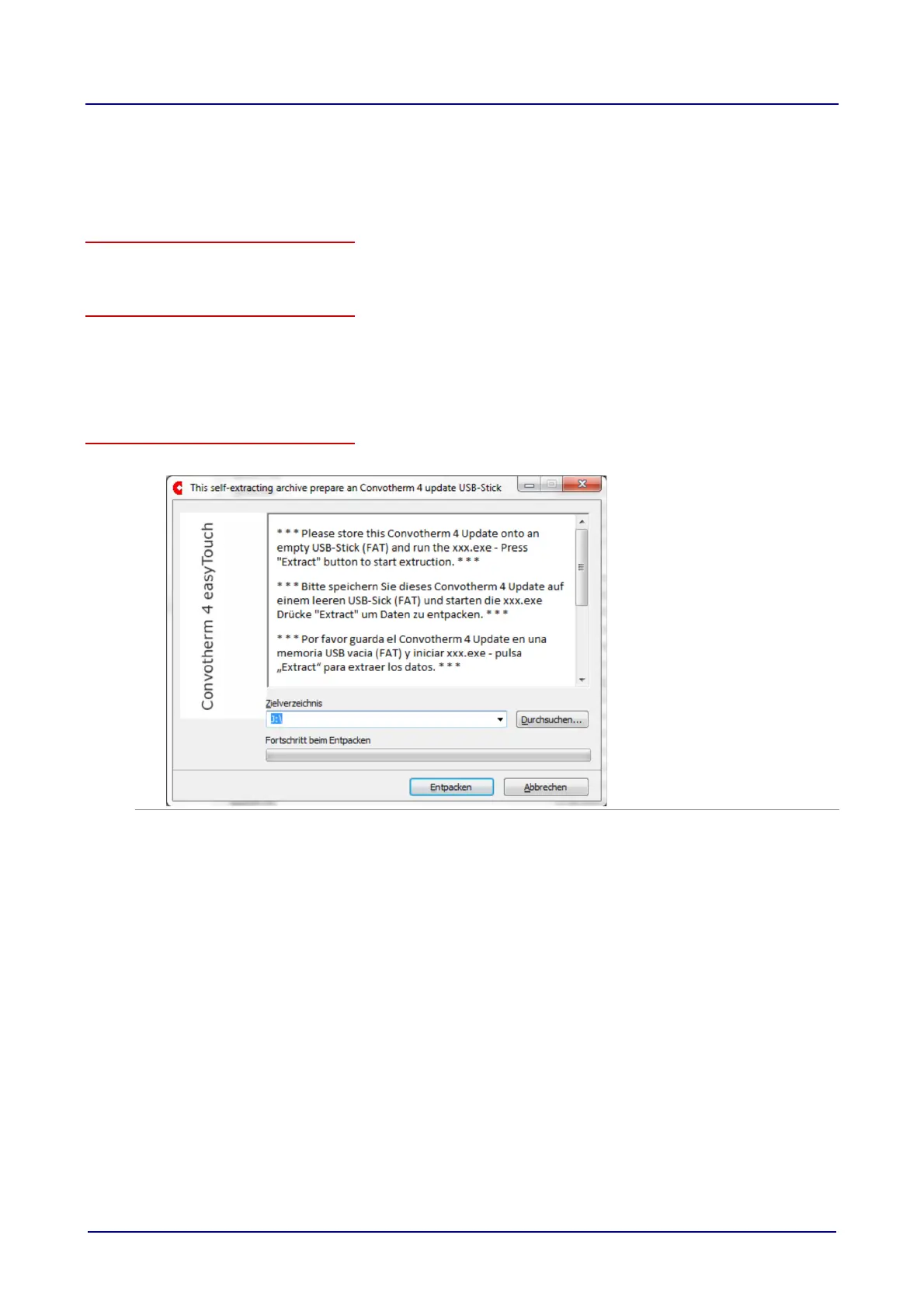
Preparing the USB stick for a software update
1.
Follow the instructions in the Download Center:
2. Extract the files into the root directory of the empty USB stick.
Never save the extracted files in a sub-directory.













 To Next Page