9
General
704 67 020 00 _ 111
OPERATING INSTRUCTIONSGF Robimat XL / XM
This vending machine was manufactured in accordance with state-of-the-art technology standards. Nevertheless, even
the most expertly designed machine, cannot be without risks.
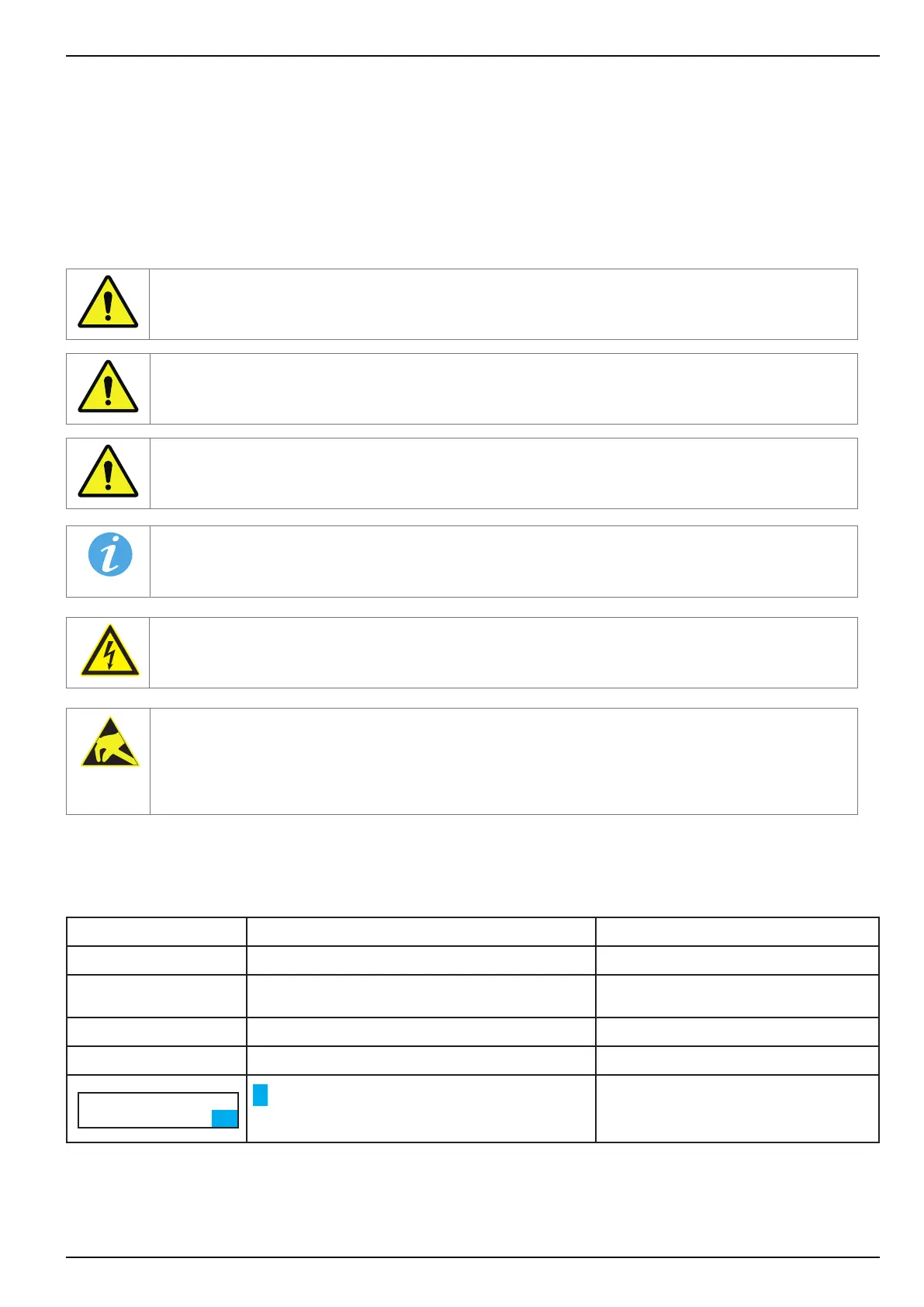
In order to ensure the highest possible level of operator safety, additional safety guidelines are highlighted by using the
following symbols with accompanying detailed denitions.
Adequate safety during operation is ensured only when these safety precautions are observed.
Risk which could result in death or severe injury.
Possible hazardous situation which could result in death or severe injury.
Hazardous situation which could result in injury or damage to the vending machine.
Information to facilitate handling and use of the vending machine.
This symbol warns that electrically live components are installed in this area. Covers marked with
these symbols should only be removed by authorised electricians.
Parts and components that are susceptible to electrical discharge are behind covers marked with this
symbol. It is imperative that plug connections, electrical leads and component pins are not touched.
Only specialist personnel with ESD knowledge are authorised to work on the machine!
Function Description Example
Bold
Emphasises important information
...only trained..
[CHECK]
Display texts are in square brackets
[CHECK] =
Menu to delete errors
[ 2 ] - [ 0 ] - [ 3 ] - [ M ] ...
Step-by-step instructions. Press keys in this order
Check illumination
[ 203M ]
"Service function 203M" "Service number 203M"
[ 2 ] - [ 0 ] - [ 3 ] - [ M ]
yes=1, no=0
EL. COOLING ? 1
TEMP1/STAT/DUR.
9°C ■ 43%
TEMP.COOLING 1
NORM. 8C PLU.14C
yes=1, no=0
AUTO SET? 0
= ashing cursor in display
-



 To Next Page