35
Machine control board, Software
704 67 020 00 _ 111
OPERATING INSTRUCTIONSGF Robimat XL / XM
The machine control board can be accessed by pulling out the drawer.
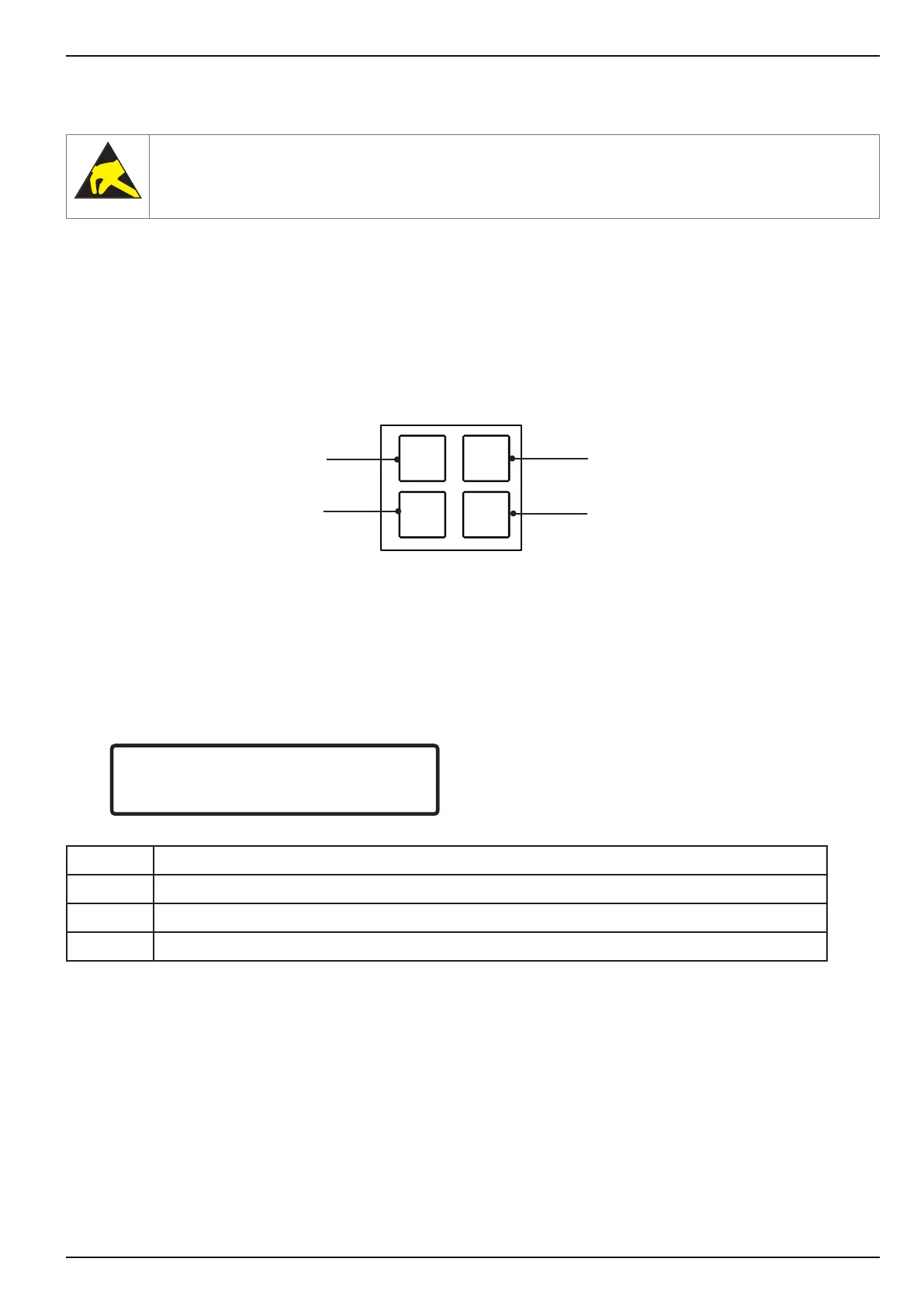
When the slide-out unit is open four programming keys are accessible. They are identied by the letters [ C ], [ L ],
[ M ] and [ E ]. The machine is programmed using these keys and the selection keypad.
The programming keys have the following functions:
Values may be programmed and changed using the menu selection, which appears by pressing [ M ].
The following information is displayed after pressing [ M ]:
CHECK
← L SEL. M → :E
CHECK
← L SEL. M → :E
CHECK Name of the menu you are in
L L allows you to scroll back to the previous menu
M M allows you to scroll forward to the next menu
E E allows you to enter a menu and use its functions.
Each menu can be accessed directly from the menu selection by pressing the corresponding reference number (0 to
10).
To exit a menu press [ L ] and [ M ] together. If both keys are pressed again, the machine reverts to normal vending mode.
You can exit any menu by pressing the refund button [ R ].
If no button is pressed for one minute, the machine returns automatically to vend mode.
Risk of damage to components!
Do not touch printed circuit boards and pins on the control board!
Conrm/delete error messages/
Delete data
Step forwards
within a menu
Step backwards in the menu
Acknowledge entry/
Advance menu



 To Next Page