38
Machine control board, Software
704 67 020 00 _ 111
GF Robimat XL / XM
OPERATING INSTRUCTIONS
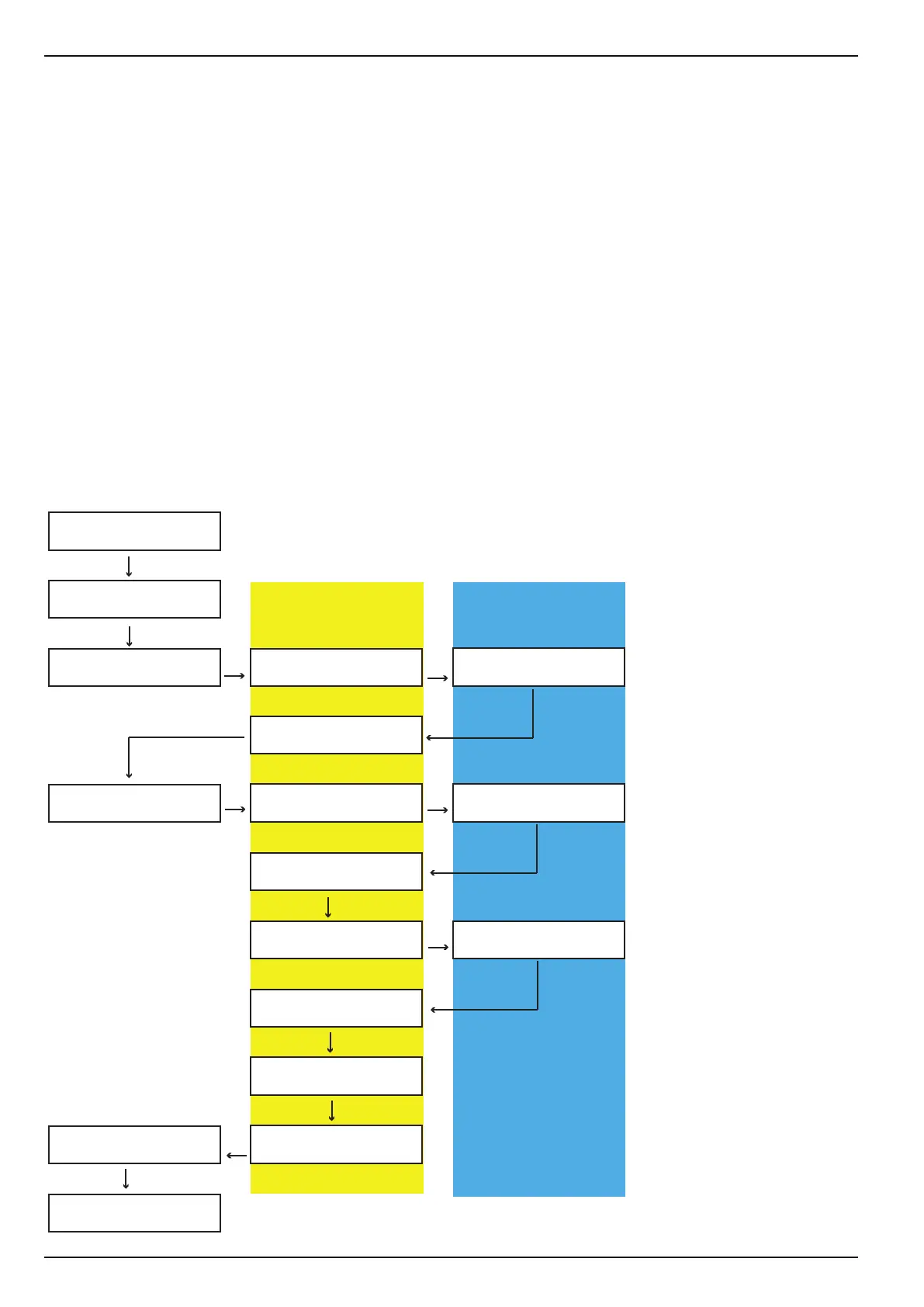
You can assign up to three dierent prices to each selection:
• [PRICE CASH]
The normal cash selling price of the product.
• [HAPPY HOUR] price:
To use this price, the [HAPPY HOUR] function in the [INSTALLING MODE] menu, sub-menu [CREDIT SYSTEM]
must be set to [on].
In addition several settings must be made in the [PROG. TIME/LOCKS] menu.
• [PRICE LISTS]
One price can be registered for both [PRICE LIST 1] and [PRICE LIST 2] .
This function depends on the card reader being used. To use these prices, the [PRICELIST] function in the
[INSTALLING MODE] menu, sub-menu [CARD READER] must be set to [on].
The [PRICE LIST] and [HAPPY HOUR] functions cannot be used at the same time. To use [HAPPY HOUR] the
[PRICE LIST] function must be set to [o].
M
E
M
M
M
M
M
M
M
M
M
M
M
M
M
M
CHECK
←L SEL. M→ :E
PROGRAMMING MODE
←L SEL. M→ :E
PROGRAMMING MODE
PRICE CASH
PROGRAMMING MODE
PRICE LIST 1
PROGRAMMING MODE
HAPPY HOUR
PROGRAMMING MODE
PRICE LIST 2
SET £ 4.00
PRICE CASH
SET £ 320.00
PRICE LIST 1
SET £ 320.00
HAPPY HOUR
SET £ 1.50
PRICE LIST 2
COPY PRICE CASH
TO HAPPY HOUR
COPY PRICE CASH
TO PRICELIST 1
COPY PRICE CASH
TO HAPPY HOUR
COPY PRICE CASH
TO PRICE LIST 2
COPY PL 1
TO PRICE LIST 2
PROGRAMMING MODE
CONFIGURATION
PRODUCT NAMES
only if [PRICELIST] is
activated
only if [HAPPY HOUR]
is activated and
[PRICELIST] deactivated



 To Next Page