43
Machine control board, Software
704 67 020 00 _ 111
OPERATING INSTRUCTIONSGF Robimat XL / XM
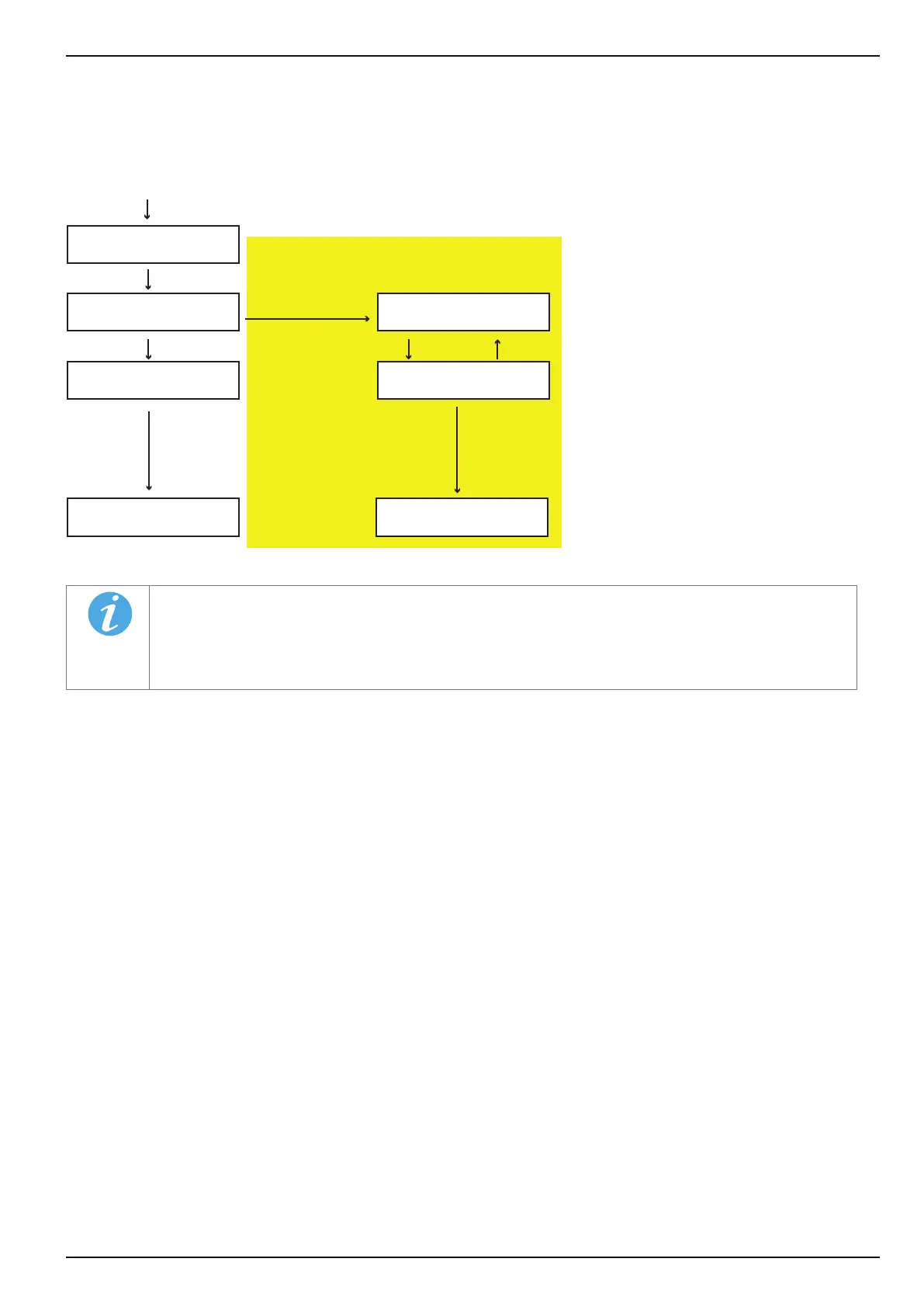
In [TEST VEND MODE] the vending process can be checked.
The selected product is dispensed free of charge and recorded in the statistics memory as a test vend.
M
3
E
E L
TEST VEND MODE
←L SEL. M→ :E
TEST VEND MODE
PLEASE SELECT
TEST VEND MODE
←L SEL. M→ :E
TEST VEND MODE
PLEASE SELECT
** PLEASE WAIT * ** PLEASE WAIT *
CHECK
←L SEL. M→ :E
• If the machine is full, the selected product will be supplied.
• If a test vend is performed with a money card, the amount will not be debited from the card.
• The drawer must be pushed in.
Make selection
Insert money
card
only with a card reader installed
Make selection



 To Next Page