29
Daily use
704 67 020 00 _ 111
OPERATING INSTRUCTIONSGF Robimat XL / XM
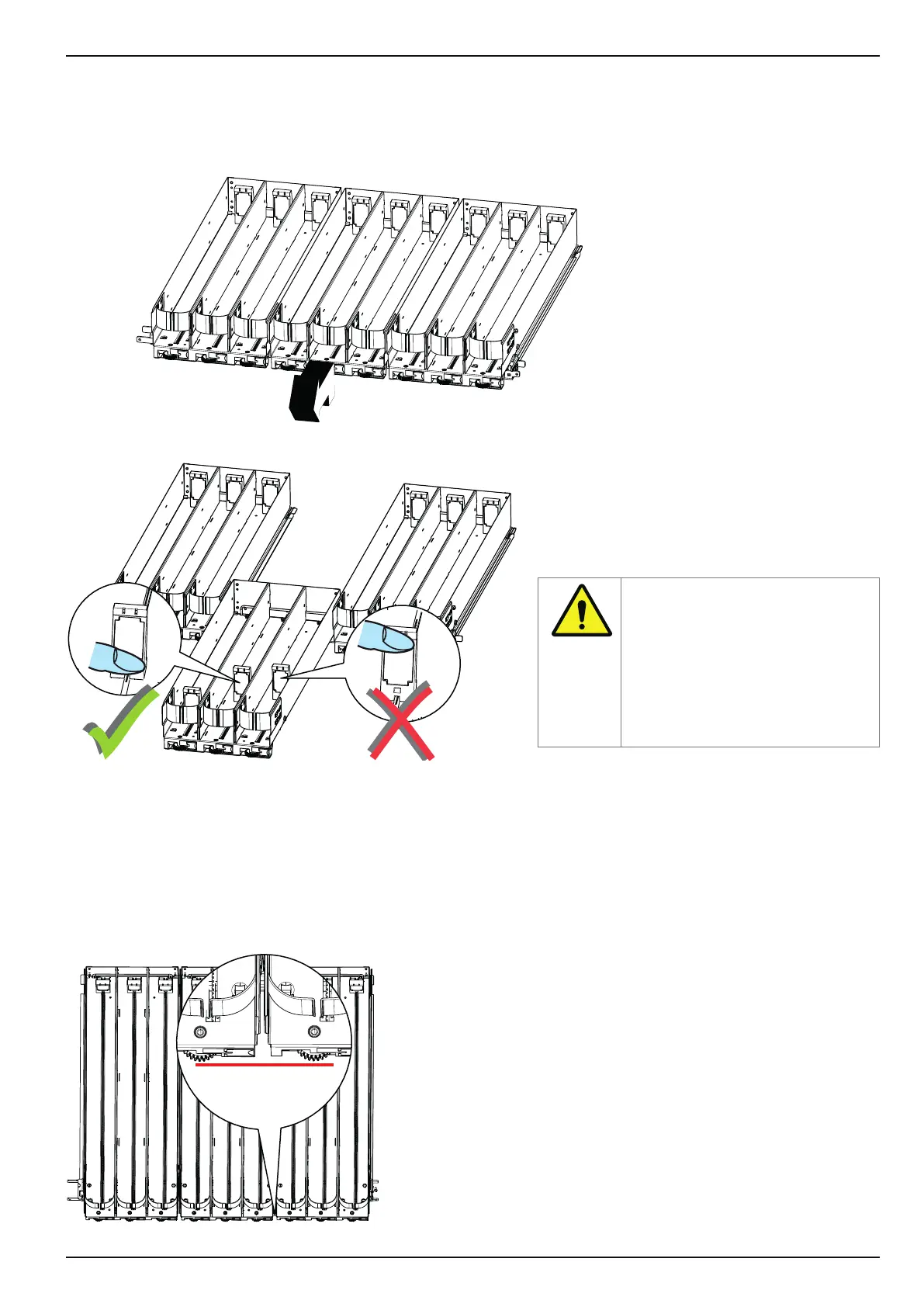
Lift the product container slightly at the front edge and pull it out until it stops. When it is completely pulled forward, the
mechanism should lock. It can now be lled with products.
Pull out the product container
Slide the pusher backwards correctly!
The product container is simply pushed into the vending machine. It clicks into its nal position.
Check if it has properly clicked into place by pulling it.
Must be ush
with each
other
It is important that you ONLY press
the bottom of the pusher when you
push it back so as to avoid tilting
and breaking.
If the pusher is handled properly,
it can be moved backwards by
exerting minimum pressure.



 To Next Page