44
4. For the Service Technician
Display module installation
This is not required for the FireWIN.
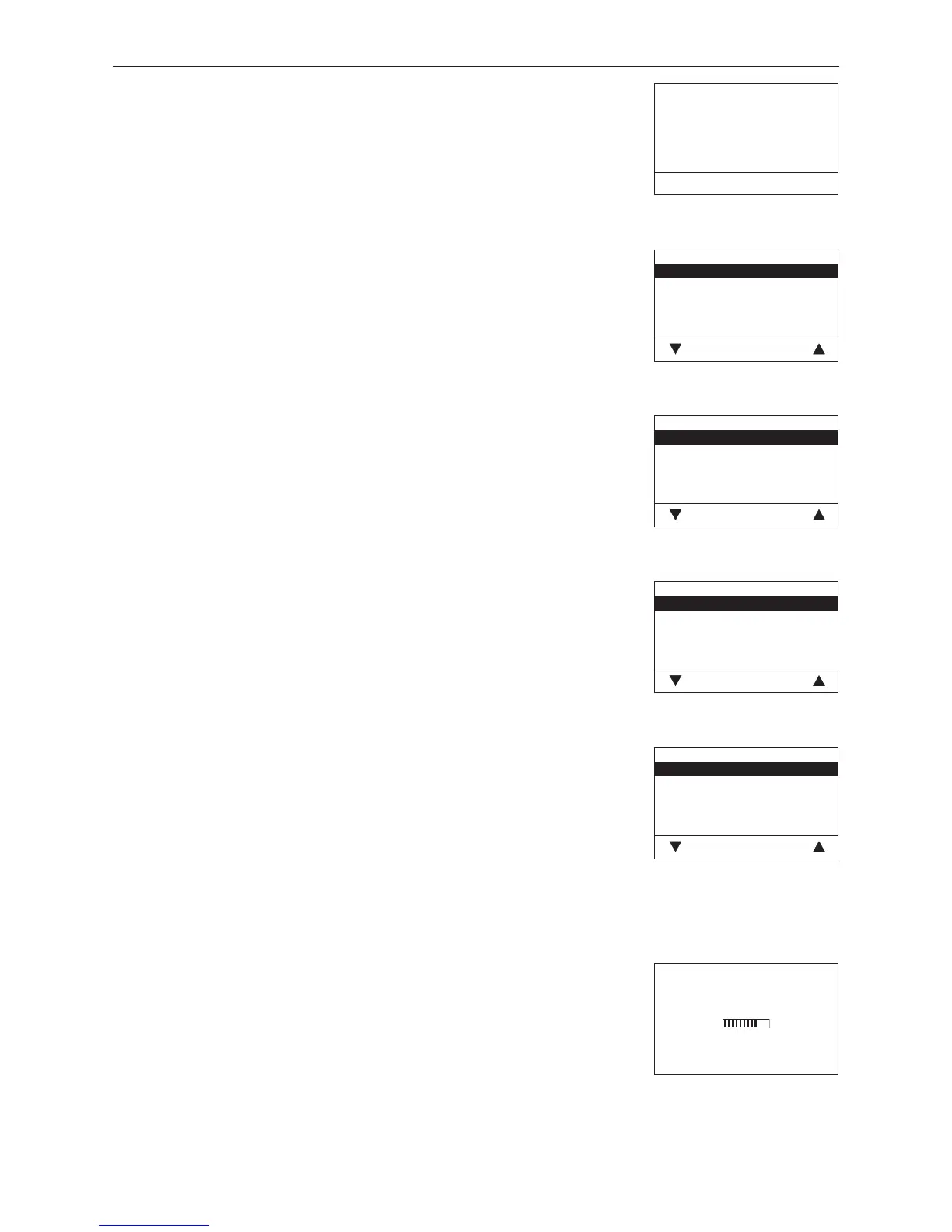
Language selection
The InfoWINplus can show the display texts in various languages. The langua-
ge required can be selected in this sub-menu.
Temperature format
All temperatures are displayed in the chosen format (e.g. 30.6 °C or 87.0 °F).
Factory setting: °C
Selection: °C and °F
Time format
The time is displayed in the chosen format (e.g. 14:12 or 02:12 PM).
Factory setting: 24 h
Selection: 24 h or 12 h
Date format
The date is displayed in the chosen format (e.g. Wed 17.02.2010 or Wed
02/17/2010).
Factory setting: DD.MM.YYYY
Selection: DD.MM.YYYY
MM/DD/YYYY
4.5.5 Installation of MESplus modules
Display if an MESplus module is installed (connected) or uninstalled
(disconnected).
Fig. 76
Start installation procedure
Please press LON button on auto-
matic firing device briefly
Back
Fig. 77
Language selection
Deutsch
English
Française
Italiano
Choose Back
Fig. 78
Temperature format
°C
°F
Choose Back
Fig. 79
Time format
24h
12h
Choose Back
Fig. 80
Date format
DD.MM.YYYY
MM/DD/YYYY
Choose Back
Fig. 81
Installation procedure active
(Animated symbol)



 To Next Page