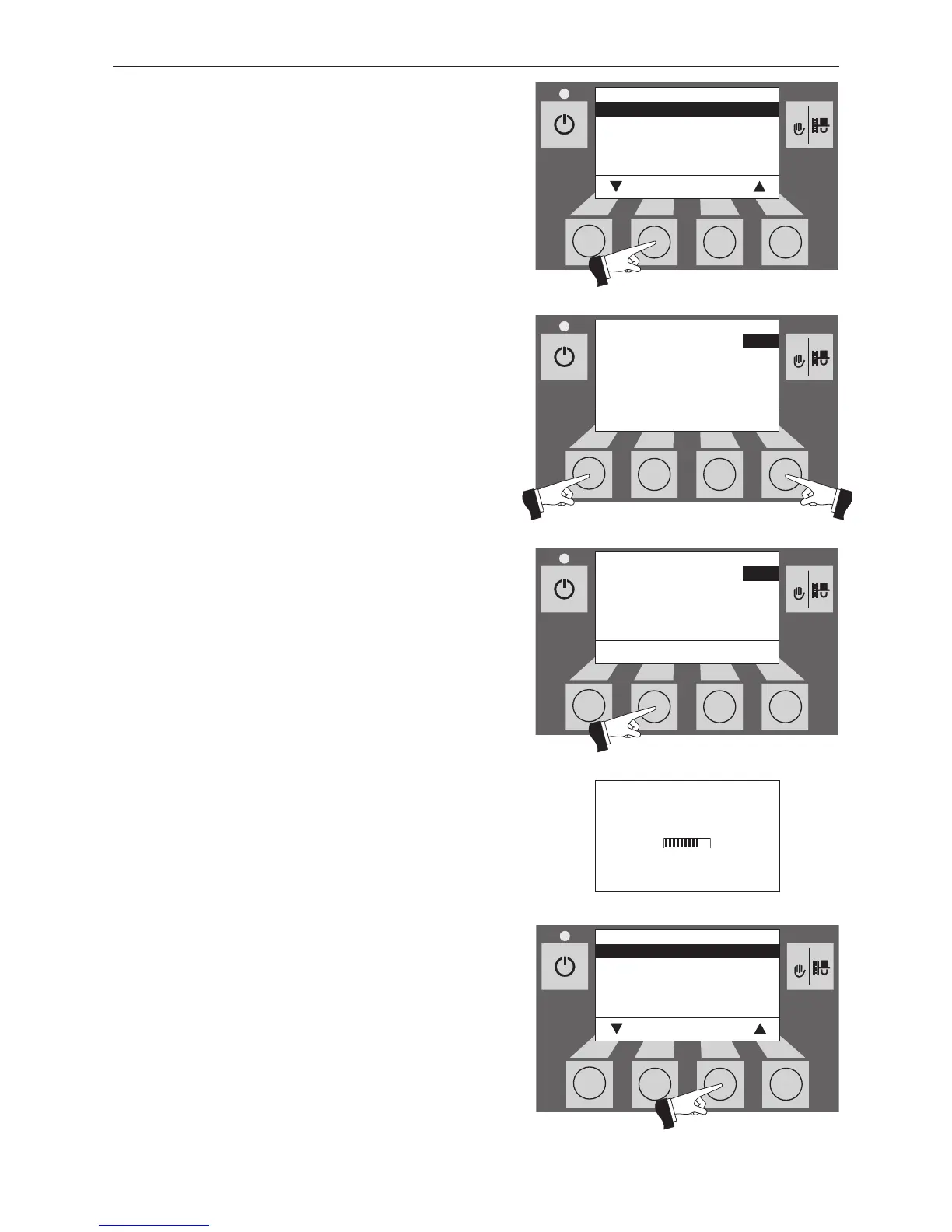
Confirm the selected “Time” sub-menu by pressing the
Choose button – Fig. 69.
Use the + or – button to set the required time – Fig.70.
The menu item or sub-menu item is exited by pressing the
Back button (Fig. 73) or after a delay of 45 seconds.
Confirm the changed time by pressing the save button –
Fig.71.
The display
shows “Parameter is saved” for a few seconds
(Fig. 72) and then changes back to the previous level – Fig. 73.



 To Next Page