32
2. Operation
1 Only displayed if a feed system is present and if this has been adjusted by a trained
service technician in the service level.
2 only displayed when an MESplus control is present and this has been adjusted by a
trained service technician in the basic settings.
2.8.1.4 Setting the time profile feed
1
The “Time profile feed” menu item displays the correspon-
ding setting option depending on the setting in the “Feed
operating mode” menu item (see section 2.8.1.4).
Setting: “With enable time” see page 33
Setting: “With start time” see page 35
Setting: “Without time control” or “switched off” see page 35
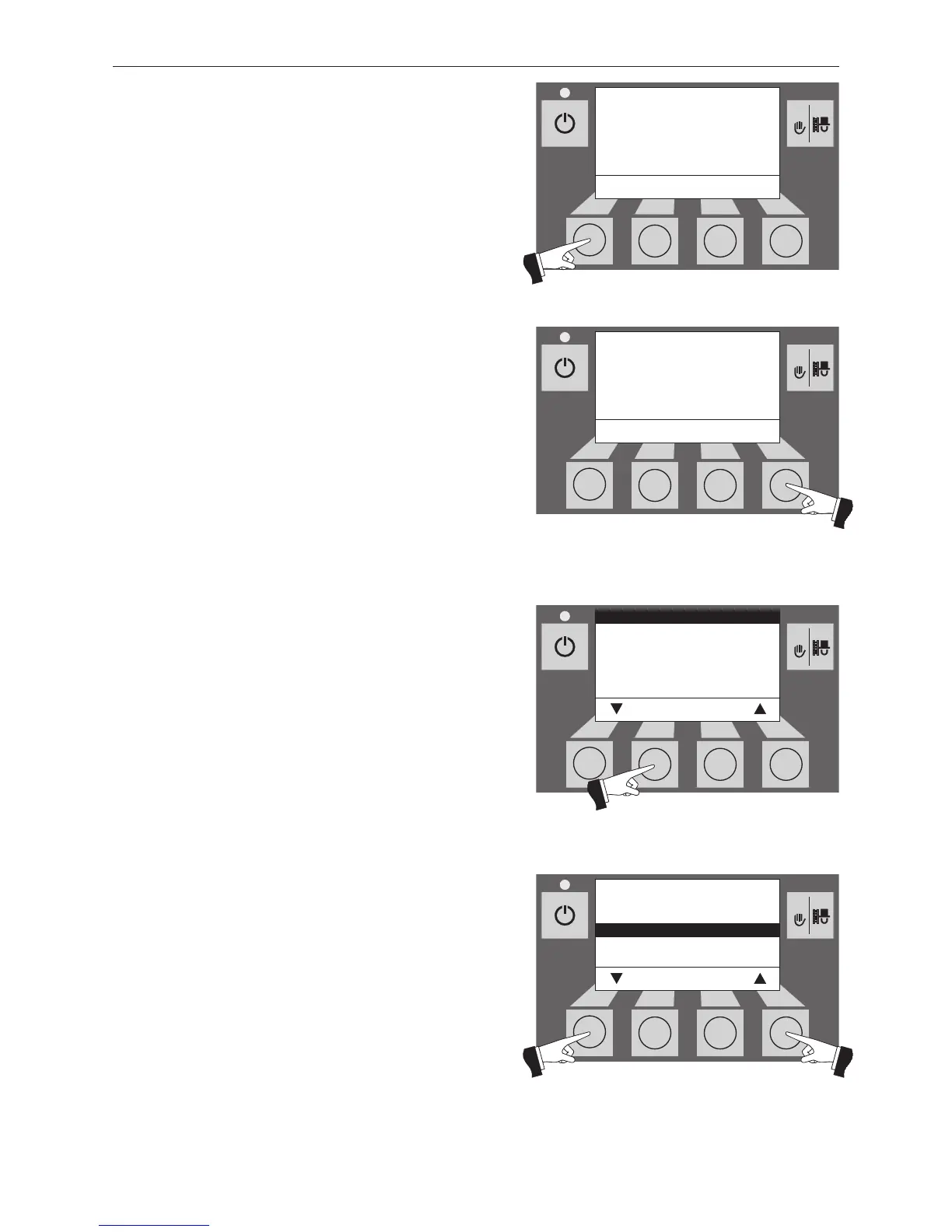
Pressing one of the six buttons switches the lighting and
display on – Fig. 83.
Press the Menu button – Fig. 84.
Confirm the selected menu item “Operator level” by pres-
sing the Choose button – Fig. 85.
The arrow buttons select the “Time profile feed” sub-menu
– Fig. 86.



 To Next Page